Managing incoming data often involves repetitive manual work—copying information from emails, updating lists from external systems, or consolidating data from multiple sources. This process is time-consuming, error-prone, and difficult to scale.
Important information can be delayed, missed, or inconsistently recorded, especially when data comes from different channels such as emails, databases, or external applications.
Ultimate Forms: Import solves this problem by automating how data is brought into SharePoint.
Instead of manually entering data, you can create Import Profiles that:
- connect to external data sources
- retrieve new or updated data automatically
- create new items or update existing ones
- run on a defined schedule
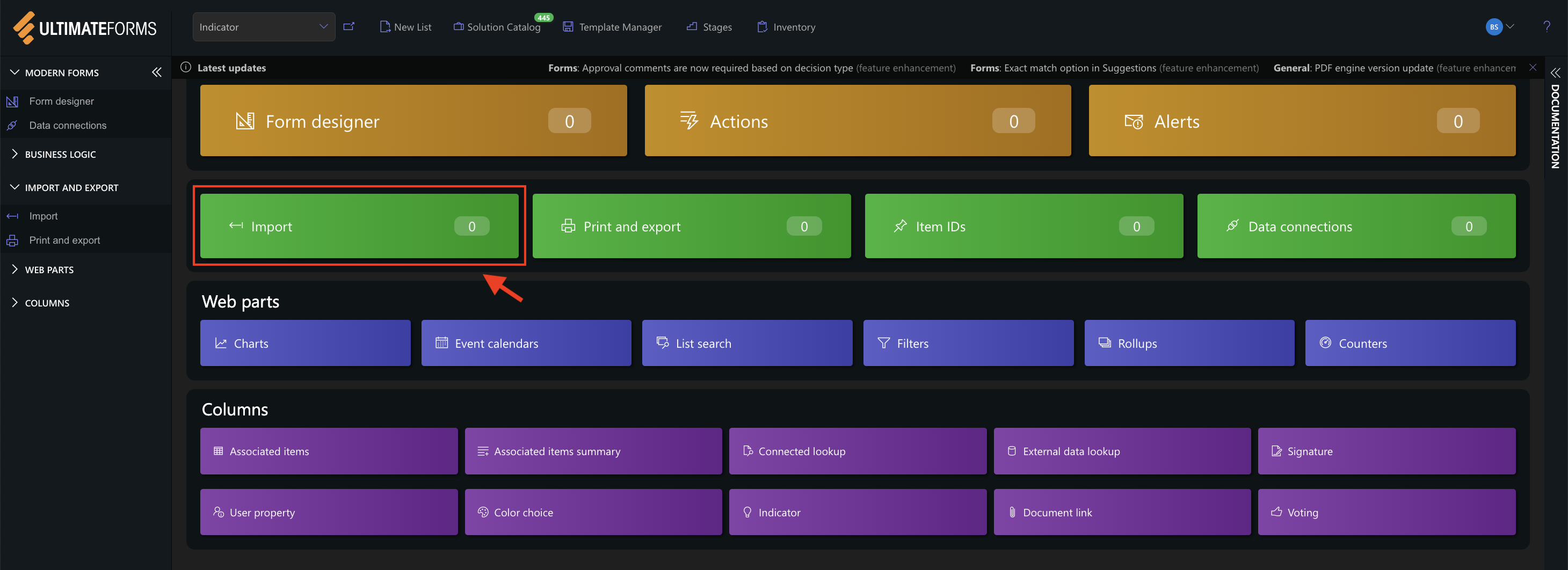
Instructions
How Import Works
Every import process is based on three core components:
- Data Provider
Defines where the data comes from (email, Excel, database, web service, etc.) - Actions
Defines what happens with the data (create, update, or synchronize items) - Schedule
Controls when and how often the import runs
This structure allows you to build automated data flows without writing code.
What You Can Import
Import supports a wide range of data sources, including:
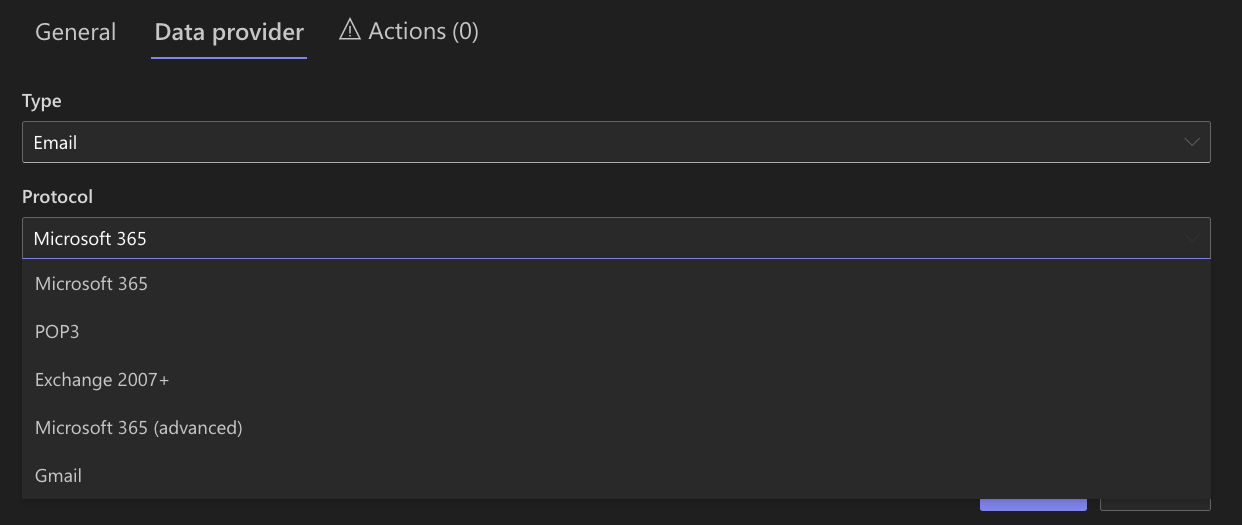
- Emails (Microsoft 365, Exchange, Gmail ….)
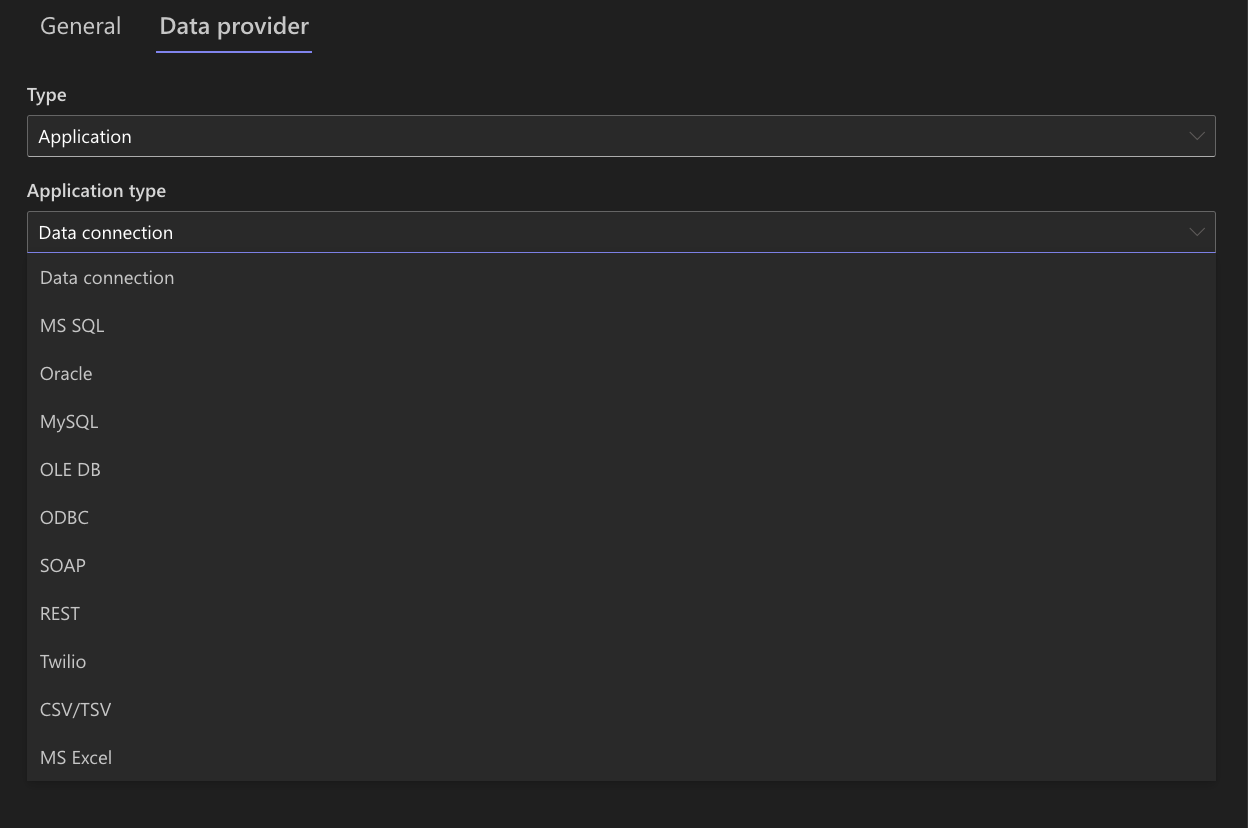
- MS Excel and CSV/TSV files
- Databases (MS SQL, Oracle, MySQL, ODBC…)
- REST and SOAP
- SMS messages (via integrations such as Twilio)
This flexibility allows you to integrate SharePoint with virtually any system.
Key Capabilities
With Import, you can:
- automatically create list items from incoming data
- update existing items based on conditions
- synchronize external systems with SharePoint
- extract values from text (for example, IDs from email subjects)
- import attachments and structured data
- run imports on a schedule or in real time
Summary
With Ultimate Forms: Import, you can replace manual data entry with automated processes that bring data into SharePoint from external sources.
In the following tutorials, you will learn how to create Import Profiles and build automated data integrations.



