Teams comparing Plumsail Forms alternatives usually want the same three things: form logic without JavaScript, automation without building Power Automate flows, and one product instead of several. Ultimate Forms is the alternative built around exactly those three. It is a third-party, no-code platform where form behavior comes from rules rather than scripts, where actions, alerts, and approvals are part of the product rather than delegated to flows, and where internal forms, public forms, classic and modern, online and on premises are one platform rather than separate purchases. This page compares the two approaches and names where each fits.
Where the two products agree
Plumsail Forms is a respectable product, and the comparison is more useful for saying so. Both products customize SharePoint forms far beyond the defaults: drag-and-drop design, tabs and structured layouts, conditional behavior, and support for SharePoint Online as well as on-premises SharePoint. Both are established vendors with real documentation and real support. A team that only ever needs a nicer layout on a handful of forms could be satisfied with either, and this comparison will not pretend otherwise.
The differences begin where forms stop being layouts and start being solutions, and they cluster into three structural choices each vendor made.
Logic: rules or JavaScript
The first choice is how a form gets its intelligence. In Plumsail Forms, basic conditions are configurable, and beyond them the designed path is JavaScript: the product exposes a scripting layer, and its own community showcases what fluent users build with it. That is genuine power, with a familiar price. The person writing the JavaScript is not the person who owns the process, the scripts become an unversioned codebase living inside form definitions, and every change request routes through whoever can read them. Reviewers praise the flexibility; the praise itself tells you who the product is for.
Ultimate Forms took the other path: the rule system carries the sophistication. Permission rules show, hide, and lock columns, tabs, and containers by role, stage, and data, re-evaluating live as users type. Validation rules compare columns, match patterns, check related items, and block duplicates before saving. Value rules fill and stamp; style rules signal state. Each reads the way the policy is spoken, built from dropdowns, and functions and expressions exist for the genuine edge cases rather than as the main road. The beginner guide takes a new builder from zero to a reactive form in an afternoon, which is the point: the process owner keeps the keys.
Scope: a forms product or a solutions platform
The second choice is what happens after the form saves. Plumsail Forms is deliberately a forms product. Its automation story runs through Power Automate, forms submit to flows via the Plumsail connector, and document generation lives in a separate Plumsail product. That modularity is tidy, but it means a working business process requires assembling: the form from one product, the workflow from Microsoft's platform with its own licensing and skills, the documents from a third piece.
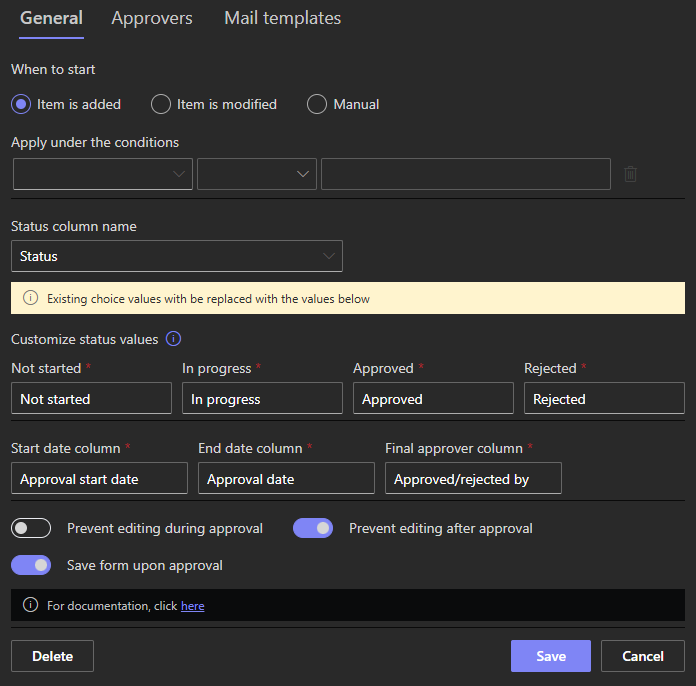
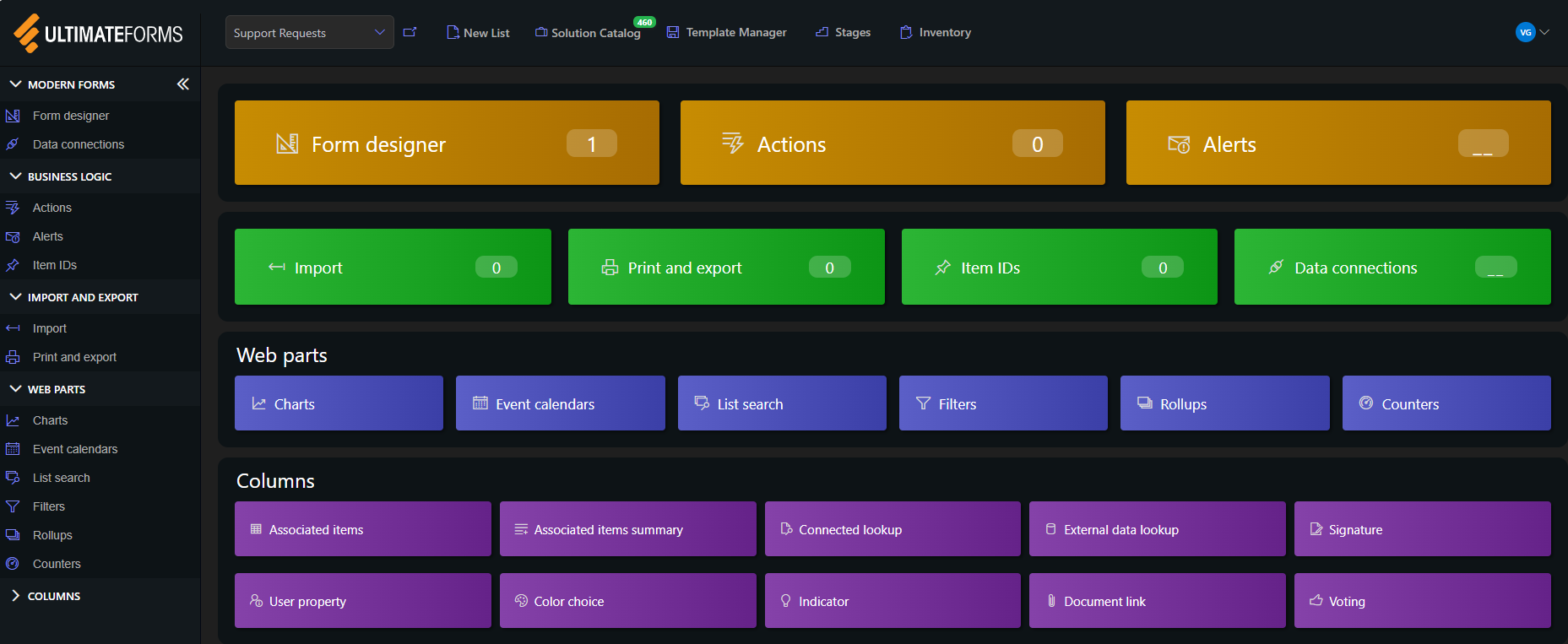
In Ultimate Forms, the process machinery ships with the forms. Actions update items, manage permissions, create sites, and call external systems on events, timers, and buttons, with no flowcharts and no separate automation platform. Alerts carry conditional recipients, schedules, custom templates, and buttons that act from the inbox. Approvals are a form control, stages, reminders, delegation, escalation, decision log, not a flow to build. Printing and document generation from Word templates, data import and export, charts, calendars, and dashboards are all the same product, designed in the same place, by the same person. The comparison to assembling the equivalent from parts is the same one the Power Platform page makes at full length.
Packaging: one platform or several purchases
The third choice follows from the second. In the Plumsail model, the pieces are packaged separately: modern-page forms are one product, classic pages another, public web forms a third with its own license, document generation a fourth, and the automation underneath is Microsoft's, licensed on Microsoft's terms. Pricing models also differ by deployment, subscription online, per-server perpetual licenses plus annual maintenance on premises, so estimating the cost of a complete solution means adding a column of different line items and predicting which ones growth will trigger.
Ultimate Forms is one platform with the capability set included. External public forms, anonymous submitters, CAPTCHA, automatic Thank You pages, are a setting on the form, not a separate product. Online and on premises run the same product, with individual forms and actions exportable between them. The structural consequence is the one that matters for budgeting: the solution you design is the solution you licensed, and expanding it, another form, a public variant, a document step, changes configuration, not the invoice's line count.
The ownership question underneath all three
The three choices share a root: who the product expects to operate it. A JavaScript logic layer, a Power Automate automation story, and modular per-product packaging all assume a technical intermediary assembling solutions for the business. Rules, built-in process machinery, and one inclusive platform assume the business operates it directly. Neither assumption is wrong, but they produce different organizations: in the first, form changes are tickets in a queue; in the second, the person who noticed the problem fixes it the same morning. Over years and dozens of forms, the queue is the real cost, larger than any license line, and it is the cost this comparison is actually about.
The migration picture
Moving from Plumsail Forms is lighter than most platform migrations, because the data was never captive: both products work against SharePoint lists, so the lists, columns, items, and permissions stay exactly where they are. What gets rebuilt is the form layer, and the rebuild follows a predictable recipe. Recreate the layout in Form Designer, tabs, containers, and placement transfer as drag-and-drop. Restate each JavaScript behavior as a rule: the show/hide scripts become permission rules, the field-setting scripts become value rules, the validation handlers become validation rules, and the usual discovery is that a page of script collapses into two or three dropdown conditions. Then let the platform absorb what the scripts never covered, approvals, alerts, printing, which in most estates were either missing or living in flows that can now retire. A form a day is a realistic pace for a power user, and the first one, rebuilt in minutes rather than hours, is the honest feasibility test.
Where Plumsail still fits
The cases that favor Plumsail are real. A team with strong JavaScript skills that wants a scripting surface, and prefers writing code to configuring rules, is Plumsail's natural audience, and the product serves it well. An organization already running its automation entirely in Power Automate, happily, loses less from a forms-only product, since the assembly cost is already paid. And where the need truly is one standalone public form rather than SharePoint solutions, Plumsail's dedicated public forms product is a reasonable narrow purchase. The comparison tilts toward Ultimate Forms as the need widens: more forms, more processes, more participants who are not developers, and more of the solution that should live in one place, owned by the business.
Frequently asked questions
Add your comment