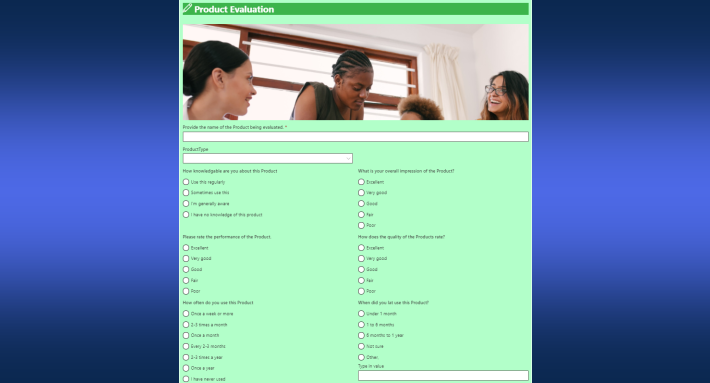
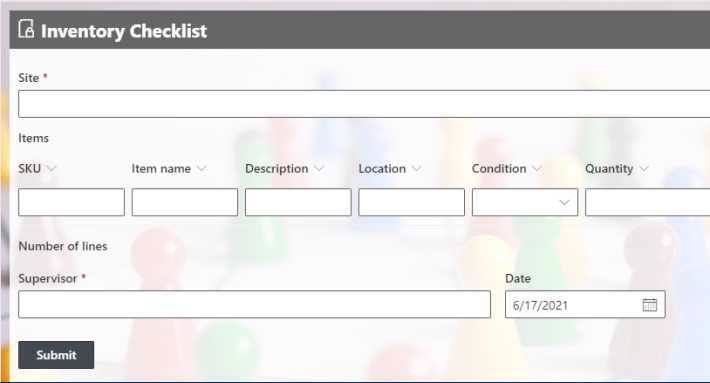
Ultimate Forms looks and works the same in SharePoint Online and in SharePoint on premises. The same Form Designer, the same Actions and Alerts, the same configuration screens, the same implementation steps, in both environments. That sounds like a small fact, and it is anything but. In a market where every alternative forces you to choose an environment, or to learn two products wearing one name, environment parity changes how organizations plan, how solutions move, and how consultants run their practice. This article explains what the parity covers, how the alternatives compare, and why implementors may have the most to gain.
One product, two platforms
The parity is deliberate, and it took sustained engineering effort to achieve and maintain. Open Ultimate Forms on a SharePoint Online tenant and on an on-premises farm, and you see the same interface: the Design button on the list toolbar, the same Form Designer canvas, the same rule screens, the same action types configured in the same tabs. A tabbed form with permission rules, a scheduled action, an alert with a designed template: each is built with identical clicks in both worlds.
Installation differs, as it must: on premises uses the downloadable installation package, while SharePoint Online installs through the Installation Wizard or Microsoft Marketplace. But from the moment the product is in place, the experience converges. A user who learned the product on a 2019/SE farm sits down at a Microsoft 365 tenant and is immediately productive, because nothing they know has to be unlearned.
Honesty requires the footnotes. A few capabilities are cloud-only by nature, External Forms chief among them, and the Microsoft 365 version operates under the shared-infrastructure limits that any cloud service inherits. The two versions are nearly identical in what they can do, and where they differ, the difference is the platform's, not a second product's.
What the alternatives ask of you
Put the parity in context by looking at what else is on the menu.
Power Apps is a cloud product. It builds forms for SharePoint Online, and its on-premises story is effectively "migrate first." An organization with a farm that will live for years, for regulatory, data-residency, or investment reasons, is not served; an organization mid-migration gets to build everything twice or hold its breath.
InfoPath was the last tool that genuinely spanned both worlds, which partly explains why it survived in organizations long past its prime. That era is over: support ended on July 14, 2026, every remaining InfoPath form is now an unsupported liability, and replacing it has moved from roadmap item to overdue task. "What replaces it in both environments" is a live question with very few answers.
Workflow platforms that grew up on premises typically built a separate cloud product later: different engine, different designer, different licensing, migration tools sold separately. The name on the box is the same; the skills and the solutions do not transfer cleanly.
Custom development differs most of all: farm solutions and server-side code on premises versus SPFx and APIs online are different disciplines, often different developers. Nothing built for one environment moves to the other without a rewrite.
Against that lineup, one product that behaves identically on both platforms is not a feature. It is a category difference.
The migration story nobody dreads
Most on-premises organizations are somewhere on a road toward the cloud: planning it, budgeting it, or quietly postponing it. The forms-and-automation layer is one of the scariest parts of that road, because it is where custom work concentrates.
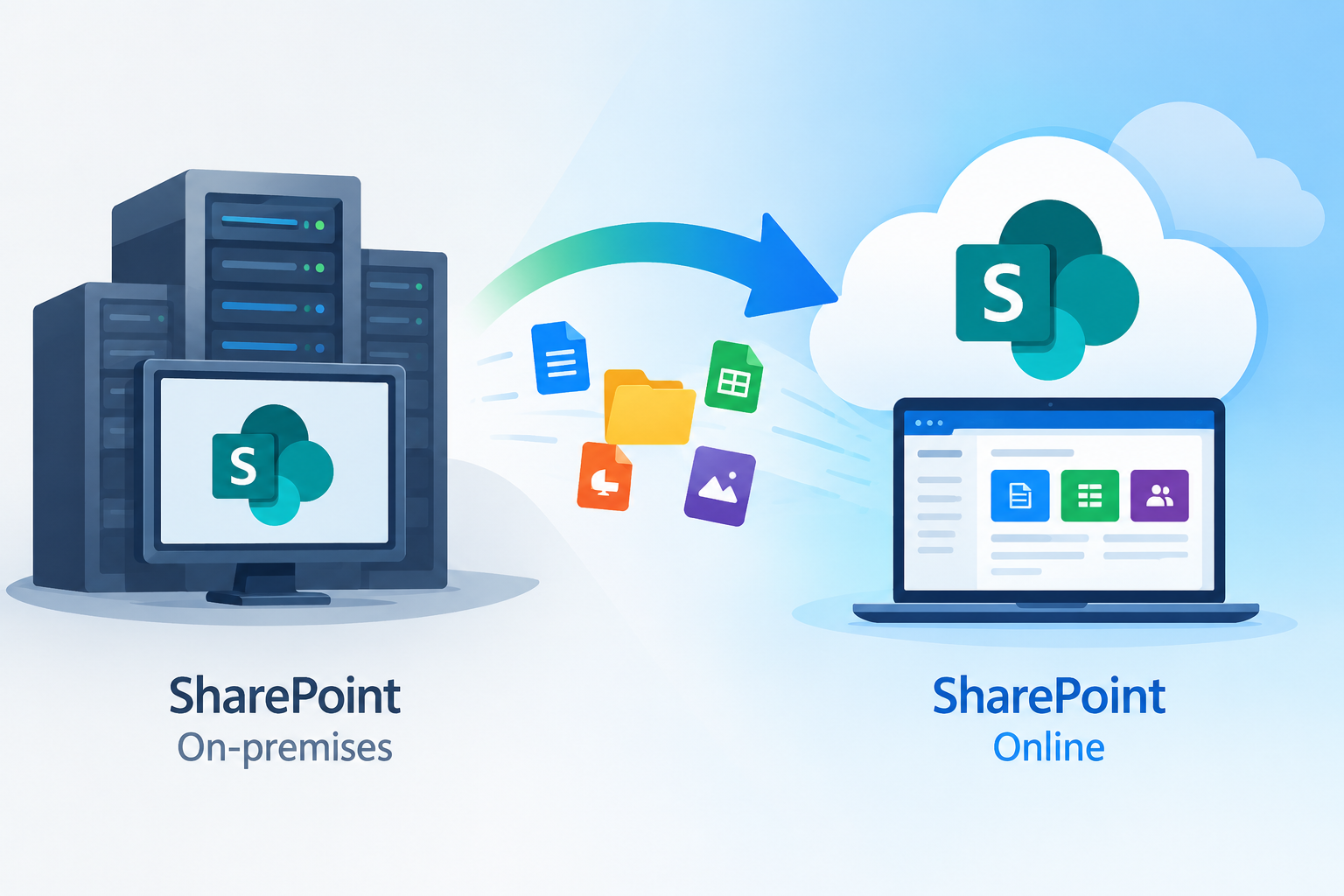
Environment parity defuses it. A solution built in Ultimate Forms on premises is made of the same configuration concepts as its online equivalent: the same columns, the same rules, the same actions, assembled with the same clicks. Better still, the individual components travel: forms, actions, alerts, and other configurations can each be exported and imported between on premises and online. The move becomes assembly rather than rebuilding: export the form, import it in the tenant, repeat for the actions and alerts, and adjust what the platform difference requires. And once a solution lives in SharePoint Online, Template Manager takes over whole-solution replication: save it as a template and deploy it across sites, site collections, and tenants from then on.
Just as valuable is what this does to timing. Because nothing forces the forms layer to migrate in one leap, organizations can run hybrid for as long as reality requires: this division on premises, that one online, the same processes running in both, maintained by the same people with the same skills. The migration becomes a sequence of calm moves instead of a cliff.
The consultant's arithmetic
For consultants and implementation partners, parity compounds in ways worth spelling out.
One skill set serves the whole market. The SharePoint consulting market is split between cloud tenants, on-premises farms, and hybrids. A practice built on a cloud-only tool walks away from every on-premises engagement; a practice built on Ultimate Forms bids on all of it. Training a new consultant happens once. Certification knowledge, demo environments, and muscle memory apply to every client in the pipeline.
Solutions become inventory. In SharePoint Online, every delivered solution can be saved as a template and installed at the next cloud client in minutes; across the environment boundary, the design, the documentation, and the build steps carry over verbatim even where the package cannot. Every engagement enriches a practice that works everywhere, which is the difference between selling hours and selling accumulated capability. The 450+ ready-made templates in the Infowise Solution Catalog serve as a great starting point, both in the cloud and on premises.
Estimates stop depending on the environment. When the implementation steps are identical, the quote for "build this approval process" is the same number for either platform, and it is a number you trust because you have delivered it on both. Scope discussions shed an entire axis of risk.
Migration work becomes winnable. The consultant who can say "your forms and actions export from the farm and import into the tenant, your users will not retrain, and your documentation stays valid" is making an offer the environment-locked competition cannot phrase. What every other platform treats as a rebuild project becomes component-by-component assembly.
Documentation and training materials are written once. The screenshots match what every client sees. The training deck, the runbook, the handover document: one version, maintained in one place, correct everywhere.
What it means for the organizations themselves
The same logic serves the customer side. Hiring is easier when "Ultimate Forms experience" means one thing rather than two. Internal champions keep their expertise across the company's platform changes, so the investment in people survives the investment in infrastructure shifting. Governance is written once: the same rules about who builds what apply in both environments, because the tool enforces the same concepts in both.
And there is a subtler benefit: the on-premises environment stops being a second-class citizen. Organizations that must stay on premises, defense, healthcare, government, regulated finance, get the same modern forms, automation, and reporting that cloud tenants enjoy, not a frozen legacy edition. The choice of where data lives stops dictating the quality of the tools above it.
The practical takeaway
If your organization runs both environments, or will pass through both in the next few years, weigh the tooling decision with parity in mind. The cost of a forms platform is not just its license; it is the training, the rebuilt solutions, and the skills that expire at the environment boundary. A platform without that boundary simply has less cost in it.
The shortest way to verify the claim is to see it: install the trial in whichever environment you have, build one process, and if you have the other environment, apply the same steps there. The second build will feel like the first, and that feeling is the whole point.
Frequently asked questions
Add your comment