For SharePoint teams evaluating a Nintex alternative, Ultimate Forms is the closest like-for-like replacement: a third-party, no-code platform covering forms, automation, approvals, alerts, and document generation, built directly inside SharePoint Online and on premises. The differences that decide the comparison are architectural: where each product stores its data, where its automation runs, how its pricing scales, and how much of your solution survives each vendor's platform transitions. This page compares the two across those dimensions, and names the cases where Nintex remains the better fit. The companion article covers the migration path for current Nintex customers.
Why this comparison is being made now
Nintex earned its place. For years it was the default answer to "SharePoint needs better forms and workflows," and thousands of organizations built real processes on it. The reason those organizations are comparing alternatives today is not that Nintex stopped working; it is that the ground moved twice, and each move transferred cost onto customers.
Microsoft retired the foundations. SharePoint Add-ins for SharePoint Online reached retirement in April 2026, and the classic SharePoint workflow engine has been retired as well, the two platforms much of the classic Nintex stack was built on. Nintex responded with a new SPFx-based forms product and by directing workflow customers toward its own cloud platform, away from direct SharePoint integration. Both responses are rational for Nintex; both mean rebuilding for customers. Legacy forms need conversion, with custom JavaScript and older controls converting hardest, some classic features missing in the new product, and workflows face a move to a different cloud entirely.
A platform transition of that size is exactly the moment to compare, because the rebuild effort is owed either way. The question is what to rebuild on.
Forms: configuration depth without the cliff
Both products offer drag-and-drop form design, and the first hour feels similar in each. The comparison emerges at the point where forms get ambitious.
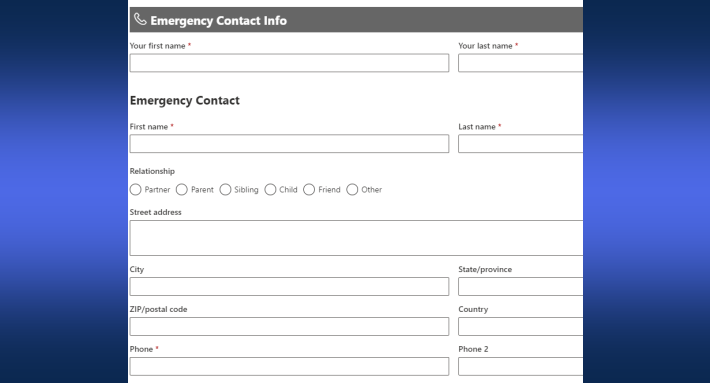
In Ultimate Forms, sophistication comes from the rule system: permission, validation, value, and style rules written in dropdowns, applying to tabs and containers with inheritance, so one rule governs a section and exceptions stay precise. Tabs with per-tab permissions, wizard-style step forms, real-time validation, electronic signatures, cascading lookups, and automatic item IDs are configuration, not script. Forms are also multilingual, every label, message, and button can carry per-language values, which Nintex forms lack and multinational deployments feel immediately.
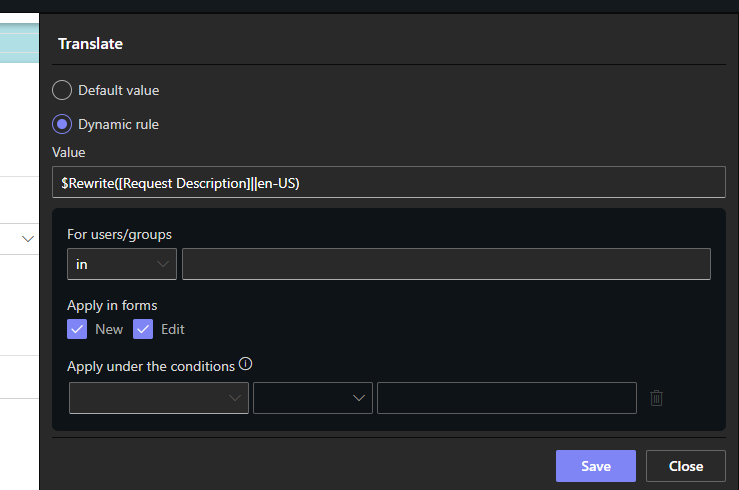
Nintex form design starts comparably but, as scenarios grow dynamic, increasingly depends on formulas and, in the classic product, custom JavaScript, the exact assets that now convert worst to the new platform. The practical difference is who owns the form in year three: the process owner who can edit a rule, or the specialist who understands the scripting.
Data: SharePoint format versus XML lock-in
One architectural difference outlasts every feature checkbox. Nintex repeating sections store their data as XML inside a single column, opaque to views, search, reporting tools, and any third-party application that expects SharePoint data to look like SharePoint data. Extracting it means parsing, and parsing means the data is effectively captive.
Ultimate Forms stores repeating sections as real items in related lists: each order line, checklist entry, or expense row is a SharePoint item, visible in views, filterable, reportable, and automatable on its own. Summaries calculate across them, validation can read them, and nothing about your data requires the vendor's product to interpret. Whatever platform decisions come later, the data is already in the open format, which is the quietest but most consequential line in this comparison.
Automation: actions in the list versus workflows elsewhere
Nintex's automation heritage is the workflow: flowchart design, deployment, and now a direction of travel toward the Nintex cloud rather than inside SharePoint. The capability is real, and for cross-system orchestration it remains a genuine strength, but ordinary SharePoint automation inherits the full workflow ceremony, and the cloud direction adds distance between the process and the data it serves.
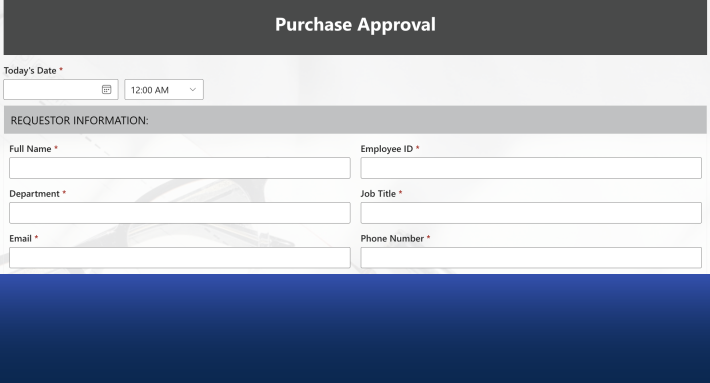
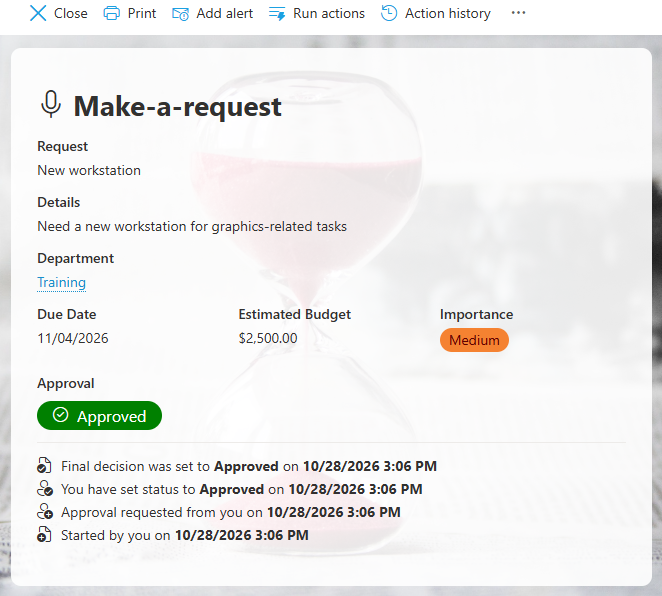
Ultimate Forms automation stays where the list is. Actions run on events, timers, and buttons without flowcharts; synchronous actions run before the save, blocking double bookings and duplicates at entry; alerts carry conditional recipients, custom templates, digests, and action buttons inside the email. Approvals, a workflow-development exercise in Nintex, are a form control with stages, reminders, delegation, escalation, and a decision log, dropped onto the form and configured. Document generation and delivery, print templates to PDF or Word, emailed automatically, is built in rather than a separate product tier.
Pricing model: predictable versus consumption
Nintex pricing is quote-based rather than published, and has moved toward consumption elements, instances and executions, so the bill grows with usage. That model has a specific consequence: success is expensive. The organization that automates enthusiastically pays more each year than the one that hesitated, and budgeting requires predicting your own adoption curve.
Ultimate Forms licensing includes the full capability set, forms, actions, alerts, approvals, printing, import, with no per-execution meter and no premium tier gating features. The structural point matters more than any number: a flat, published model means the tenth solution costs what the first did, and nobody audits whether an automation is "worth running." The same contrast runs through the Power Platform comparison, because consumption pricing is becoming the industry's habit, and it is worth choosing against deliberately.
Platform risk: who owns the next transition
The last dimension is the one the past two years taught. Nintex customers are rebuilding today because their solutions depended on platform layers, add-ins, classic workflows, that aged out, and on a vendor whose strategic direction now points away from SharePoint. Ultimate Forms is built on the modern SharePoint architecture, runs identically online and on premises, and keeps both the data and the configuration in SharePoint's own terms, which is the best available insurance against the next transition, whoever causes it. No vendor can promise the platform will never move again; a vendor can arrange that when it moves, your data and processes are not hostages.
Evaluating without betting the estate
The comparison resolves fastest in practice, and the practical test costs a week, not a quarter. Pick one real process currently running on Nintex, ideally one with a repeating section, an approval, and a notification, and rebuild it in Ultimate Forms from the trial. Measure three things: how long the rebuild took, whether the process owner can modify the result unaided, and what the data looks like afterward in plain SharePoint views. Those three answers, time, ownership, and openness, are the whole comparison in miniature, and they come from your process rather than from either vendor's page, this one included.
Where Nintex still fits
An honest comparison concedes real ground. Organizations deeply invested in the Nintex cloud platform, with processes orchestrating many systems beyond SharePoint, are using Nintex for what it now wants to be, and a SharePoint-first product is not that. Teams with large working Nintex estates and no migration pressure may reasonably wait for their natural rebuild moment rather than moving early. And where a company has standardized on Nintex across non-SharePoint systems, consistency has its own value. The comparison favors Ultimate Forms most strongly in its home territory: solutions whose data lives in SharePoint lists and libraries, whose users live in SharePoint, and whose forms and processes should be owned by the business, not by whoever can still maintain the workflow.
Frequently asked questions
Add your comment