Onboarding is your company's first impression, and it can be a genuinely good one. With Ultimate Forms, SharePoint becomes a complete onboarding experience: a welcome hub where everything lives, guided forms that collect what HR needs without paperwork, automation that handles the routine steps, and progress everyone can see. New hires feel expected and equipped. HR stops chasing. This guide walks through the experience layer by layer.
First impressions are a design problem
Every new hire forms a judgment in the first week. Not about the job. About the organization.
A first day spent hunting for information, filling in paper forms, and waiting for accounts says one thing. A first day with a personal welcome page, three short guided forms, and a visible plan says another. Same company, same role, different impression entirely.
The operational side of onboarding, tasks, owners, and escalations, is covered in Employee Onboarding Without Chaos. This article is about the other half: what onboarding looks and feels like to the person being onboarded, and to the HR team running it. SharePoint provides the stage. Ultimate Forms provides the process. Together they make the first impression deliberate instead of accidental.
The welcome hub: one place for everything
Start where the new hire starts: a centralized hub page in SharePoint. Everything they need to get going lives there. Training materials. Company policies. Team introductions. Organized document libraries.
Modern SharePoint pages make the hub engaging without any development. The Hero web part puts large, clickable visuals at the top: "Meet your team," "Your first week," "Complete your forms," each a tile with an image and a call to action, with room for a welcome video. The Events web part shows key dates in a monthly view, orientation sessions, training days, the first team lunch, so the schedule is visible rather than buried in calendar invites.
The hub does quiet cultural work. Nobody has to ask where anything is. The organization looks like it prepared, because it did. And since the hub is a SharePoint page, HR updates it in minutes when materials change.
Guided forms instead of paperwork
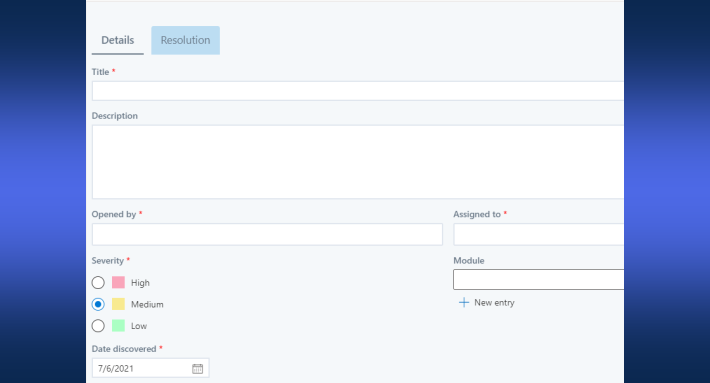
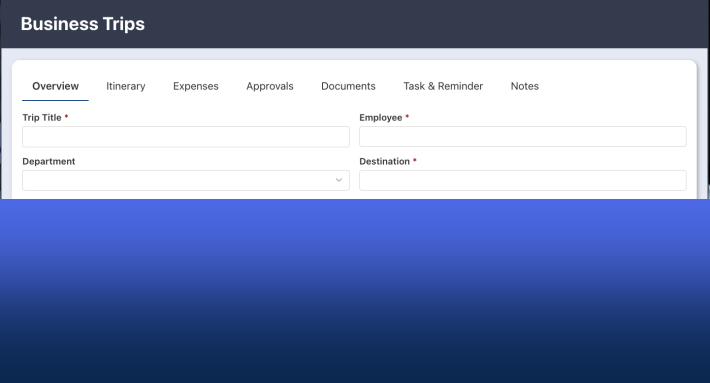
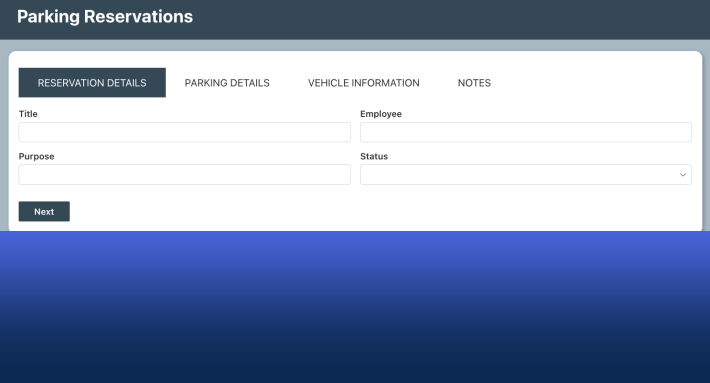
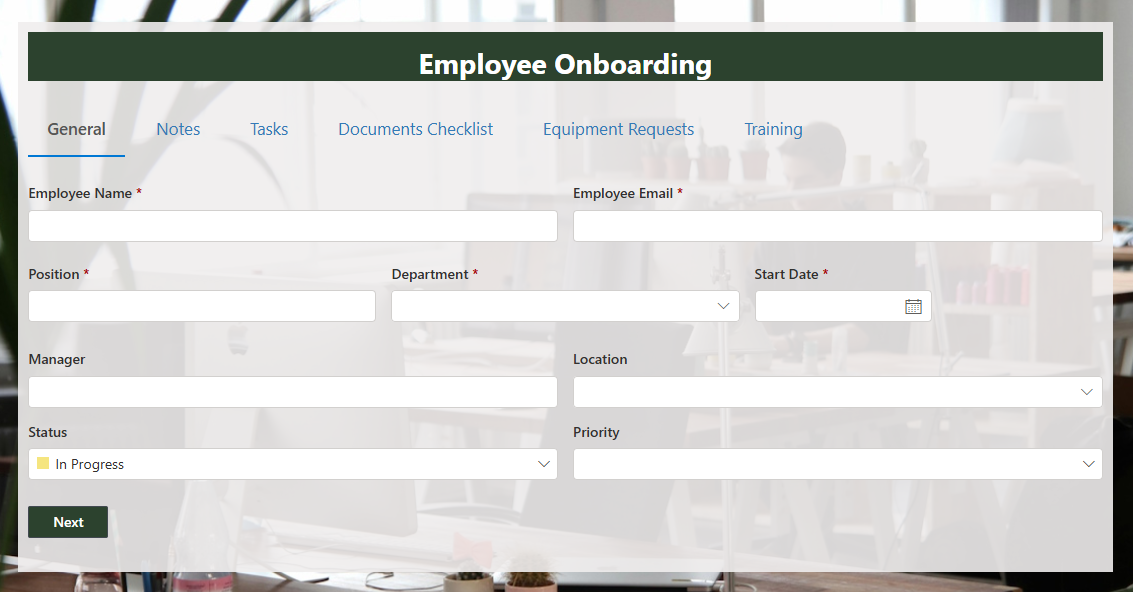
Onboarding collects a lot of information: personal details, tax information, direct deposit, emergency contacts, equipment preferences. The traditional version is a stack of attachments and a scanner. The Ultimate Forms version is a handful of guided forms on the hub.
Building them is fast. The AI form generator drafts a form from a plain-language prompt, ask for a new hire personal information form, and a working structure appears in seconds, ready to refine. From there, the form machinery does what paper never could. Validation catches the missing bank digit at entry, not at the first payroll run. Conditional sections show only what applies to this hire's role and location. Column permissions keep sensitive fields visible to the right eyes only.
For the new hire, each form is a five-minute task with a clear purpose. For HR, every submission arrives complete, structured, and already in SharePoint. Nobody re-keys anything.
Automation behind the scenes
The visible experience rests on invisible automated workflows. Routine steps run themselves the moment they should.
The welcome email sends when the hire record is created, personalized from its columns. Account creation requests go to IT automatically. First-week activities are scheduled without anyone opening a calendar. Task checklists generate per hire, each task owned and dated. Reminders chase whatever stalls.
The effect is twofold. No step gets missed, because no step depends on memory. And the HR team's workload drops precisely where it hurt most: the follow-ups. The coordination that used to consume onboarding week now happens in the background, and the humans spend their time on the human parts, the introductions, the questions, the welcome.
Progress everyone can see
Tracking turns onboarding from a hope into a process. Dashboards and reports show each new hire's progress: which tasks are complete, which are due, which are overdue and with whom. HR spots delays while they are still small. Managers check their hire's status in a glance instead of a meeting.
Consider showing progress to new hires too. A simple progress indicator on their hub page, six of nine steps complete, turns an opaque process into a game they are winning. People finish visible checklists. They stall on invisible ones.
Secure by structure
Onboarding data is some of the most sensitive an organization collects. Tax details, bank accounts, identification. Collecting it through SharePoint keeps it inside your Microsoft 365 security boundary, and Ultimate Forms adds the fine-grained layer: column-level permissions on sensitive fields, role-based visibility on forms, and an audit trail of who changed what.
Compliance follows from the same structure. Every submission is a record with history. Nothing lives in an inbox or a desk drawer. And the platform is trusted where standards are strictest, including government procurement.
Start from the template, learn from the webinar
None of this needs building from scratch. The New Employee Onboarding webinar demonstrates a complete solution end to end, downloadable free after viewing. The Employee Onboarding System template installs the working foundation: lists, forms, tasks, and automation, ready to adapt.
Around them sits a free learning library: webinars with downloadable solutions, tutorials, and documentation, all at no cost. Install via the installation wizard, adapt the template to your process, and build the hub page around it.
Then watch the first new hire go through it. The moment they say "that was easy," you have your new first impression, and it is one your competitors' onboarding is probably still failing to make.
Frequently asked questions
Add your comment