When Onboarding Goes Off the Rails
Employee onboarding has a way of turning into chaos faster than almost any other business process. In this article, we are going to walk through five real-world onboarding nightmare scenarios that organizations deal with every day: missing equipment, forgotten approvals, disconnected departments, lost paperwork, and onboarding tasks that simply disappear into email chains and spreadsheets. For each situation, we will examine how the problem happens, the business impact it creates, and how a centralized employee onboarding solution built with Infowise Ultimate Forms completely prevents the issue through automation, visibility, reminders, dashboards, and structured task management in SharePoint. During our upcoming webinar on Thursday, June 11, we will demonstrate the full onboarding system step-by-step, and attendees will receive the complete downloadable solution immediately after the presentation.
The New Employee Shows Up and There Is No Laptop
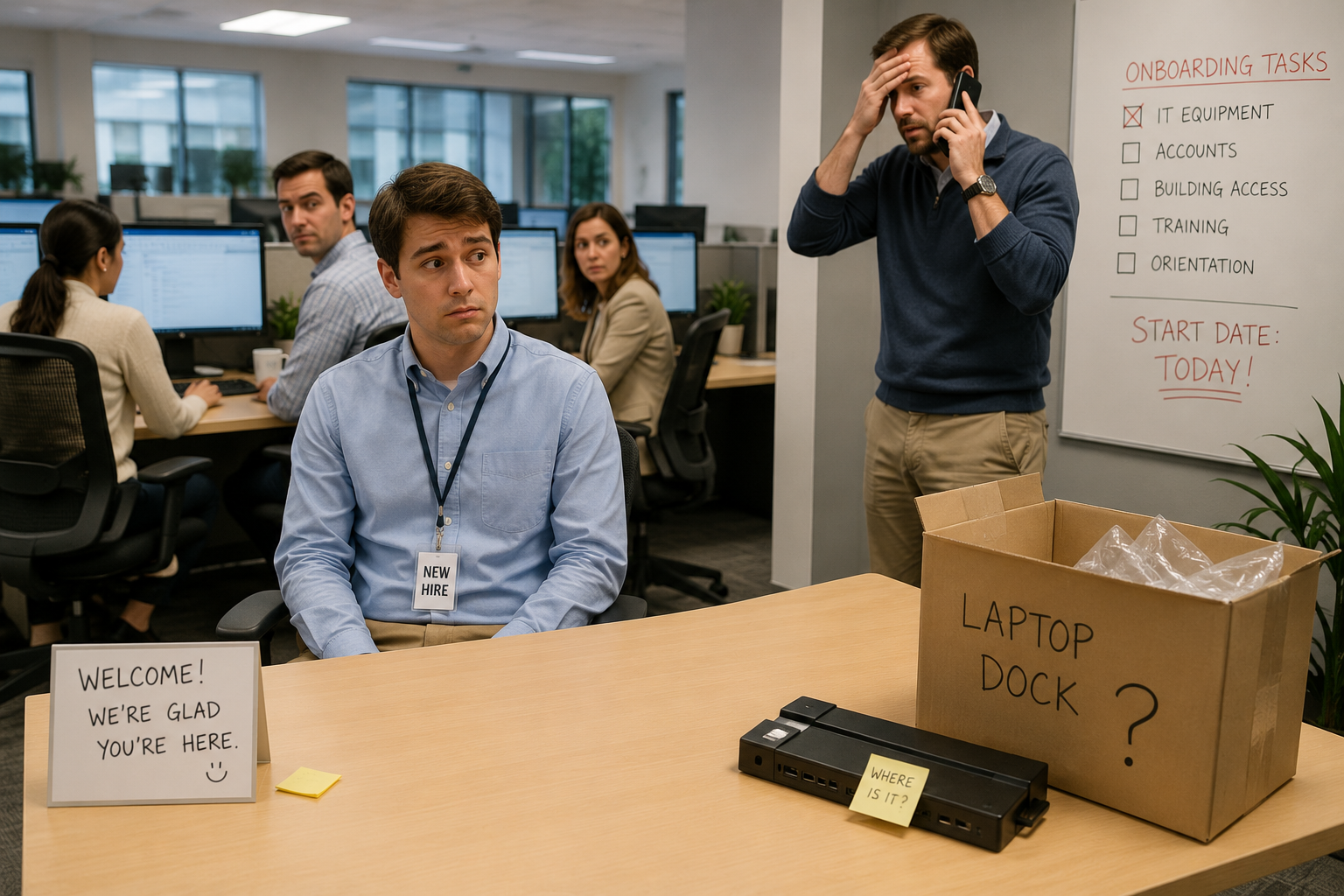
A confused new employee is sitting at an empty desk while the manager scrambles to figure out why IT never prepared equipment. IT claims they never received the request. The employee spends most of the first day doing nothing. This is a situation where the process relies only emails which are easy to miss. Using a centralized SharePoint dashboard connected to a streamline onboarding system ensure there is one place to go and one source of truth. All staff can see what needs to be done in onboarding at all times. No more guessing at what happened and what needs to happen next. Go to the SharePoint Onboarding dashboard and immediately see what comes next for every new employee being onboarded. Ultimate Forms Alerts are a key part of the system. Users are emailed immediately when tasks are required and reminded when open items are unresolved.
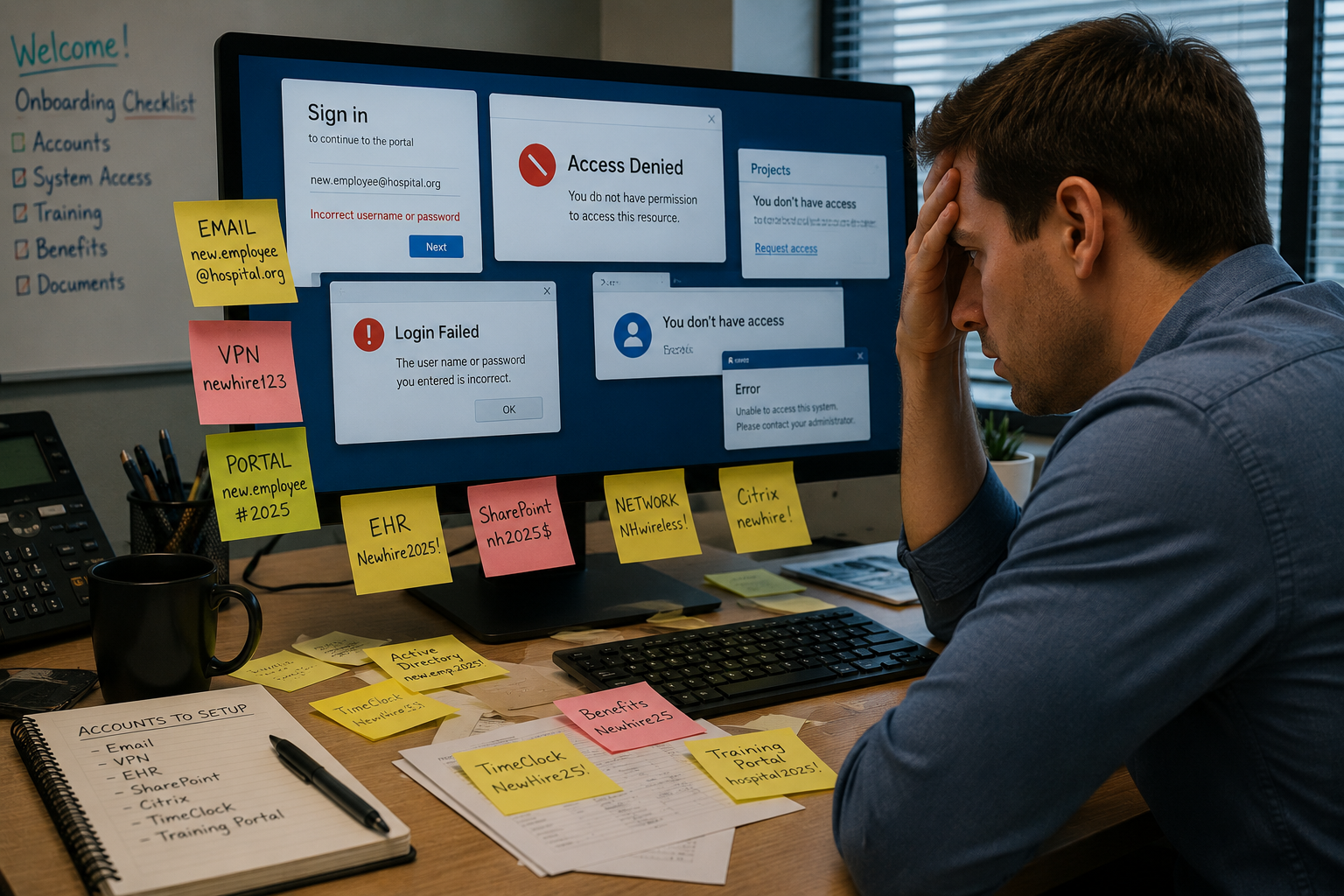
Your New Employee Cannot Log In to Anything
The employee arrives ready to work but has no Microsoft 365 account, no Teams access, no email, and no permissions to critical systems because account setup approvals were delayed or forgotten. Approvals are a common source of bottlenecks and in the case of new employee onboarding can cause a critical blocking issue. Ultimate Forms includes an easy to use Approval System that can be configured to handle your onboarding requirements. All SharePoint approvals become easy with Ultimate Forms.
HR, IT, and the Manager All Thought Somebody Else Was Handling Training
Nobody scheduled onboarding sessions, assigned required training, or communicated expectations. The employee spends the week confused and unproductive while departments blame each other. Lack of communication is a common theme when it comes to new employee onboarding. A Centralized Onboarding Dashboard ensures that onboarding tasks including training are assigned to specific users and it is always clear which steps need to come next. Don't leave your onboarding process to informal emails that can fall through the cracks. Set up our solution to get your process on track and eliminate confusion.

Critical Onboarding Tasks Were Lost in an Email Chain
The onboarding process depends entirely on emails and spreadsheets. Important requests are buried under hundreds of messages, and nobody realizes multiple tasks were missed until the employee complains. All onboarding tasks need to be accounted for in your centralized onboarding systems. Leaving onboarding tasks to informal emails is an invitation for disaster. Instead, gain confidence that all tasks are addressed for each employee, even in special circumstances where additional tasks must be completed.

Nobody Knows What Has Been Completed Yet
HR says onboarding is "mostly done", but nobody actually knows which tasks are complete, overdue, or still assigned. Different departments maintain separate checklists with conflicting information. It is essential to be able to track progress using an Onboarding Dashboard that has progress indicators with task management. This provides clear visuals showing the progress of each employee working their way through the onboarding process. Anyone who needs to check progress on a new employee should be able to open up that employee record and see exactly what has been completed.

Stop Managing Onboarding with Crossed Fingers
Every one of these onboarding disasters has something in common: the process depends on people remembering to do the right thing at the right time. Emails get buried. Spreadsheets become outdated. Tasks are forgotten. Approvals stall. Departments assume somebody else is handling the next step. The result is frustrated employees, wasted time, delayed productivity, and a poor first impression that can be difficult to overcome. With Infowise Ultimate Forms and SharePoint, onboarding becomes a structured, automated process where every task is assigned, tracked, visible, and accountable. Managers can monitor progress in real time, employees receive the resources they need on day one, and HR gains complete visibility into every onboarding request. If you are tired of onboarding chaos, join us on June 11 to see the complete solution in action and after download a fully functional employee onboarding system that you can start using immediately.
Sign up for our live webinar. It will take place June 11th, 11:00 AM Eastern. We will show how to build an onboarding system in SharePoint, quickly and easily.
Add your comment