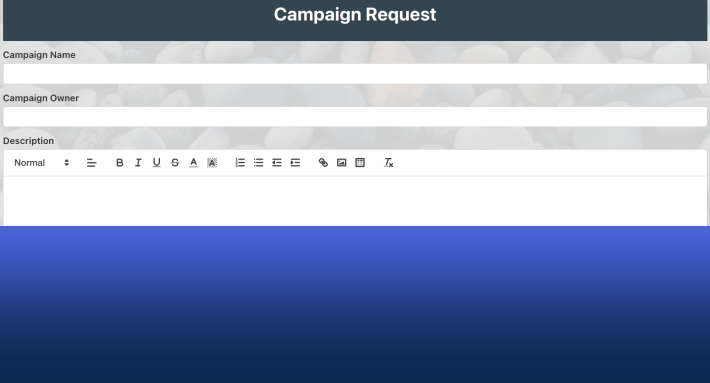
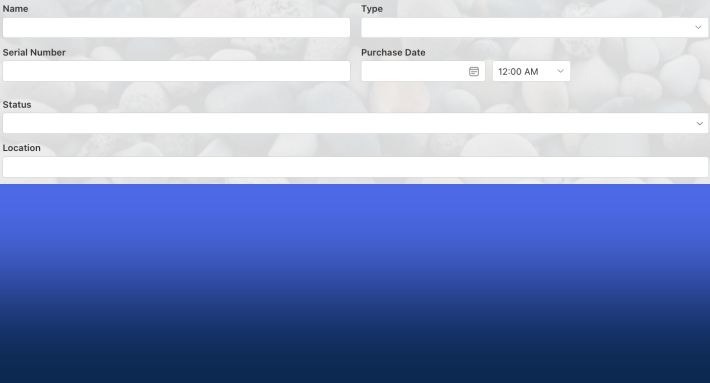
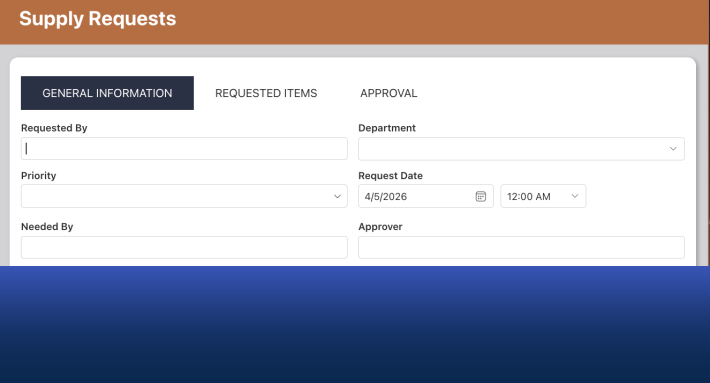
Organizations running Microsoft 365 often end up with two form systems: SharePoint for internal work, and Jotform for anything public, applications, registrations, customer requests. The Jotform alternative that removes the second system is Ultimate Forms: its external public forms run without any sign-in, carry your branding, work from a QR code, and store every submission directly in a SharePoint list, where your approvals, alerts, automation, permissions, and retention already operate. No monthly submission caps, no per-form limits, no copying data between clouds. This page compares the two approaches and shows what moving looks like.
How organizations end up with two form systems
Nobody plans the split. SharePoint arrived with Microsoft 365 and took the internal forms. Then one day someone needed a form that outsiders could fill, a job application, an event registration, a vendor intake, and native SharePoint had no answer, because anonymous users cannot open internal pages. Jotform, built precisely for hosted public forms, answered in an afternoon, and the second system was born.
The afternoon was cheap; the years are not. Every public submission now lands in a separate cloud, outside the organization's Microsoft 365 governance, and the real process it feeds, review, approval, fulfillment, lives back in SharePoint, so the data must travel. Integrations and connectors can copy submissions across, but a copy is a copy: the system of record is ambiguous, attachments live in two places, and the compliance questions, where is applicant data stored, who can access it, when is it deleted, now have two answers. Meanwhile the subscription meter runs on its own logic: monthly submission allowances, total storage caps, form-count ceilings per tier, and paid plans that are single-user, with team access reserved for the enterprise tier. A successful campaign, the thing the form exists for, is exactly what breaches the limits.
None of this is a flaw in Jotform, which does what it was built to do. It is the cost of the form living outside the platform where the work happens.
The alternative: the public form as a SharePoint form
External public forms in Ultimate Forms dissolve the split instead of bridging it. Any SharePoint list form can be published externally: anyone can open and submit it with no account and no sign-in, from any device, while the form itself remains what it always was, a form on your list. Submissions are born as SharePoint items, inside your tenant, under your permissions, retention, and audit, with no copying and no second system of record.
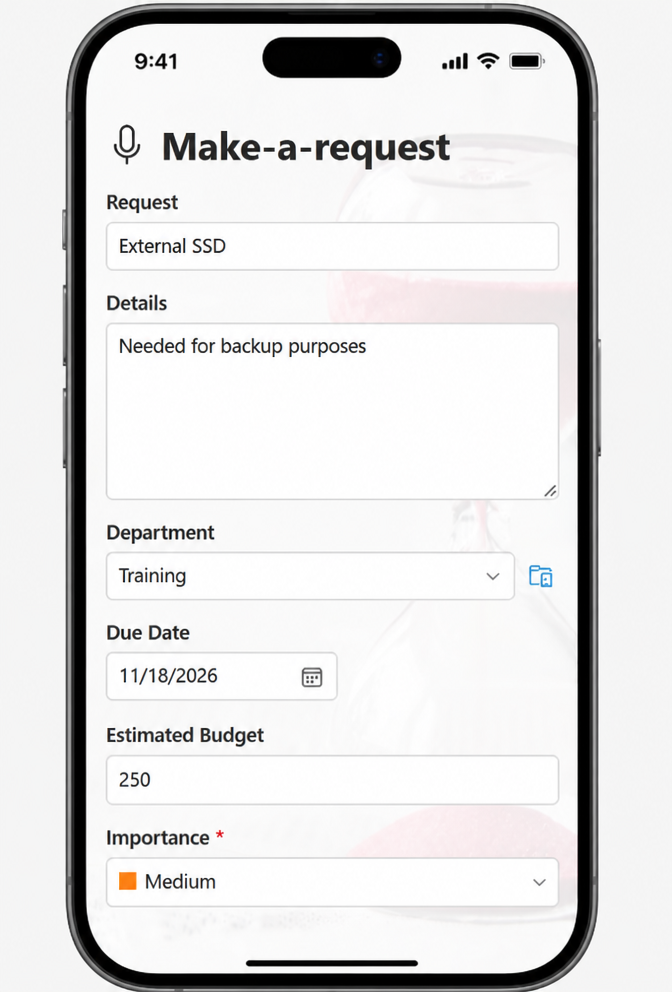
Everything a hosted form builder offers has its counterpart, built in the same Form Designer. Layout, themes, and your branding, with no vendor badge on any tier. Validation with live feedback as the visitor types, plus CAPTCHA against bots. Multi-step wizard layouts for longer applications. Attachments, signatures, and mobile-ready rendering with an automatic QR code for every form, scan and submit, which covers the kiosk, the job site, and the poster in the lobby. After submission, a designed Thank You page confirms the entry automatically, and alerts send the receipt to the visitor and the notification to your team, external recipients included.
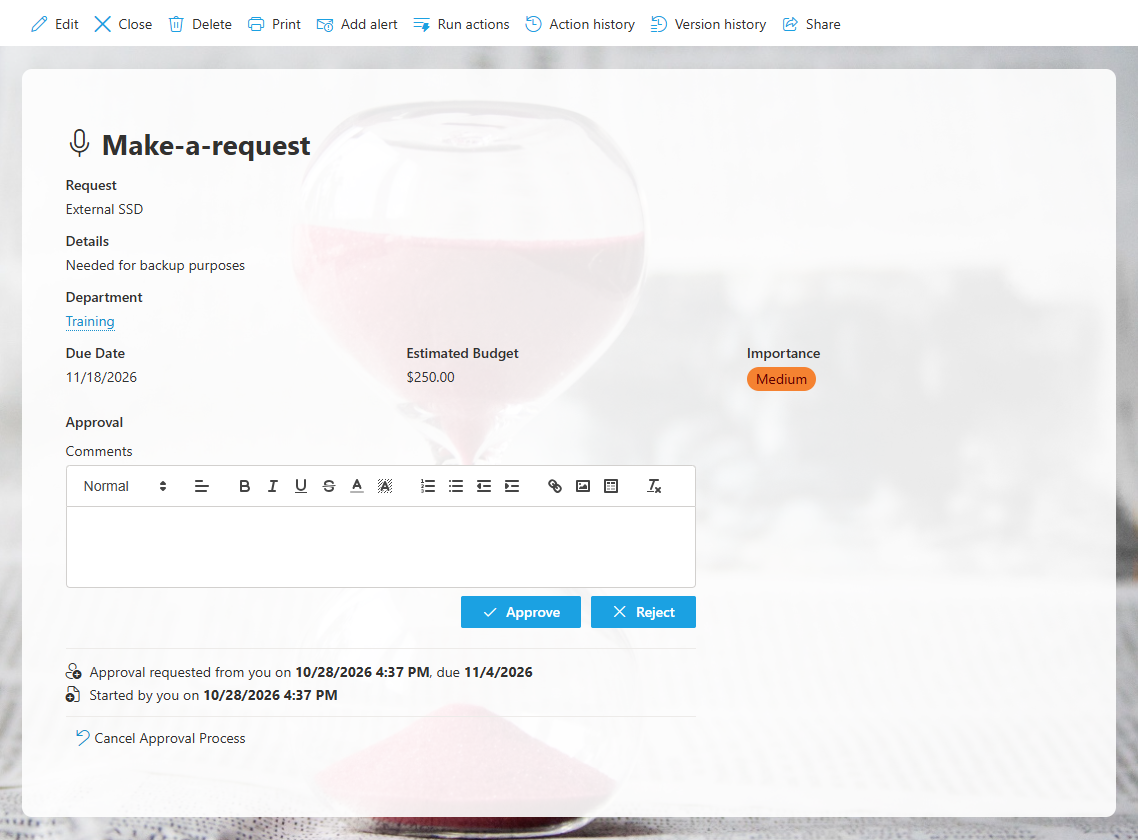
The decisive difference appears one second after the submission arrives. In the two-system world, arrival is where the integration work begins. Here, arrival is the process already running: the approval starts, actions assign and stamp and create, the record gets its reference number, and the reviewer opens the same item the visitor created, in the list where the team already works.
The governance answer, in one sentence per question
The questions that made the two-system world uncomfortable each get a one-sentence answer once the form lives inside SharePoint. Where is applicant data stored: in your tenant, in the list you point to, nowhere else. Who can access it: whoever your SharePoint permissions say, column by column where needed, through permission rules on the forms your own staff use. When is it deleted: when your retention policy says, applied by the same machinery that governs every other list. Who approved this record and when: the approval log on the item says, exactly as it does for internal requests. For regulated intake, candidate data, patient requests, financial applications, these one-sentence answers are the difference between an audit finding and an audit afternoon, and they come free with the architecture rather than as features to configure.
The economics of not metering
The pricing contrast is structural rather than numerical. Hosted form builders meter the things you want more of: submissions per month, total stored entries, forms per account, users per plan. The meters are rational for a vendor hosting your data, and they produce the familiar rituals, archiving old submissions to stay under storage caps, upgrading tiers before a campaign, sharing one login because paid plans are single-user.
Ultimate Forms licenses the platform, and the forms draw on your own SharePoint storage. A hundred forms cost what ten did; the campaign that triples submissions changes nothing but the list's item count; the whole team works with the results because SharePoint permissions, not plan seats, decide access. For an organization already paying for Microsoft 365, public forms stop being a separate budget line and become one more thing the existing platform does.
Moving a form, in practice
Migration is form-by-form and unglamorous, which is its virtue. Rebuild the form in Form Designer against a new or existing list, usually faster than the original took, since the questions are already decided and each one maps to a column. A candidate application form, the classic Jotform tenant, makes a good worked example of the whole pattern. Publish it externally, restyle it with your branding, and wire the process that the submissions feed: the approval, the alerts, the reference numbers that the two-system version handled with exports and email. Swap the link, on the website, the QR poster, the email signature, and let the old form drain. Export the historical Jotform submissions and import them into the same list if continuity matters, or archive them if it does not. One form a day is a comfortable pace, and the natural first candidate is the form whose submission volume or data sensitivity makes the second cloud most uncomfortable.
Where a hosted form builder still fits
The honest cases run the other way too. An organization not on Microsoft 365 has no platform for this alternative to live in; Jotform serves it better. A solo operator or tiny team collecting simple responses, with no process behind the form and no compliance stakes, is well served by a hosted builder's free tier. And Jotform's breadth of payment collection integrations suits sell-something-simple scenarios that have no SharePoint process behind them at all. The comparison favors Ultimate Forms where this article started: the organization already lives in SharePoint, the forms feed real processes, and the data belongs under the same governance as everything else the business keeps. The test is simple: look at what happens to a submission a week after it arrives. If the answer involves SharePoint, the form should have started there.
Frequently asked questions
Add your comment