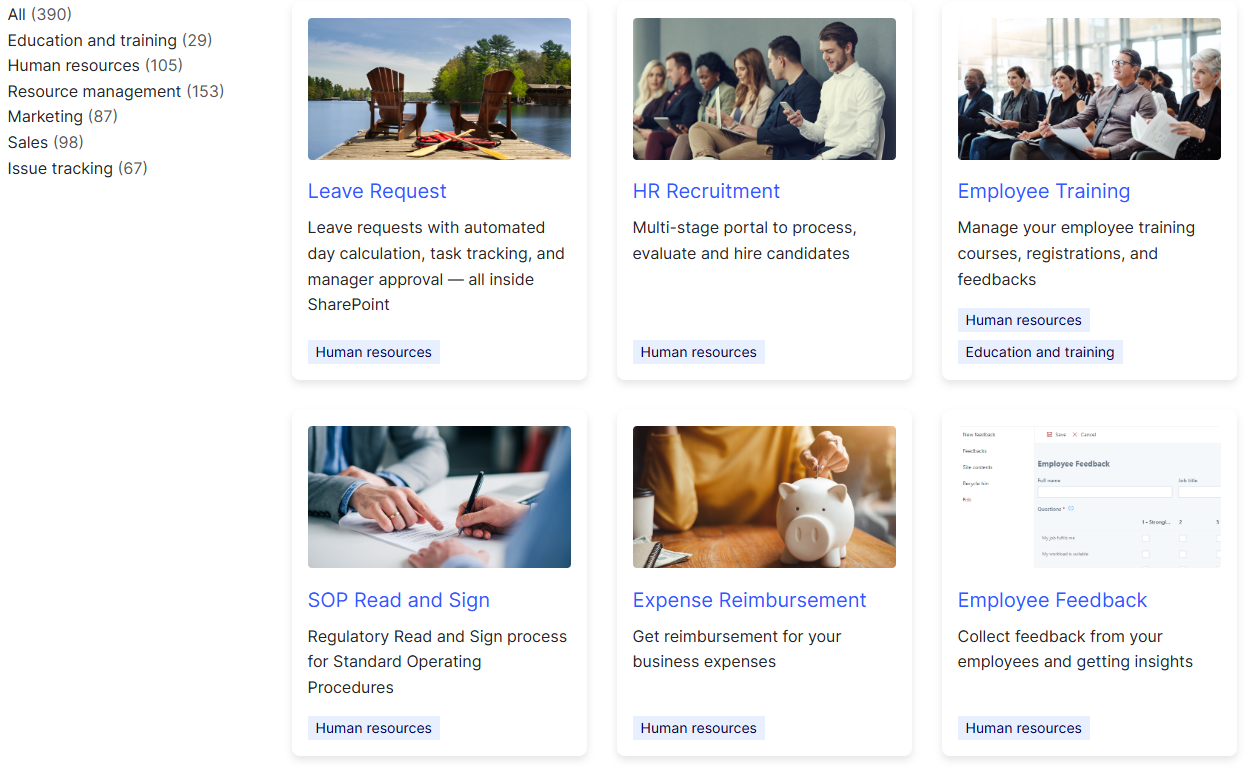
HR runs on processes, and every one of them can live in SharePoint. Six free solutions cover the employee lifecycle end to end: onboarding, leave requests, performance reviews, training, recruitment, and offboarding. Each installs in minutes, runs on Ultimate Forms, and adapts to your organization without code. They come from a library of more than 100 HR solutions, all free for Ultimate Forms customers. This guide walks through what each one does, the challenge it removes, and where to learn more.
Why SharePoint plus Ultimate Forms for HR
Traditional HR management means paperwork and disjointed systems. One tool for leave. A spreadsheet for training. Email for everything else. Errors and delays follow naturally.
Ultimate Forms turns the SharePoint you already own into a single HR platform. Four capabilities make it work:
- No-code customization. HR designs its own forms and workflows. No developers, no tickets.
- Automated workflows. Approvals route themselves. Notifications send themselves. Reminders chase people so HR doesn't have to.
- Integrated dashboards. Live counters and charts show the state of every process at a glance.
- Pre-built templates. Ready-made solutions install first, and you adjust them to fit. Building from scratch is optional.
One more advantage deserves a mention: for our Microsoft 365 customers, everything stays inside your Microsoft 365 security boundary. Employee data never leaves for a third-party HR tool.
1. Employee Onboarding
The challenge. Onboarding spans HR, IT, facilities, and the manager. Without structure, tasks scatter across email. The new hire arrives to a missing laptop and a confused first week.
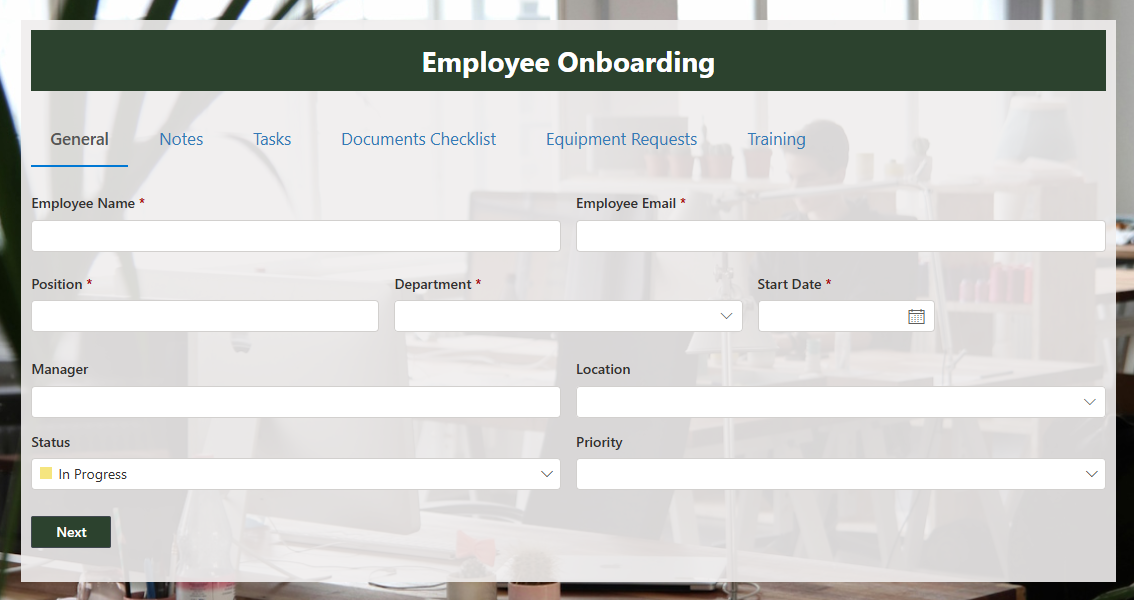
The solution. The Employee Onboarding solution automates the whole workflow. Each new hire record generates its task checklist automatically. Every task has an owner and a due date. Alerts notify each department when its step is ready, and remind them when it's overdue. A progress bar per hire shows exactly what remains. HR stops doing manual follow-ups, because the system does them.
Resources. Watch the full build in the New Employee Onboarding webinar, or install the Employee Onboarding System template. The five classic onboarding failures, and how this setup prevents each, are covered in Employee Onboarding Without Chaos.
2. Leave Request Management
The challenge. Manual leave management produces overlapping absences, miscounted balances, and records nobody trusts. Team availability suffers. So does compliance.
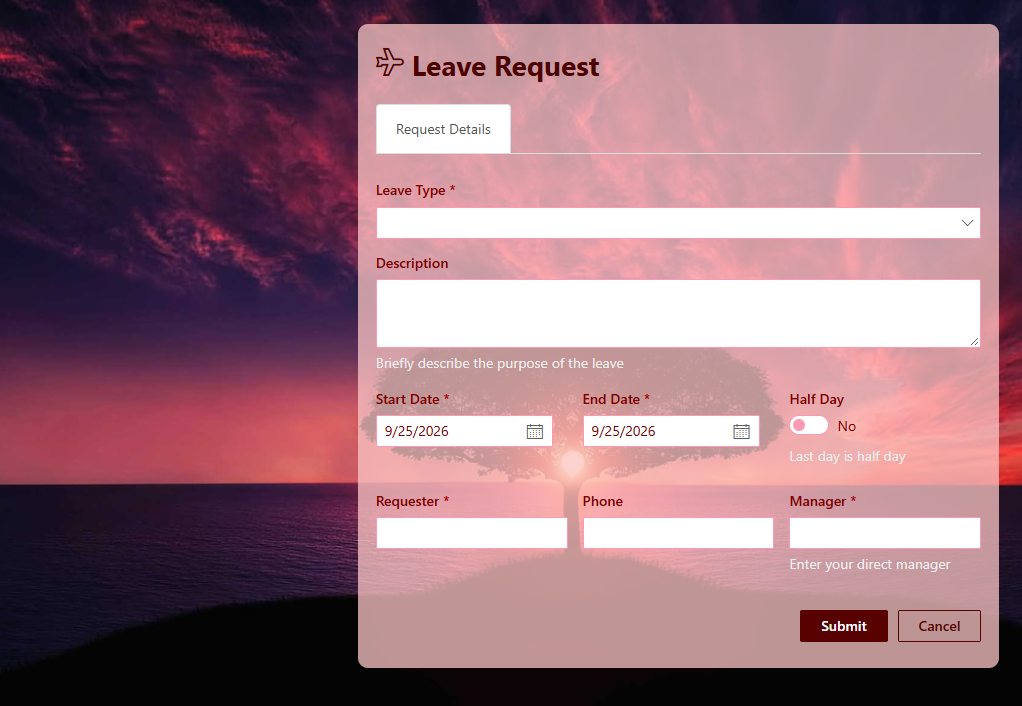
The solution. The Leave Request solution automates the full cycle. The employee submits a request with dates. Days are calculated automatically. The manager approves from an email or the form. Approved leave lands on a shared SharePoint calendar, so overlaps are visible before they happen. Everyone sees their own requests; managers see their team's.
Resources. The Leave Request System webinar walks the setup step by step, and the documentation covers every setting.
3. Employee Performance Review
The challenge. Unstructured reviews drift. Every manager evaluates differently, forms go missing, and the results are hard to compare or defend.
The solution. The performance review solution standardizes the process. Structured evaluation forms give every review the same criteria. Permission rules keep self-assessments, manager ratings, and HR notes visible to the right people only. Workflow moves each review through its stages on schedule, with reminders for the managers who stall. The outcome is reviews that are fair, timely, and comparable across the organization.
Resources. The Employee Review System webinar demonstrates the complete solution, downloadable after viewing.
4. Training Management
The challenge. Training tracked in spreadsheets means nobody knows who completed what. Skills gaps hide. Compliance certifications expire quietly.
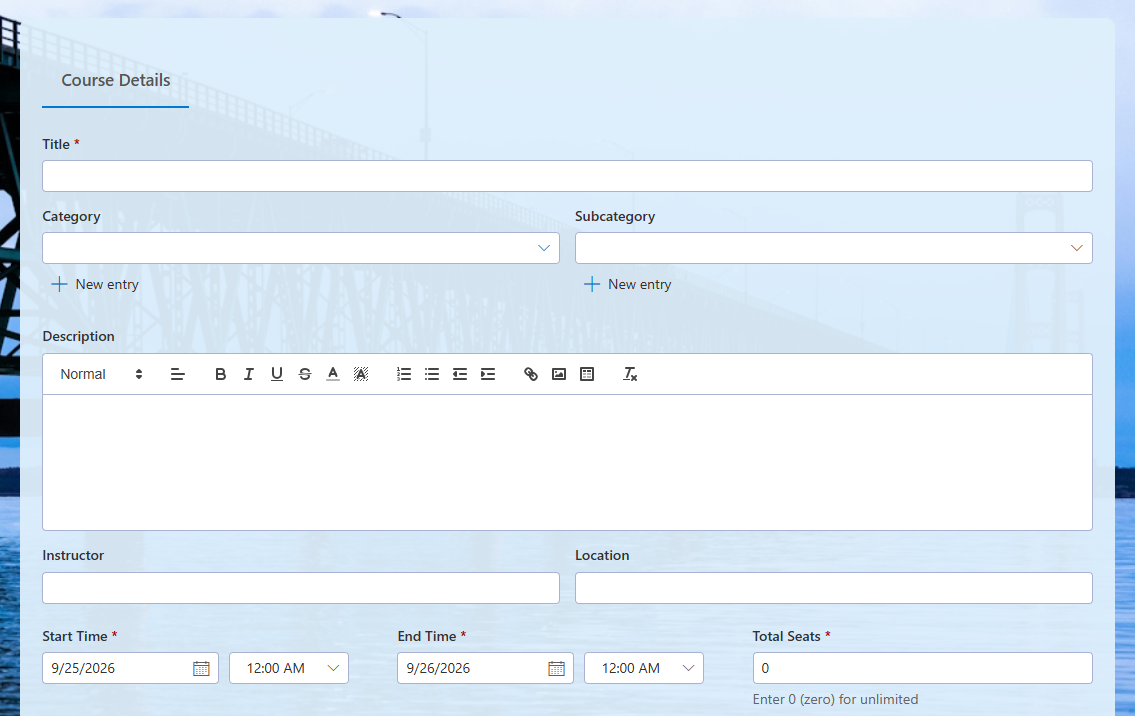
The solution. The Training Management solution schedules sessions, tracks enrollment and completion, and evaluates results. Employees register through a form. Attendance and outcomes are recorded per person. Dashboards show completion rates by department, and alerts flag expiring certifications before auditors do. Training stops being a filing problem and becomes a managed program.
Resources. Step-by-step guidance is available in the tutorials.
5. Recruitment Management
The challenge. Recruitment juggles candidates, interviews, and feedback across many people. Progress lives in inboxes. Good candidates slip away while the process figures itself out.
The solution. The HR Recruitment solution centralizes the pipeline. Every candidate is a record with a stage: applied, screening, interview, offer, hired. Interview feedback attaches to the candidate, visible to the hiring team and nobody else. Automated emails keep candidates informed at each stage. Hiring managers see their own positions; HR sees everything.
Resources. Install the template directly, and see the candidate communication and interview scheduling guides for the supporting pieces.
6. Employee Exit Management
The challenge. Offboarding without a standard procedure means missed steps. Equipment goes unreturned. Access stays open after the departure date. Exit interviews never happen.
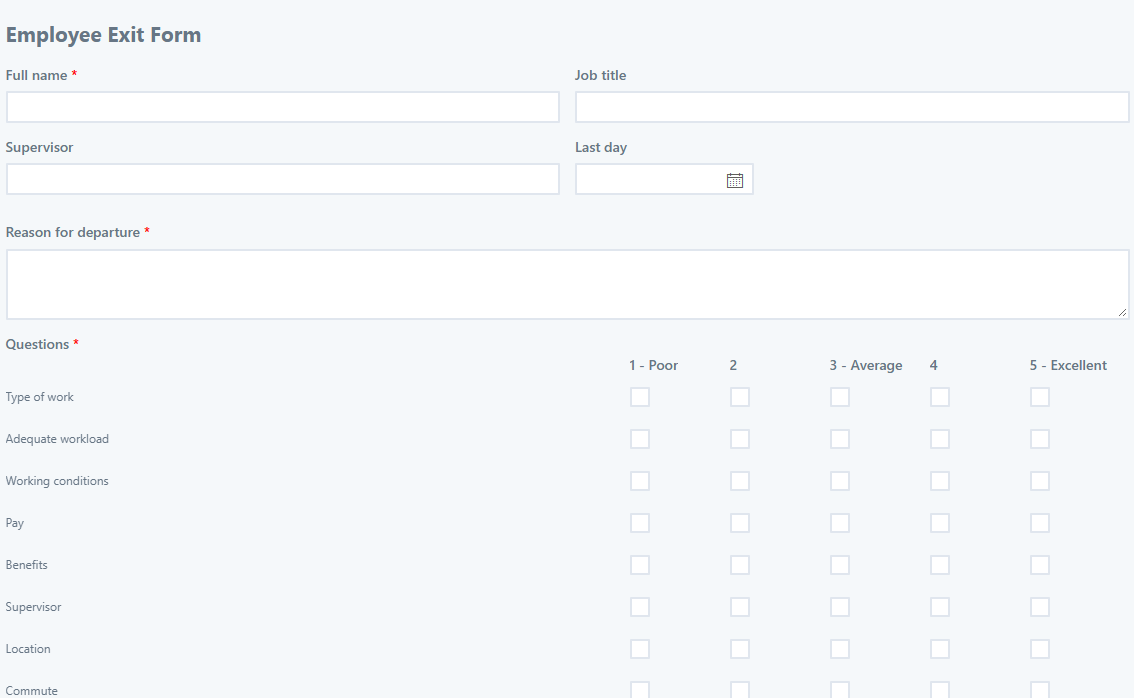
The solution. The exit management solution mirrors onboarding in reverse. A departure record generates the offboarding checklist: equipment return, access removal, knowledge handover, final approvals. Each task is owned and tracked to completion. The Employee Exit Survey captures structured feedback while it can still be acted on, and the Employee Termination template provides the task-checklist backbone.
Resources. Both templates are free on the solutions platform.
One platform, whole lifecycle
Notice what the six solutions share. The same building blocks appear in every one: a form, a checklist or pipeline, permission rules, alerts, and a dashboard. Learn the pattern once and you can read, adjust, and extend all six. That is the practical difference between six point tools and six configurations of one platform.
It also means the solutions connect. The hired candidate from recruitment becomes the new record in onboarding. Onboarding's training tasks feed training management. The departure record closes the loop in exit management. Data flows because everything lives in the same SharePoint.
For the broader case, cost, consolidation, and the systems HR usually pays for separately, see SharePoint as HR Software: 6 Reasons It Wins and Delivering Cost-Effective HR with SharePoint.
Getting started
Three steps, and the first solution can run this week.
- Install Ultimate Forms via the Installation Wizard or from Microsoft Marketplace.
- Pick one solution from the six above and install its template. Start with the process that hurts most.
- Adjust the columns, stages, and recipients to match your organization. Tutorials and documentation at the Training Center cover every step.
Run it for two weeks. Fix what reality disagrees with. Then install the next one. HR transformation rarely arrives as a project; it arrives as one process at a time that stops needing to be chased.
Frequently asked questions
Add your comment