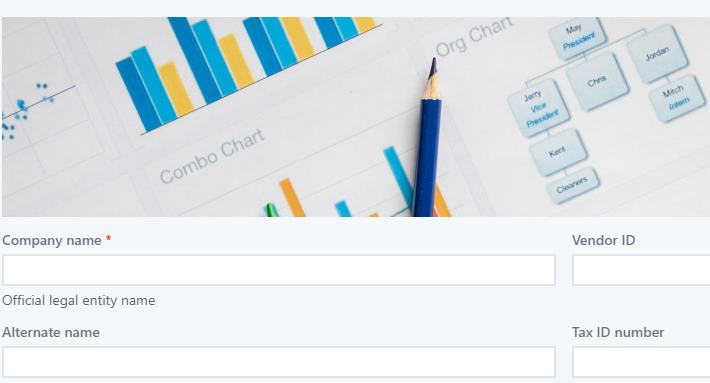
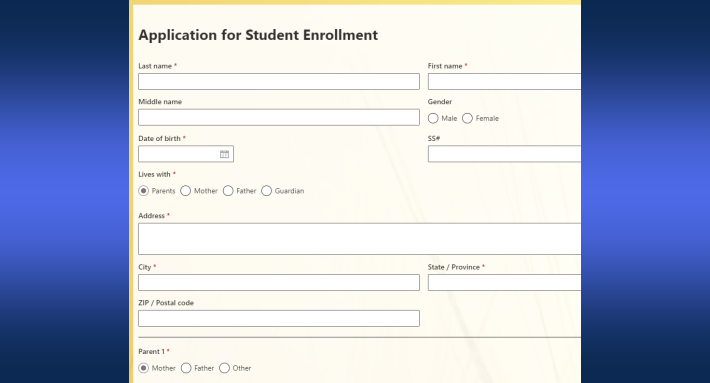
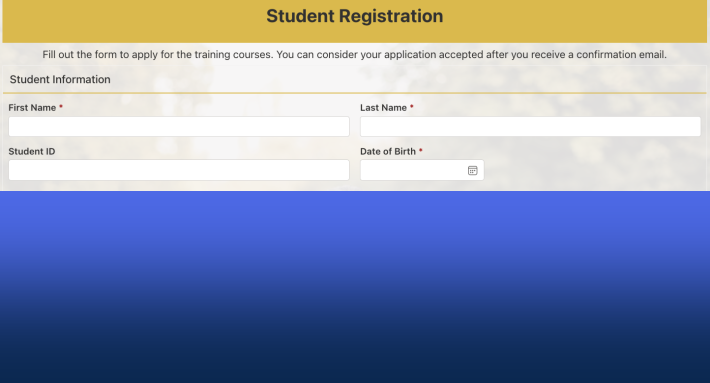
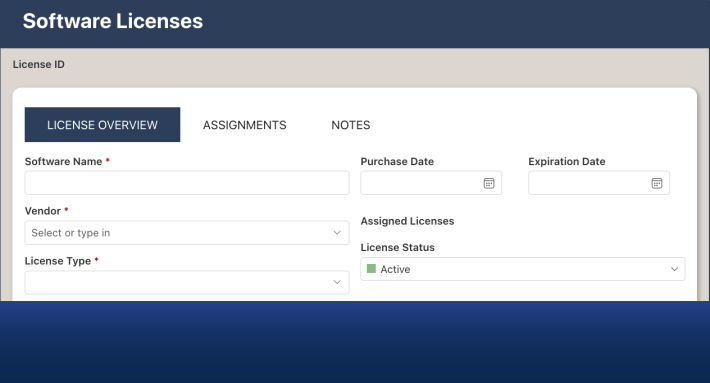
External users can submit to and even update SharePoint lists with no licenses, no guest accounts, no invitations, and no sign-in of any kind. The mechanism is the external public form in Ultimate Forms: the form lives at a public URL, the visitor fills it anonymously, and the submission lands in your list while the list itself stays invisible. The licensing question most teams arrive with, "what do we have to buy for outside people?", dissolves rather than gets answered, because people who never enter your tenant never need a seat in it. This guide walks the access options for external users, what each actually requires, and when the no-account path is the right one.
The question behind the question
"Do external users need SharePoint licenses?" is usually a proxy for a simpler need: people outside the organization must put data in, vendors updating details, applicants applying, customers requesting, visitors registering, and somebody has to figure out what that costs and what it takes to administer. The honest map has three paths, and they differ less in price than in weight.
Guest access. SharePoint's external sharing invites named outsiders as guests: they authenticate with their own credentials, and the arrangement suits genuine collaborators, the partner working in your project site for a quarter. But every guest is an identity to invite, manage, review, and eventually remove; the person needs a Microsoft-recognizable account and must tolerate the invitation-and-sign-in flow; and the model presumes you know who they are in advance. For collaboration, that weight is appropriate. For data intake, it is scaffolding around a mail slot.
App-based portals. The Power Platform's answer to external audiences is its portal product line, with authentication schemes and licensing models of its own, a real option for organizations building full external applications, with the platform investment that implies, weighed in the Power Platform comparison.
No account at all. The external form skips identity entirely. There is nobody to license because there is nobody in the tenant: the visitor interacts with a public form page, the app behind it validates every request against what you exposed, and the data arrives as a list item. Ten external users or ten thousand, the administrative cost is identical, zero identities, and the scaling question never gets asked.
The decision rule falls out directly: when outsiders need to work inside your sites, guests; when outsiders need to hand you data, or maintain their own record, the form.
What "no license" actually includes
The anonymous path would be a poor trade if it meant a stripped-down form, and it does not. The public form is the same form built in Form Designer: tabs and wizard steps, validation with live feedback, conditional sections, attachments with type restrictions, repeating sections, your branding, and a designed Thank You page at the end. It serves from a hosted URL or embedded in your own website, reaches phones through automatic mobile rendering and QR codes, and guards itself with CAPTCHA.
And the submission arrives as a full citizen of your tenant: alerts notify the team and acknowledge the submitter, actions route and process, approvals and reports run as they would on any internal item. The outside person needed no license precisely because everything license-worthy happens on your side of the barrier, by your licensed users and your platform.
Even the one scenario that seems to demand accounts, the external user returning to their own record, stays anonymous: personal edit links give each record an unguessable URL, delivered by alert to its owner, so vendors maintain their details and applicants supplement their files with no identity anywhere.
Counting the cost that is not a license
The license line was never the expensive part; the administration around external identities is. A guest population carries recurring work that scales with its size: invitations sent and re-sent, sign-in problems walked through ("which account did we invite, your Gmail or your work address?"), access reviews, offboarding when the contact changes jobs, and the slow accumulation of stale identities nobody remembers inviting. For a dozen long-term collaborators, that work is manageable and worth it. For five hundred applicants a year, or vendors who touch their record twice annually, it is a part-time job manufactured by the access model, and every hour of it is spent on identity rather than on the data the identity was created to deliver. The anonymous path's real saving is this line, not the seat price: the five hundred applicants cost the same administration as zero, because the model has no per-person artifact to administer.
The security conversation this triggers
"Anonymous write access to SharePoint" is a sentence that rightly makes administrators sit up, and the model survives the scrutiny because the anonymity is on the outside of a barrier, not inside the tenant. Visitors never communicate with SharePoint; they reach the app's pages, which check each request against the external form settings before anything passes. Only forms explicitly marked external exist publicly, only the form types you allowed respond, New only, by default, and widening to Edit requires a site collection administrator. CAPTCHA filters the bots, embedded forms load only on URLs you authorized, and the Monitoring tab gives administrators the complete inventory of what is exposed. The hosting guide walks each layer; the summary that satisfies most security reviews is that the external world sees a mail slot whose dimensions you chose, and the audit of "what can outsiders reach?" is a one-screen read, which compares favorably with auditing a guest-account population that grew for three years.
There is also a quiet compliance dividend: no guest identities means no external identity lifecycle to govern, no stale guests with forgotten permissions, and no quarterly review of departed collaborators, a category of findings that simply has no object.
Where the no-license path lands first
The scenarios are the external forms cluster's standing cast, each one previously blocked by exactly this question. Job applications, where candidates were never going to be invited as guests. Customer feedback, where friction is fatal. Vendor onboarding and record maintenance, through submission plus the personal edit link. Event and training registrations, public service requests, kiosk check-ins, and every variant of the ten reasons. In each, the pattern that matters here is the population: large, changing, and anonymousable, exactly the population that guest management handles worst and the form handles without noticing.
The organizations that benefit most are the ones that had quietly routed these scenarios to hosted form vendors, paying per submission for the privilege of splitting their data, the trade examined in the Jotform comparison. The external form repatriates the scenario: the public door stays as easy as the hosted vendor's, and the data is born where the process lives.
The practical first step costs an afternoon: pick the one external scenario currently handled by email, build its form, enable external access, and send the link to the next outsider who asks. No procurement, no invitations, and no license conversation, which was the point all along.
Frequently asked questions
Add your comment