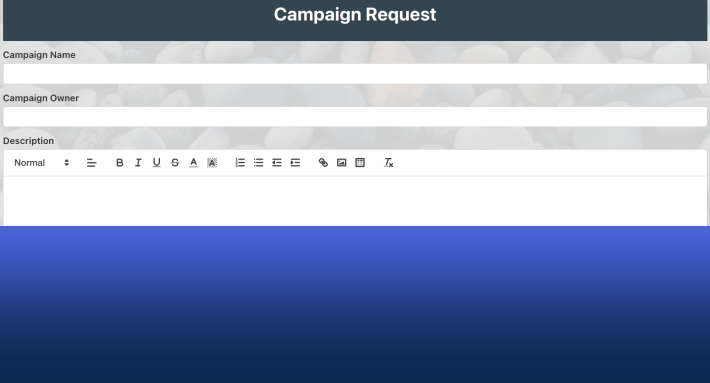
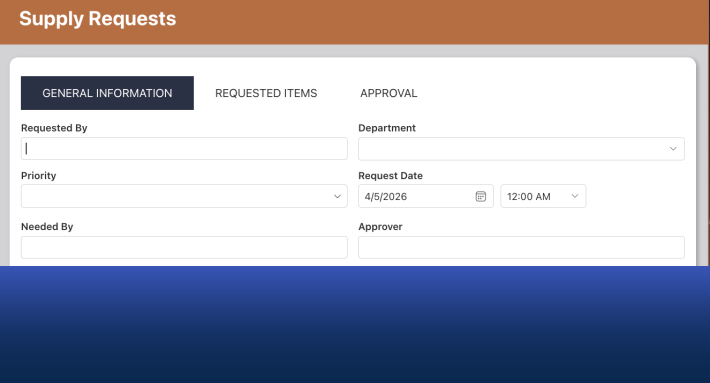
Issue tracking in SharePoint starts fastest from a template, and the Ultimate Forms library offers more than sixty free ones for exactly this family of problems. Five cover the great majority of cases: Helpdesk for internal support operations, Issue Tracker for general organizational issue management, Customer Complaint for external grievances, Maintenance Request for service and facilities work, and IT Service Request for computer support. All five install free in minutes and share the same customizable machinery underneath, so choosing is less about features than about fit: who reports the issues, who resolves them, and how the work should flow between them. This guide compares the five and gives you the decision rule.
Why issues deserve a system, not a mailbox
Whether it's internal IT support, customer service, or maintenance requests, unmanaged issue tracking always converges on the same failure: a shared inbox where problems arrive as prose, ownership is implied, and status lives in whoever answered last. Issues get resolved twice or not at all, the loudest reporter wins, and nobody can say how many problems are open or how long they typically take. Every issue tracking system, whatever its domain, exists to replace that with four guarantees: every issue is captured as a record, every record has an owner, every status change is visible, and the aggregate is countable.
SharePoint is a natural home for those guarantees, you already own it, and the issues live next to the teams and documents they concern. The templates below deliver the guarantees pre-assembled; your job is picking the one whose shape matches your process.
Helpdesk: the full internal support operation
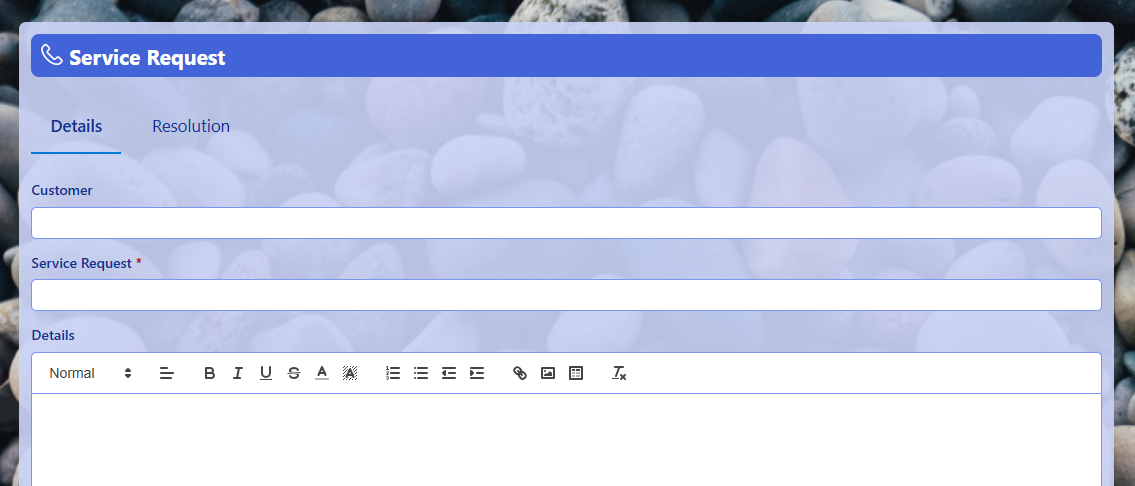
The Helpdesk template is the most complete of the five: a versatile system for both internal and end-user issues, with standard ticket fields, integrated email, and the role separation a support operation needs, requesters see their tickets, technicians work the queue, managers watch the totals. Choose it when support is an ongoing operation with a team behind it rather than an occasional chore: IT departments, HR service desks, shared-services groups. If you expect to care about assignment, workload, and response times, start here; our step-by-step helpdesk build guide walks the customization.
Issue Tracker: the general-purpose workhorse
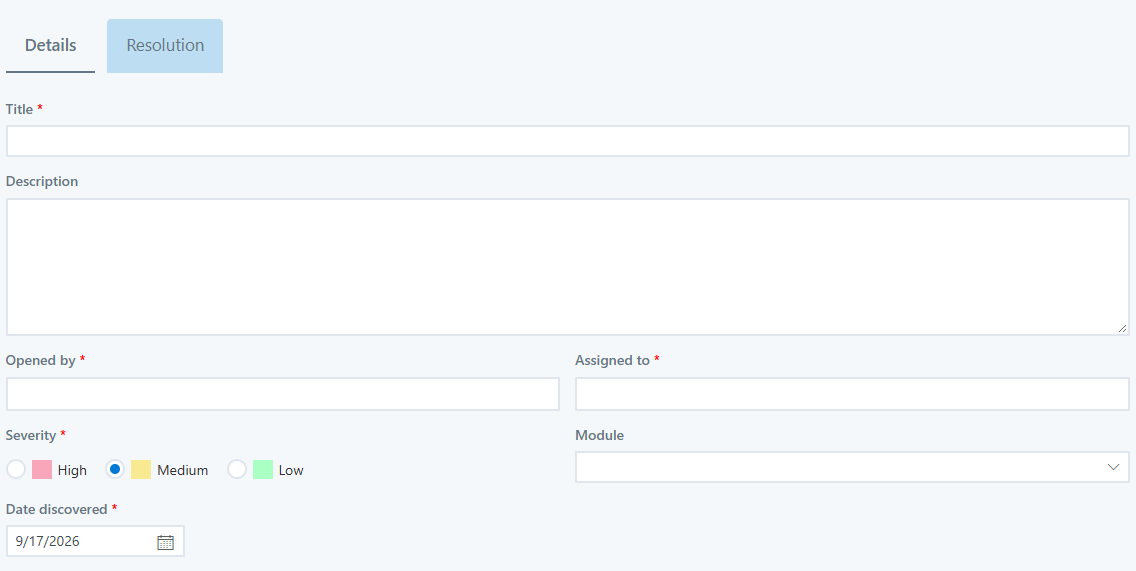
The Issue Tracker is the domain-neutral option: issues of any kind, submitted from inside the organization or through external forms, assigned to responsible parties, broken into tasks, and documented through to resolution. Its distinguishing strength is the task breakdown, an issue can spawn the concrete work items that resolve it, which suits problems that take coordination rather than a single fix: project issues, quality findings, audit observations, cross-department snags. Choose it when "issue" in your organization means "something to be worked," not just "something to be answered."
Customer Complaint: the reputation guardian
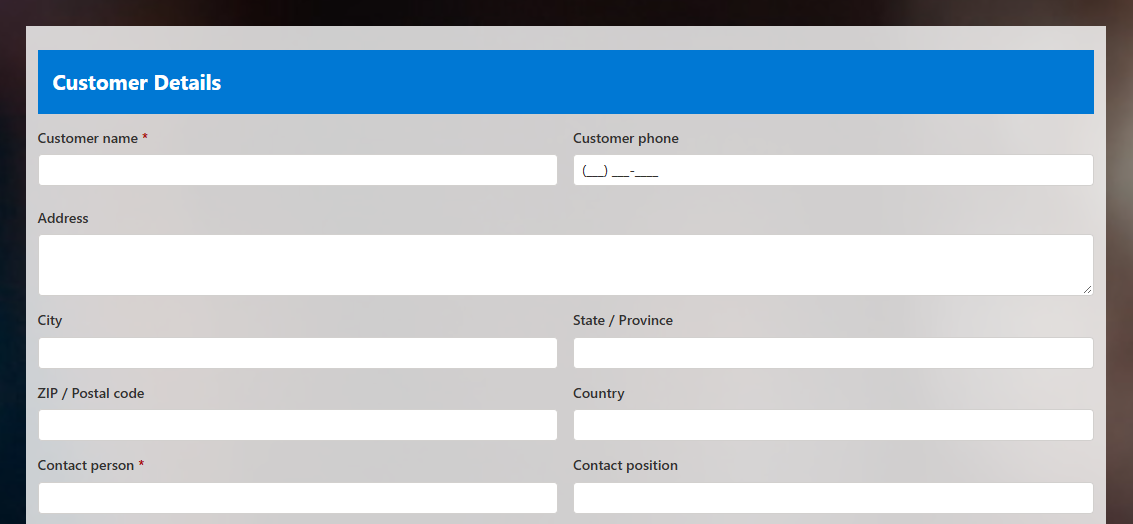
The Customer Complaint form is tuned for one high-stakes scenario: an unhappy customer, a clock already running. It moves teams swiftly from complaint to solution, capturing the grievance in structure rather than in a forwarded email chain, and its external-facing intake means customers submit directly, with no account and no portal training. Choose it when the reporters are outside your organization and the cost of a mishandled report is reputation: complaints, warranty claims, service failures. Pair it with automatic acknowledgment emails so every complainant knows they were heard within a minute of submitting, which defuses more escalations than any policy does.
Maintenance Request: issues with a location
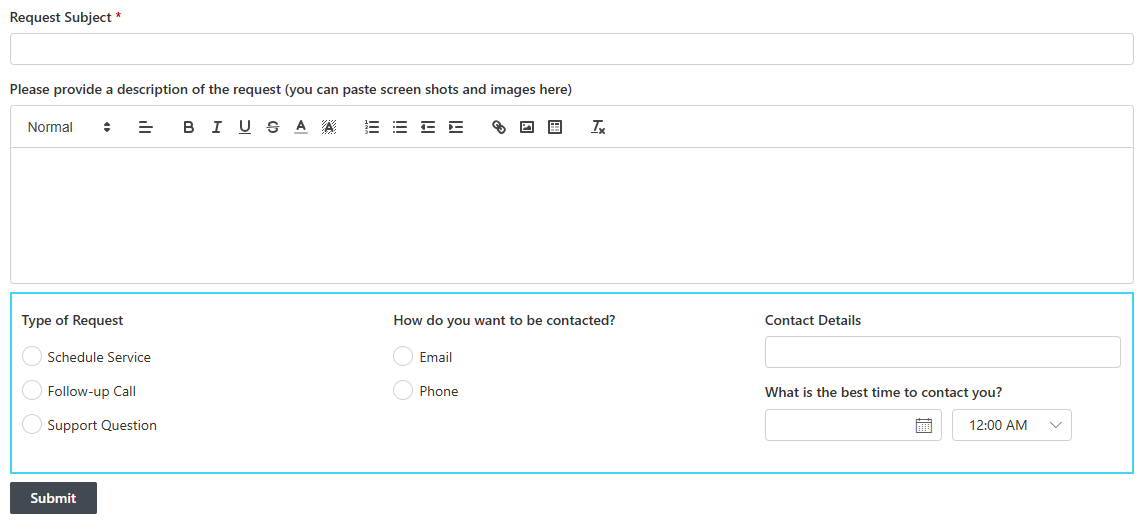
The Maintenance Request form serves the issues that exist in physical space: the leak, the broken fixture, the machine that stopped. Reporters provide detailed information including images, a photo of the problem is worth three paragraphs of description to the technician deciding what tools to bring, and the anonymous submission option matters in environments where reporters hesitate to attach their names. Choose it for facilities, property management, and field service, and note it works beautifully from a phone: the mobile forms pattern of snapping the photo at the site of the problem is this template's natural habitat.
IT Service Request: the focused front door
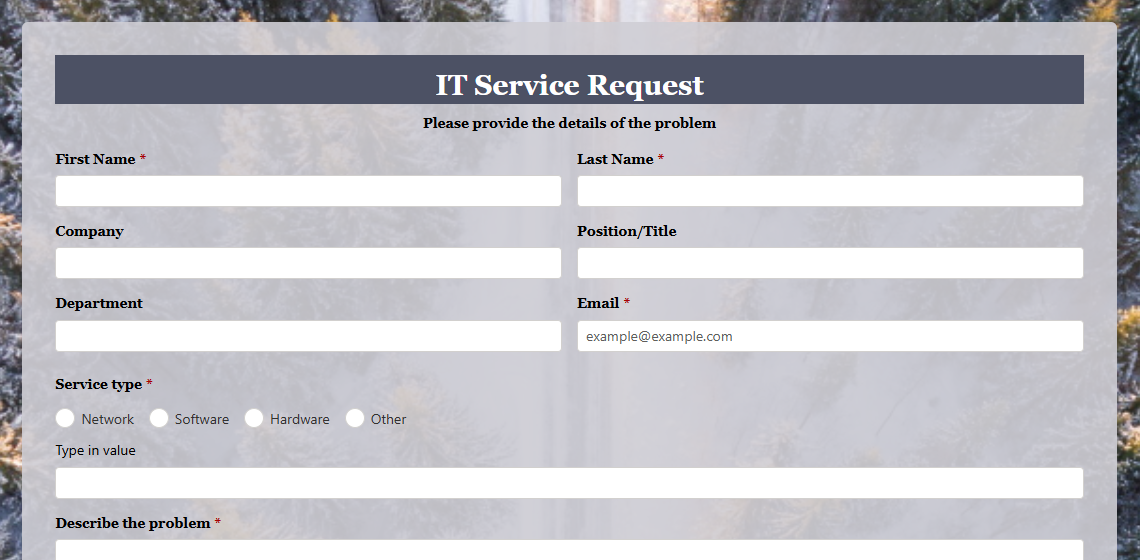
The IT Service Request form is the lighter-weight cousin of Helpdesk: a simple, employee-facing way to report computer issues, giving IT a tracked queue without the full operational apparatus. Choose it when the team is small and the volume modest, a tracked intake beats an inbox at any scale, and graduating to the full Helpdesk later is straightforward because both run on the same platform. (A closely related Computer Service Request template covers similar ground with a different emphasis; browse both and keep the one whose fields match your intake.)
The decision rule, and what they all share
Compress the choice to three questions. Who reports? External reporters point to Customer Complaint or Maintenance Request, with their public intake; internal reporters point to the other three. What resolves it? A conversation and a fix points to Helpdesk or IT Service Request; coordinated work with tasks points to Issue Tracker; a visit to a physical location points to Maintenance Request. How much operation surrounds it? A staffed queue with roles and metrics deserves Helpdesk; a tracked list with owners is the rest.
And remember what makes the choice low-stakes: all five are the same machinery wearing different clothes. Each is built from SharePoint lists plus Ultimate Forms components, statuses, assignment, alerts, permission rules, dashboards, which means each can be customized without code: rename stages, add fields, tighten validation, wire up escalation for aging issues, or add email-to-ticket intake so the shared mailbox you're retiring forwards into the system that replaces it. Install the closest fit, run it for two weeks, and adjust what reality disagrees with; that loop beats any amount of upfront deliberation. The deeper practices, SLA thinking, deflection, reporting, are covered in Master Issue Tracking in SharePoint, and if you'd rather assemble from scratch to learn the machinery, Build a SharePoint Issue Tracker Without a Developer does exactly that.
Every template above is free to install, free to modify, and free to outgrow, the full library has more than sixty issue-tracking variants when none of the five fits exactly. The expensive part of issue tracking was never the software; it was the months of running on a mailbox while deciding. Install one this afternoon and let the issues start counting themselves.
Frequently asked questions
Add your comment