

Frequently asked questions
Q: Is Power Apps really low-code?
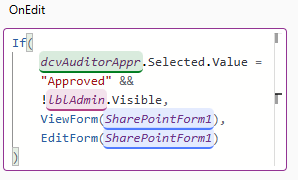
A: For simple forms, yes. But the moment a SharePoint form needs dynamic behavior, Power Apps shifts from configuration to programming: conditional defaults, visibility, validation, and permissions all require Power Fx formulas. Formula-based development is still software development.
Q: What does a simple business rule look like in Power Apps versus Ultimate Forms?
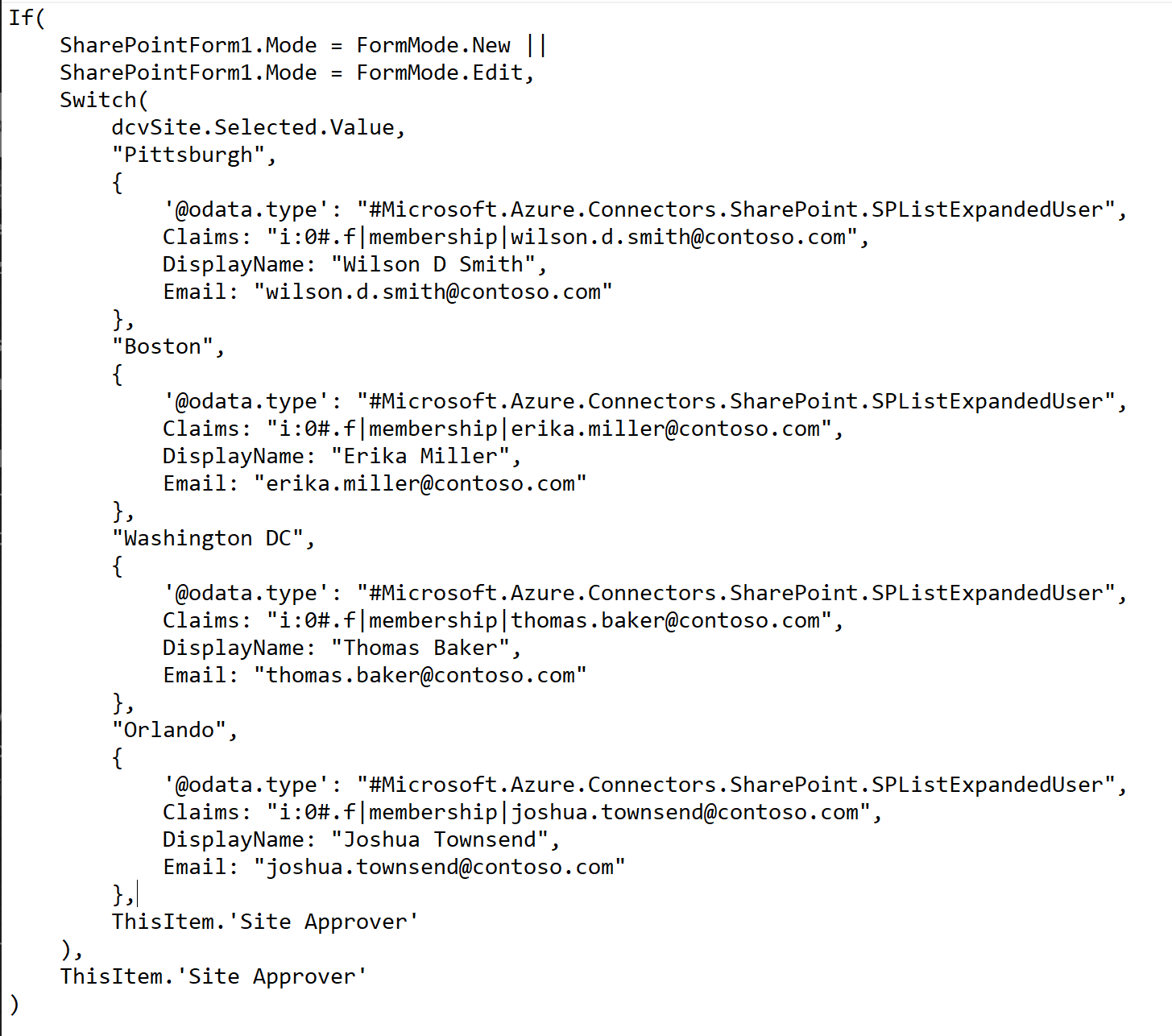
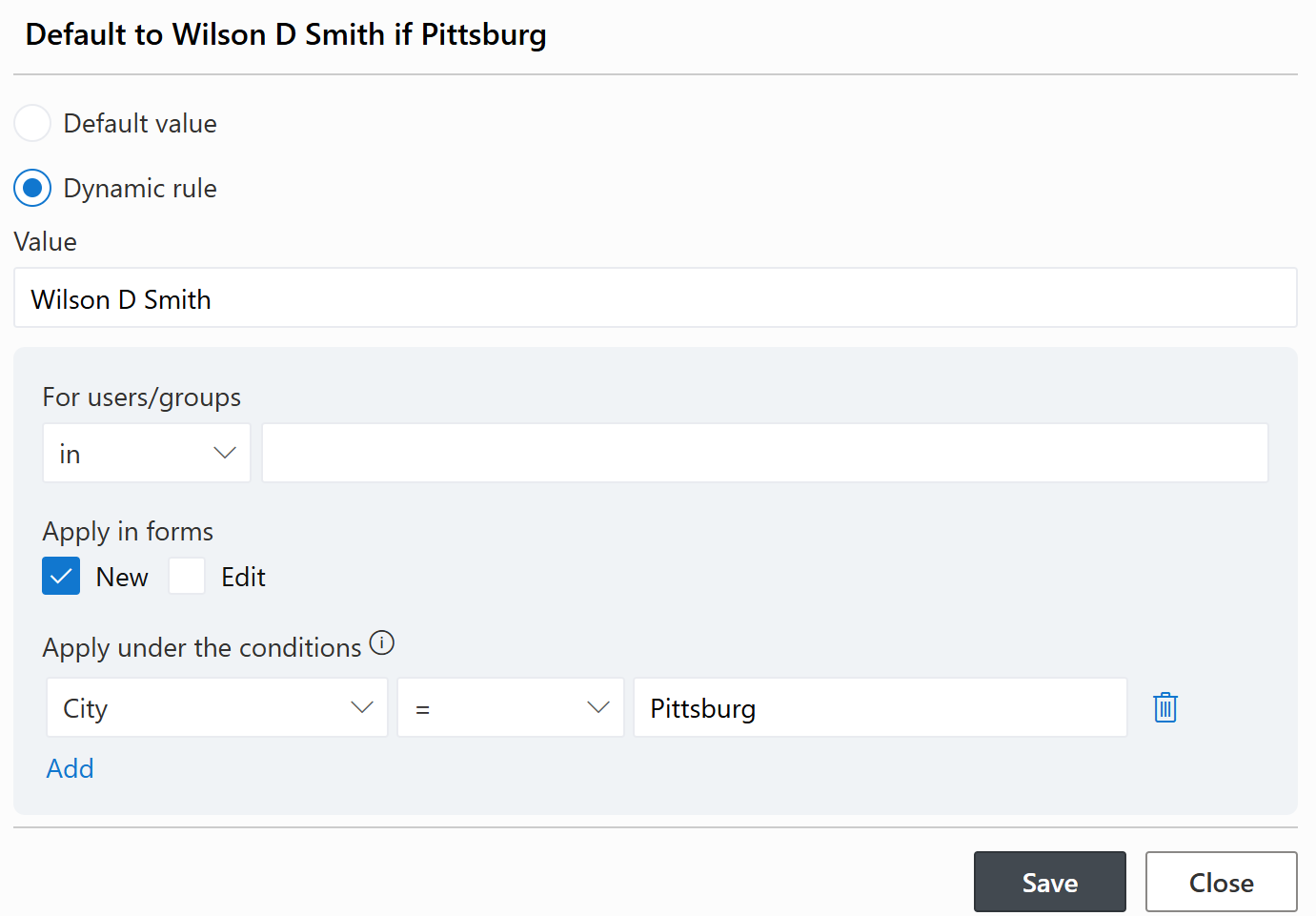
A: Defaulting an approver based on four cities took 37 lines of Power Fx code in Power Apps, including SharePoint Person object construction, OData metadata, and claims strings. In Ultimate Forms, the same rule is one configured line per city: when City equals Pittsburgh, default the Site Approver to the named person.
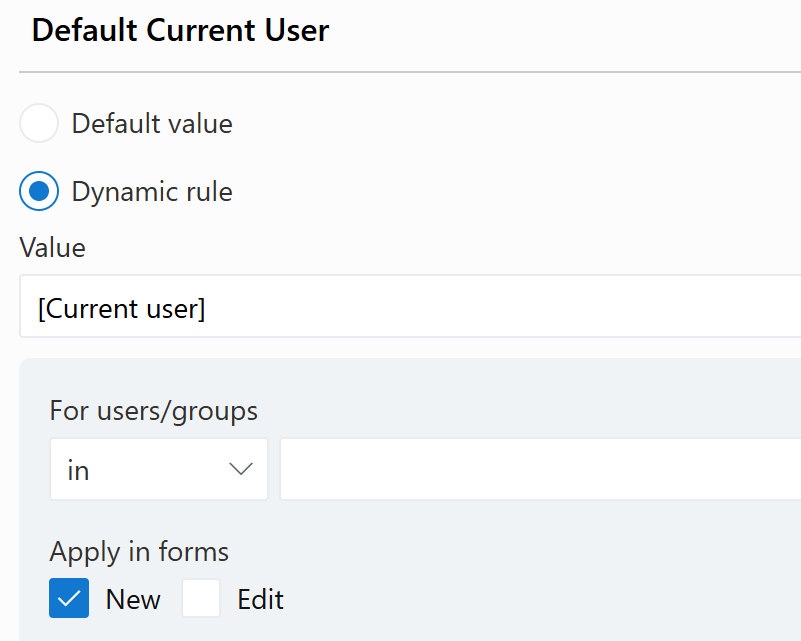
Q: How do I automatically fill in the current user on a new form?
A: In Ultimate Forms, a dynamic rule: select Current User as the default value and apply the rule to new forms only. No formulas. In Power Apps, the same requirement means writing a Power Fx formula that builds a complete SharePoint Person object with claims formatting, display name, and email properties.
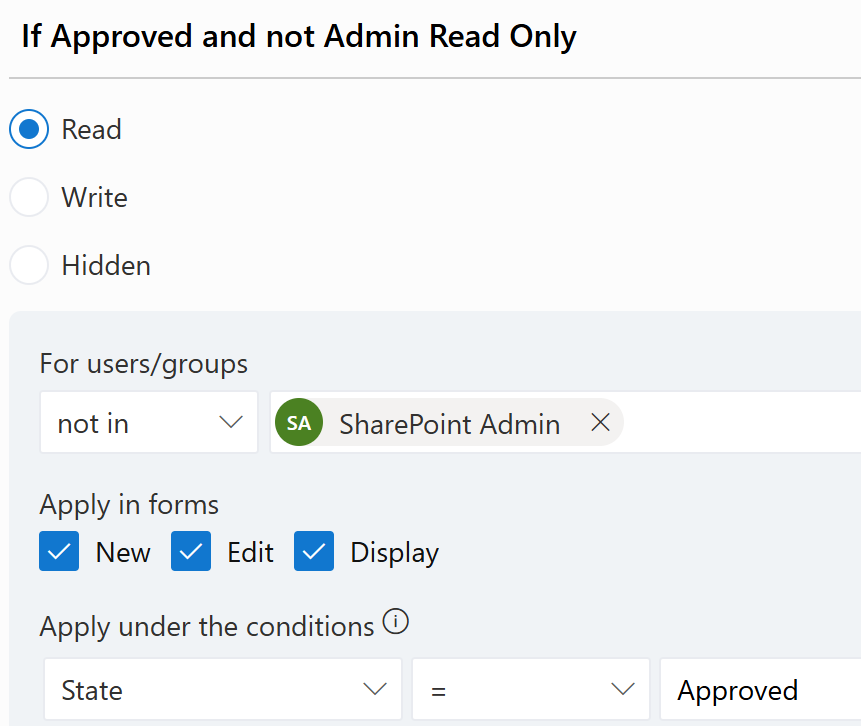
Q: Can I make a form read-only after approval without code?
A: Yes. An Ultimate Forms permission rule states it directly: users who are not in the Admin group receive Read permissions whenever State equals Approved. Power Apps requires a Power Fx expression that evaluates the status, checks the user, and programmatically switches the form between View and Edit modes.
Q: Why do Power Apps solutions become hard to maintain?
A: Every control exposes dozens of formula-driven properties: Visible, DisplayMode, Default, Items, Required, OnChange, and more. Business logic ends up scattered across hundreds of properties on dozens of controls, so understanding the app means inspecting property after property to find where a behavior lives.
Q: How does Ultimate Forms organize the same logic?
A: As named configuration rules on dedicated screens: default value rules, visibility rules, validation rules, permission rules, and formatting rules. Anyone reviewing the configuration can read the business intent directly, without opening a single formula.
Q: Isn't writing formulas different from programming?
A: No. Programming is expressing logic in a language a computer executes, whatever the syntax. Whether it's C#, JavaScript, Excel formulas, or Power Fx, the person is still writing executable logic, debugging expressions, and tracing dependencies.
Q: Do I need to learn a programming language to build dynamic SharePoint forms with Ultimate Forms?
A: No. Every dynamic behavior is configured through business rules in Form Designer: define the condition, choose the action, and the software handles the technical implementation. No SharePoint internals, no claims strings, no object construction.
Q: Is Power Apps ever the right tool?
A: Yes. It is a capable application platform, and organizations with experienced developers can build sophisticated solutions with it. The myth is not that Power Apps is weak; it is that building dynamic SharePoint forms there is low-code. For administrators who want business rules without programming, that is what Ultimate Forms delivers.
Loading...
Add your comment
Comments are not meant for support. If you experiencing an issue, please open a support request.
Reply to: from
Administration
Vladi Gubler | July 17, 2024
Ultimate Forms enables you to configure and execute a variety of improvements and extensions to your SharePoint, allowing you to build sophisticated business solutions directly in your browser. To accomplish that in SharePoint Online, we require access permissions to your SharePoint sites, to be able to work with data, configure your lists or...
Administration
Will Cooper | July 29, 2026
I've been a dedicated SharePoint consultant for more than 12 years. During that time I have been focused on building all kinds of solutions in SharePoint. Over the years I have built thousands of SharePoint forms. Over that time, many changes have happened in the SharePoint space, but some things have not changed at all. Forms and workflow are at...
Administration
Vladi Gubler | September 02, 2025
Introduction: The Power—and Pain—of Replicable Solutions
Building business applications in SharePoint often involves crafting lists, forms, logic, branding, permissions, and automation. Ideally, once you design a process—like a help desk, leave request system, or project tracker—you’d want to reuse it without reinventing the wheel.
While...
Popular Solution Templates
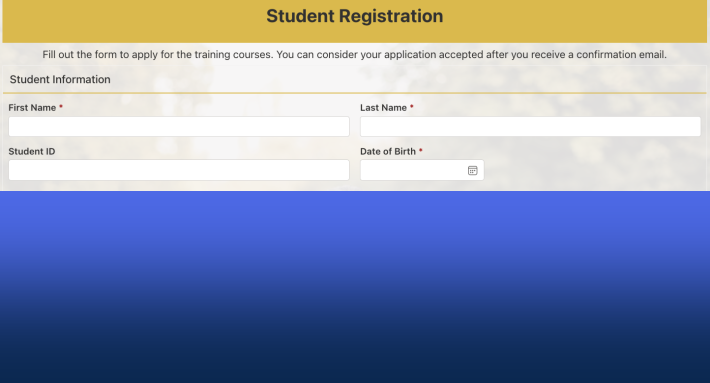
Manage student registrations, course selections, and student records in a centralized, easy-to-use platform
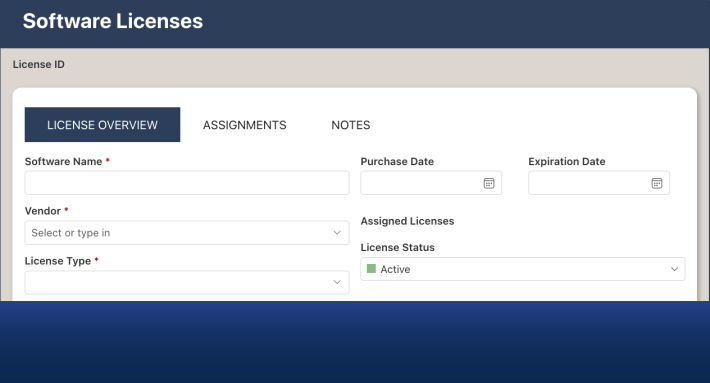
Track software licenses, assignments, and expiration dates.



