Data visualization makes your SharePoint sites more impactful for your users.
Conditional formatting, icons, progress bars, key performance indicators, count down timers and charts are powerful ways to make your site stand out.
In our presentation, we’ll show how to easily implement these features with Infowise Ultimate Forms with no programming required.
We’ll cover these topics:
- Show progress with a colored progress bars
- Grab attention with KPI flags to show “good” and “bad” conditions
- Add in a chart to help users see overall status
- Make your boring SharePoint choice field stand out with icons or colored backgrounds
- Set a dynamic countdown timer to show time until deadline
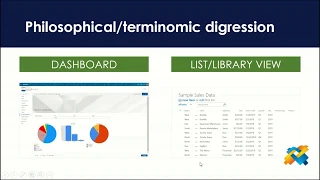
Please join us as show some great looking dashboards that change your boring SharePoint list view to a visually compelling dashboard.
At Infowise, we serve as your strategic partner, assisting in your digital transformation. Ultimate Forms contains a wide array of SharePoint components, developed to give you the power to innovate, automate, and scale up your processes. Ultimate Forms helps you create amazing, advanced business solutions based on your SharePoint lists and document libraries, using nothing but your browser! Anything from simple Leave Request or Expense Report and all the way to complex Help Desk or Project Management solutions can be built in minutes, without writing a single line of code.



