When using a mutli-line text field on our forms the normal plain text settings have and additional AI feature which allows for some graet options.
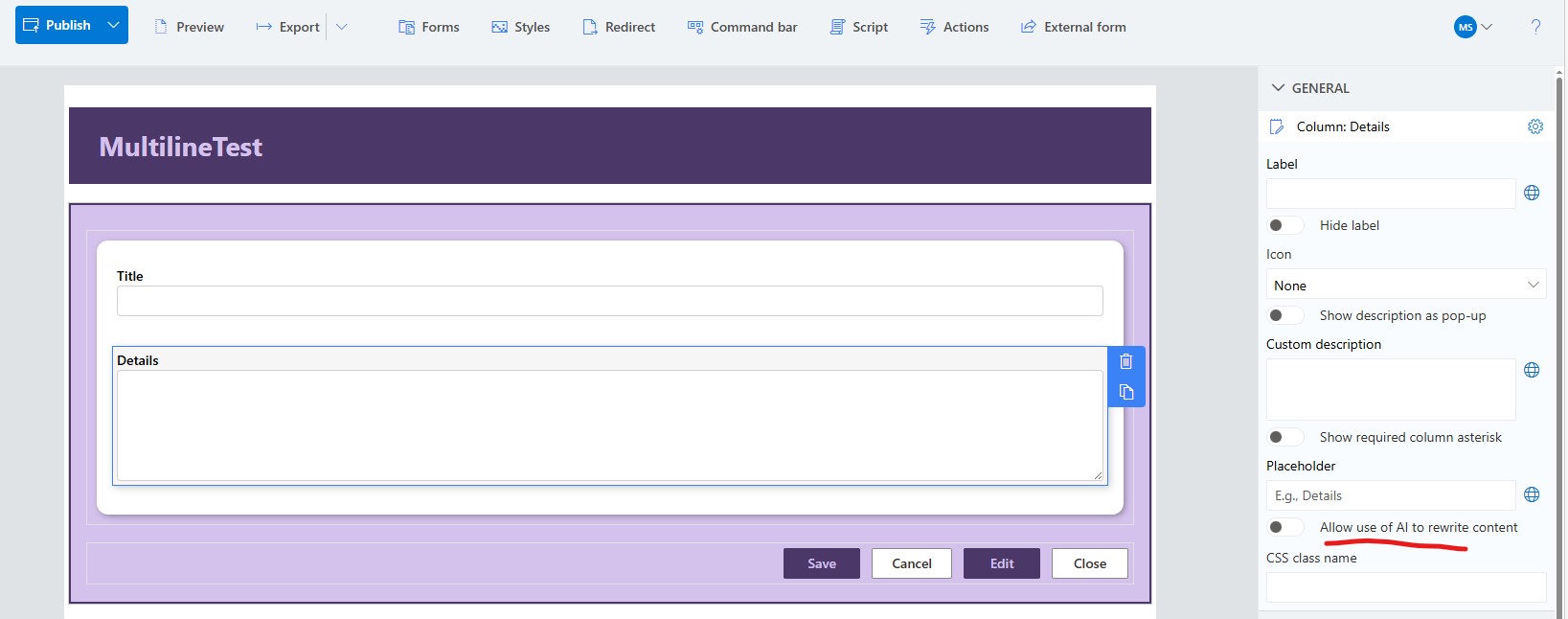
However, when we switch this field to use Rich text, we get the addition of using a rich text editor along with the AI features.
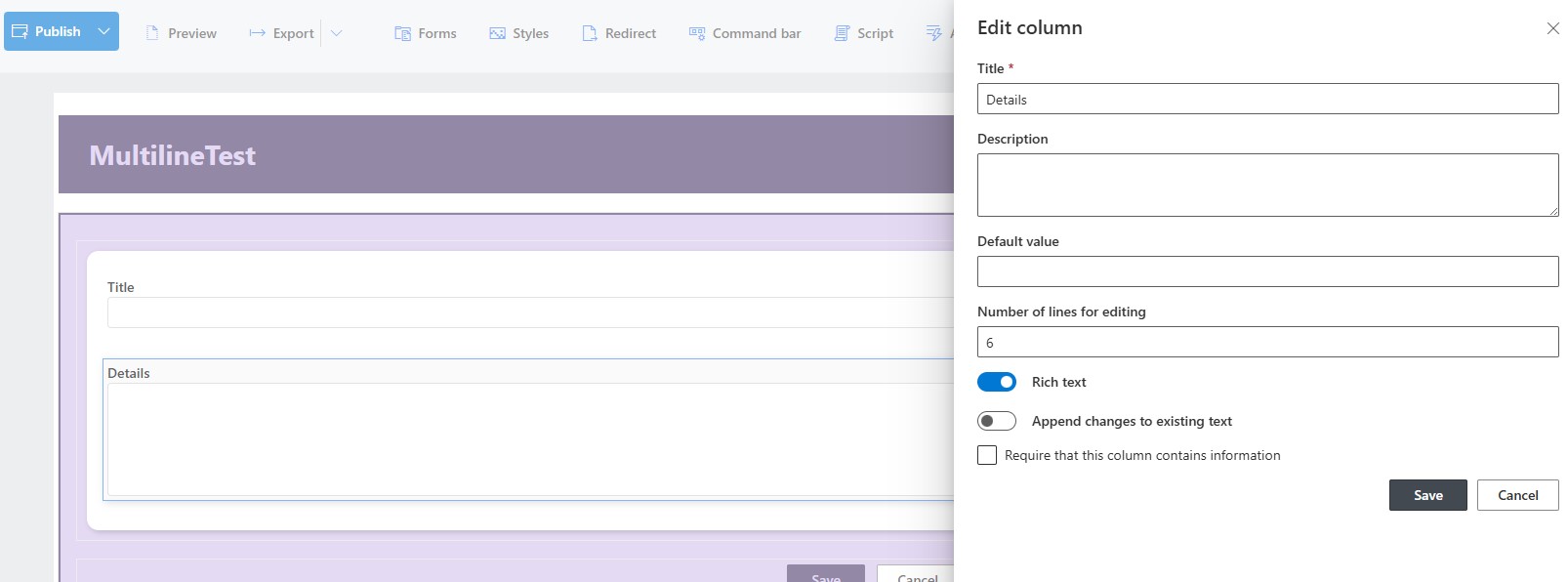
There are some other features that come with this rich text option.
Image Embedding
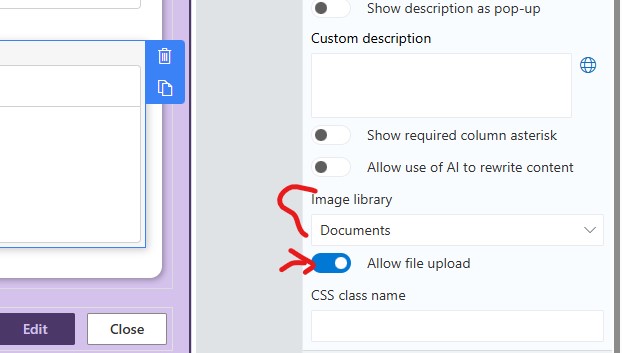
Image Library- This option allows you to set the library where images will be stored on a rich text when you cut and paste or drag and drop an image from your source to the rich textt mulit-line text field. The application will load the image and store it in the library you define here. Note: the image will be stored in a unique defined folder in the libray so you may want to create a library specifically for this option.
Hyperlink Controls
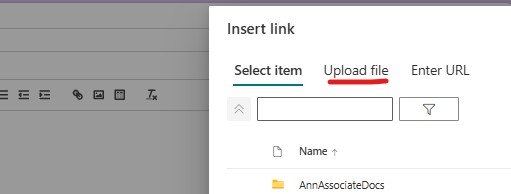
Allow file uploads - this option when switched off will stop your users from uploading a file to a library.
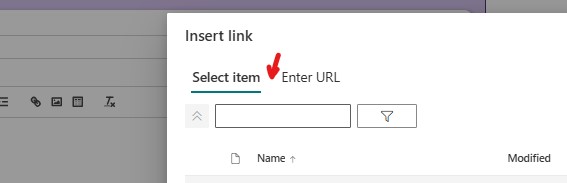
When it is switched on the hyperlink tool will allow the user to upload documents to a library and set a hyperlink to it in the multi-line text.
Add your comment



