This control gives provides a means to add user comments to our infowise forms it works the same as the built-in comments pane found in SharePoint lists views.
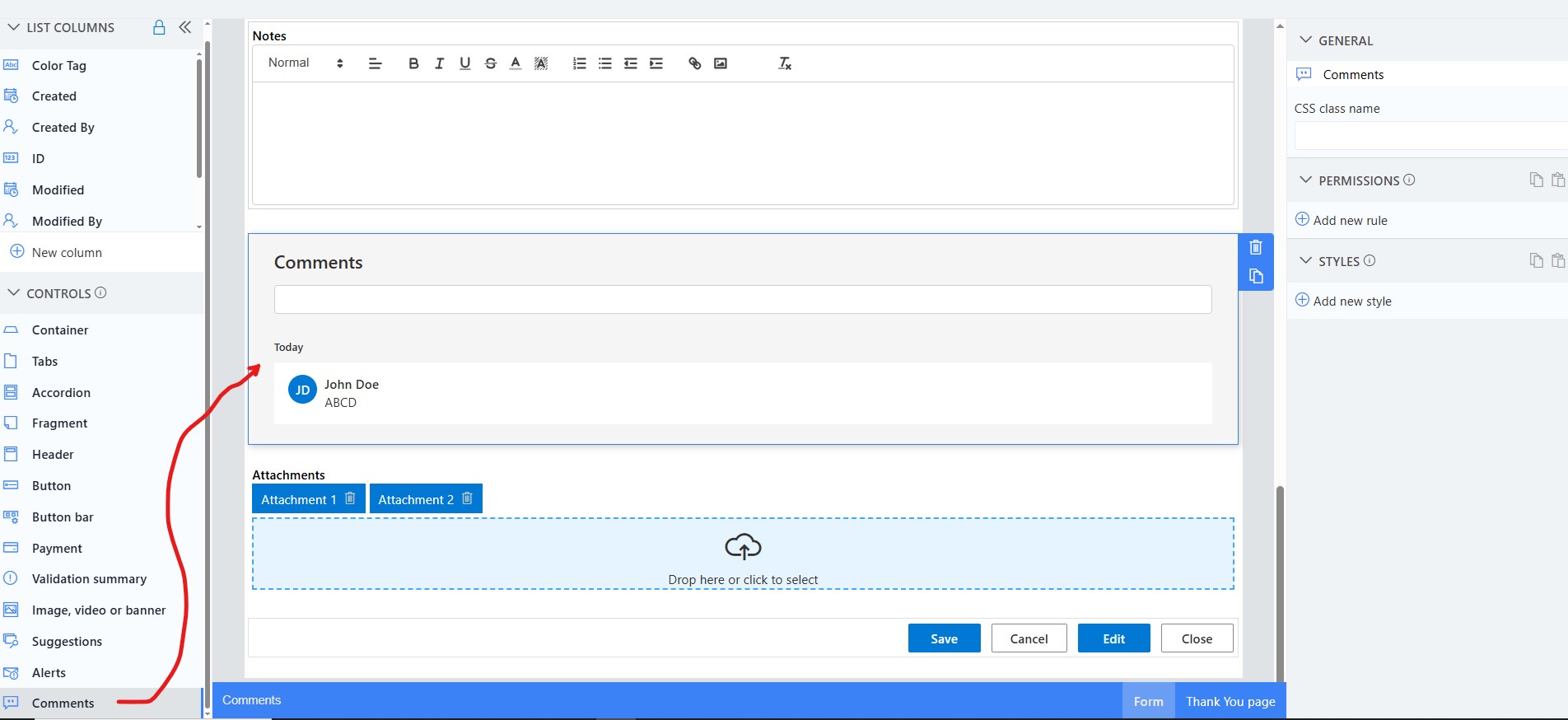
When usign this control it is generally recommended to use a container in a 2:1 split mode, placing the whole form on the left and the comments control on the right. This gives a look and feel that matches what you see in SharePoint modern list view pages
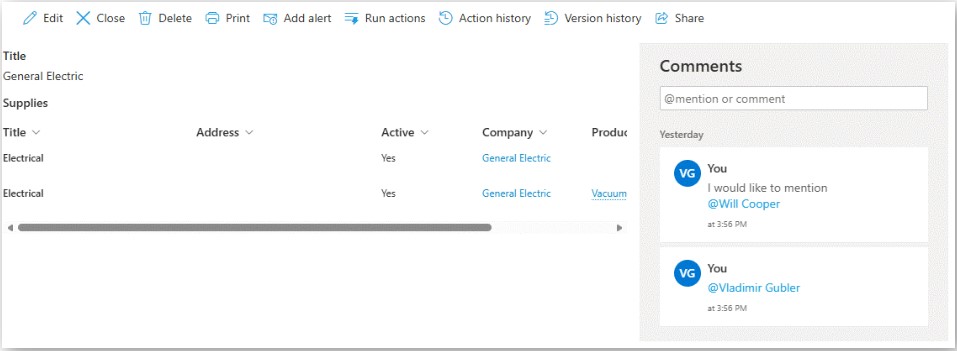
But you can design the control on your form to suit your needs.
Get helpful videos
Last modified: 1/9/2026 3:23 PM
Loading...
Add your comment
Comments are not meant for support. If you experiencing an issue, please open a support request.
Reply to: from



© 2005-2026 Infowise Solutions Ltd. All rights reserved.