Phone Friendly SharePoint Forms
Modern work increasingly happens away from a desk. Employees collect information in the field, customers submit requests from their phones, and staff often need to record information quickly while walking through facilities or interacting with visitors. In these situations, traditional desktop-style forms can become a barrier. Small screens, complex layouts, and login requirements can make data collection slow or frustrating. Phone-friendly SharePoint forms solve this problem by adapting automatically to mobile devices and allowing information to be submitted easily from anywhere. Using Infowise Ultimate Forms, organizations can create responsive forms that work seamlessly on phones while still storing the data directly in SharePoint lists. The following seven examples illustrate some of the most practical and widely applicable mobile form solutions that organizations can deploy.
Front Desk Check-in System
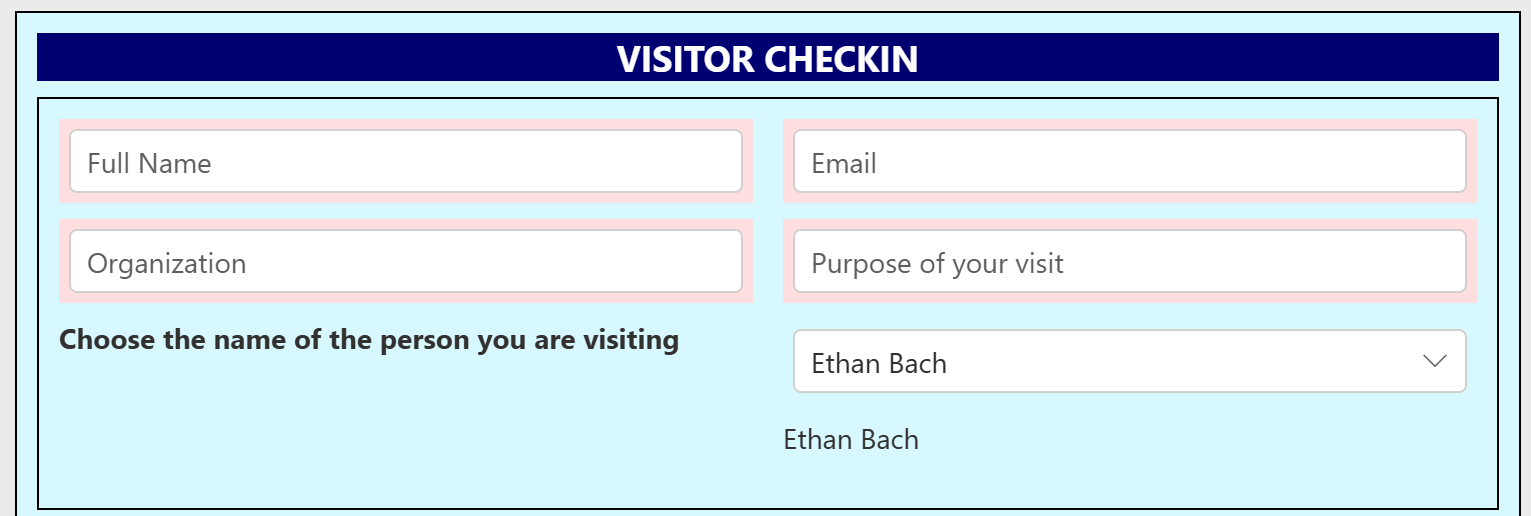
One of the most common and impactful mobile solutions is a Front Desk Check-in System. Many organizations need a quick and reliable way for visitors, contractors, or guests to check in when they arrive. With a phone-friendly SharePoint form, visitors can enter their name, company, reason for visit, and host contact information directly from a mobile device or a tablet kiosk. This information can automatically trigger notifications to the employee being visited and record the visit in a SharePoint log. Because the form is mobile-optimized, the check-in process is fast and intuitive even for first-time users. Organizations gain a clear record of who is on site while eliminating paper logs and manual tracking. You can see a full example of this approach in the Front Desk Check-in System for SharePoint.
Customer Support Requests
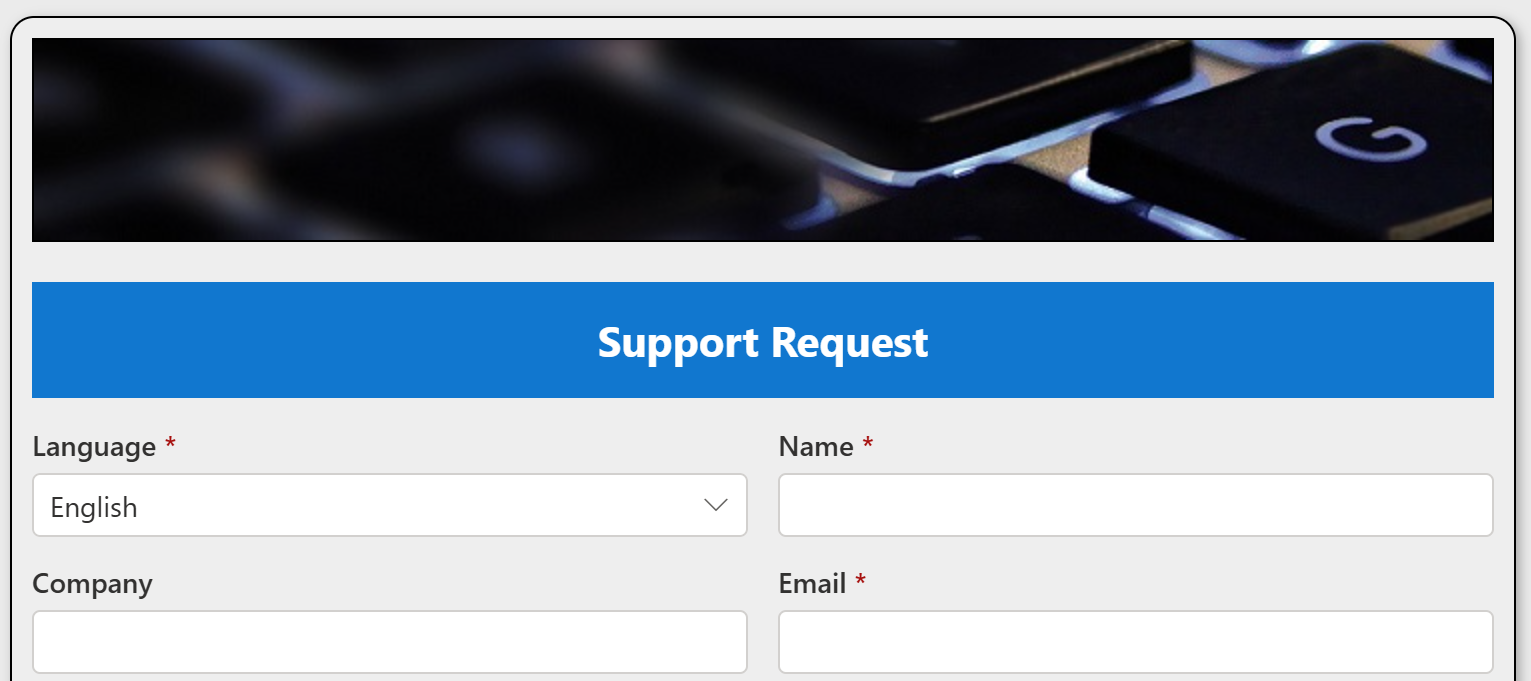
Another powerful use case is Customer Support Intake Forms. Many support requests occur when employees or customers are away from their desks and need to report an issue immediately. A phone-friendly SharePoint support form allows users to submit problems quickly from their mobile device, including photos, descriptions, and priority levels. These submissions are automatically recorded in SharePoint and can trigger workflows, notifications, or escalation processes. Support teams benefit from structured data instead of scattered emails, while users benefit from a fast and simple way to request help. Mobile-optimized layouts ensure the form fields are easy to complete on a small screen. An example of this type of solution is shown in the Customer Support Solution in SharePoint webinar.
Order Forms
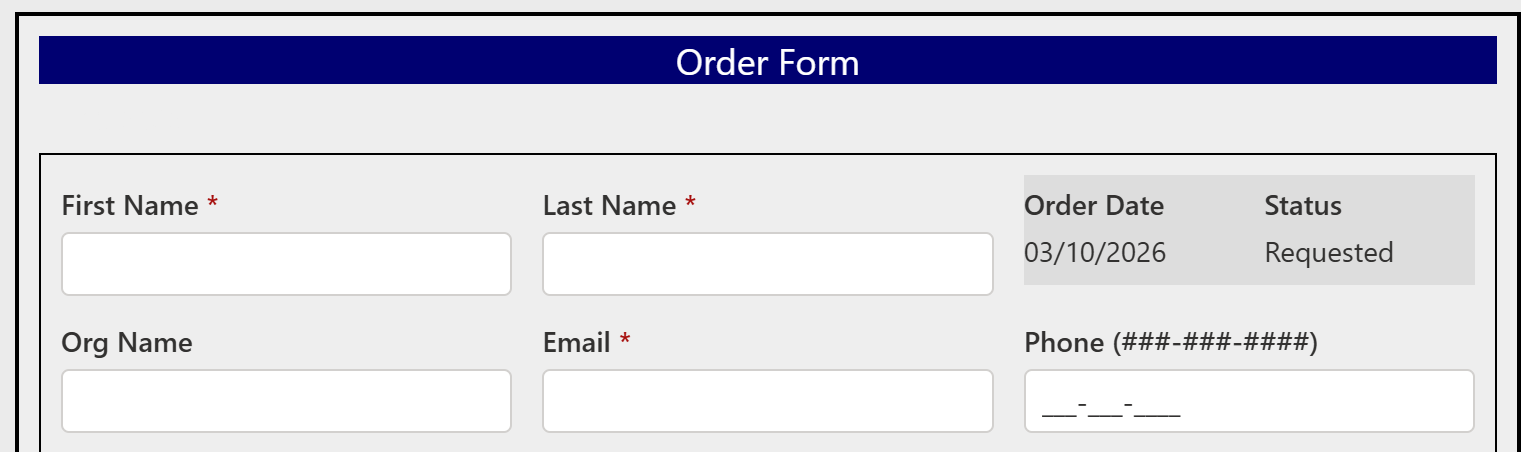
Order Forms are another area where mobile access dramatically improves usability. Employees often need to request supplies, equipment, or internal services while working away from their desks. A mobile-friendly order form allows users to quickly select items, specify quantities, and submit requests directly from their phone. The form can include dropdown lists, product selections, and automated calculations while still remaining simple to use on a mobile device. Once submitted, the order information is stored in SharePoint and can initiate approval workflows, inventory updates, or purchasing processes. This eliminates informal ordering methods such as emails or phone calls and ensures every request follows a consistent workflow. A detailed example can be seen in the Order Form Solution for SharePoint.
Expense Tracking
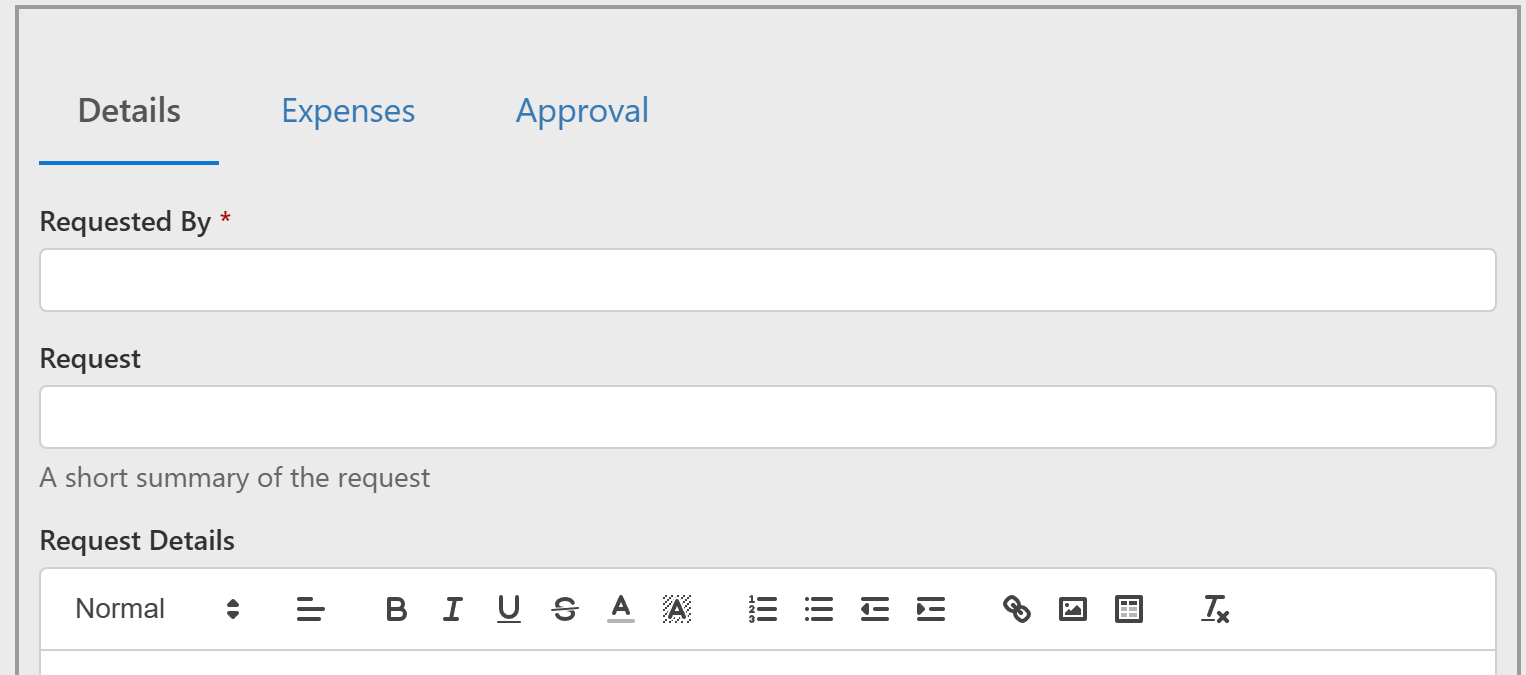
Mobile forms are also extremely effective for Expense Tracking. Employees frequently incur expenses while traveling or working off-site, and waiting until they return to a computer often leads to delays or incomplete reports. A phone-friendly SharePoint expense form allows users to submit expenses immediately while the information is still fresh. They can enter amounts, select expense categories, and even attach photos of receipts directly from their phone camera. The data is stored in SharePoint and can automatically trigger approval processes or reimbursement workflows. This significantly reduces administrative overhead and improves the accuracy of expense reporting. A practical demonstration of this approach can be found in the Mobile Expense Reports for SharePoint webinar.
Inspections Forms
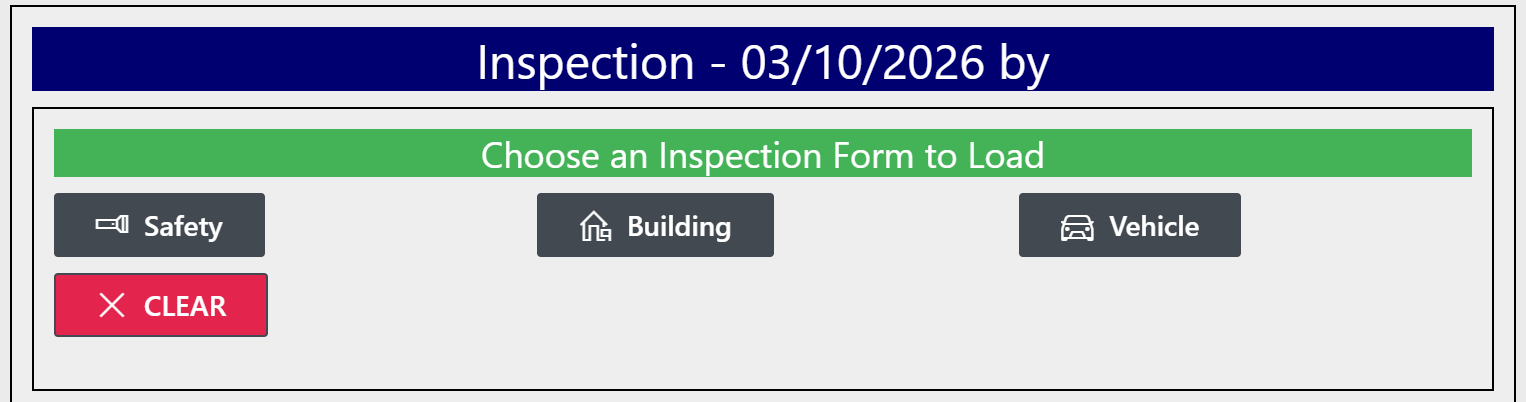
Inspection Forms are another ideal candidate for mobile-first design. Many industries rely on inspections to ensure safety, compliance, or quality control. Whether inspecting equipment, facilities, vehicles, or construction sites, inspectors often walk through locations with a phone or tablet in hand. A mobile-optimized SharePoint inspection form allows them to record results, check off required items, add notes, and attach photos while performing the inspection. Because the form adapts to phone screens, inspectors can complete the process efficiently without struggling with complex layouts. The collected data becomes instantly available in SharePoint for reporting, analysis, and follow-up actions. You can explore this scenario in the Manage Inspections in SharePoint webinar.
Asset Tracking
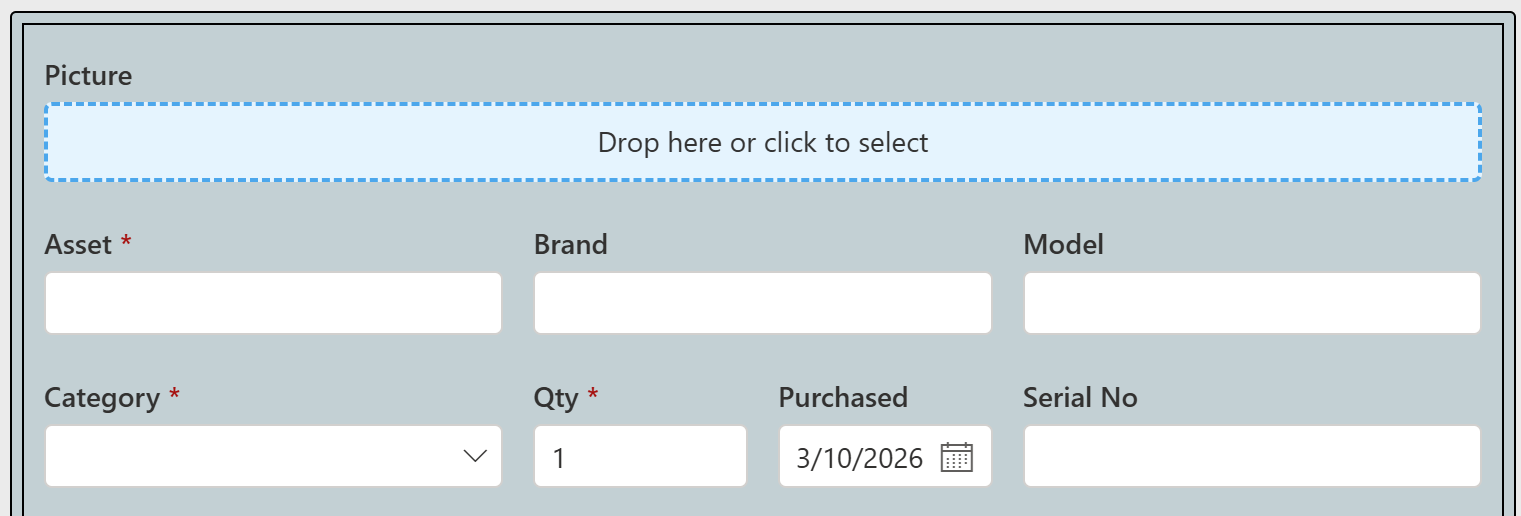
Asset Tracking is another scenario where mobile forms dramatically improve data accuracy and efficiency. Organizations frequently manage equipment, devices, tools, or other assets that move between locations or employees. With a phone-friendly SharePoint form, staff can quickly update asset information while physically interacting with the item. Many organizations combine this with QR codes or barcode scanning so users can scan the asset and instantly open the correct form record. They can then update the asset status, location, condition, or assignment directly from their phone. This approach eliminates outdated spreadsheets and manual tracking while ensuring that asset information remains current. A full demonstration of this concept is available in the Asset Tracking Solution in SharePoint webinar.
Reservation System

Finally, Reservation Systems benefit greatly from mobile accessibility. Organizations often need a way to reserve rooms, equipment, vehicles, or other shared resources. A mobile-friendly SharePoint reservation form allows users to quickly check availability and submit reservation requests directly from their phone. This is particularly useful when employees are walking through a facility and need to reserve a room immediately or when staff are scheduling resources while away from their desk. The reservation details can be stored in SharePoint, integrated with calendars, and validated to prevent scheduling conflicts. Because the form layout adapts to mobile screens, users can complete reservations in seconds. You can see an example of this solution in the Reservation System in SharePoint webinar.
Mobile Friendly SharePoint Forms for the Win
Phone-friendly SharePoint forms significantly expand the usefulness of SharePoint beyond the traditional desktop environment. When forms are designed to work smoothly on mobile devices, organizations can collect information at the moment it is created rather than waiting for users to return to a computer. This improves data accuracy, speeds up workflows, and makes systems far easier for employees and customers to use. Solutions such as visitor check-in, customer support intake, order requests, expense reporting, inspections, asset tracking, and reservation systems demonstrate how mobile forms can streamline everyday business processes. By building responsive forms that automatically adapt to phones, organizations can transform SharePoint into a practical tool for real-world, mobile data collection.
Add your comment