The seven deadly sins of SharePoint are: tracking spreadsheets, email approvals, tribal knowledge, unstructured lists, manual notifications, no status visibility, and copy-paste processes. Most tenants commit at least three.
How Good Intentions Become Bad Processes
Every organization starts with good intentions. A simple spreadsheet becomes a tracking system. An email chain becomes an approval process. A manager keeps critical knowledge in their head because "everyone knows how it works." Over time, these shortcuts evolve into habits, and those habits become the source of delays, confusion, missed deadlines, and frustrated employees. In the world of SharePoint business process management, there are a handful of mistakes that appear again and again regardless of industry, company size, or department. We call them the Seven Deadly Sins of SharePoint. If you recognize your organization in any of the examples below, don't worry, you are not alone. More importantly, every one of these sins can be cured with the right combination of process design, automation, visibility, and accountability. Ultimate Forms has the tools to help you out.
1. The Sin of Spreadsheet Worship

Spreadsheets are one of the most useful tools ever created, but they were never designed to run business processes. Yet organizations everywhere rely on Excel to manage employee onboarding, project requests, equipment tracking, approvals, training records, and countless other critical activities. The problem begins when multiple people need to update the same file, deadlines need to be tracked, approvals need to be documented, or management wants visibility into progress. Soon there are multiple versions of the spreadsheet, conflicting information, missing updates, and no clear accountability. What started as a simple solution becomes a fragile system held together by email attachments and good intentions. If your most important business process lives in a spreadsheet, you may be guilty of Spreadsheet Worship.
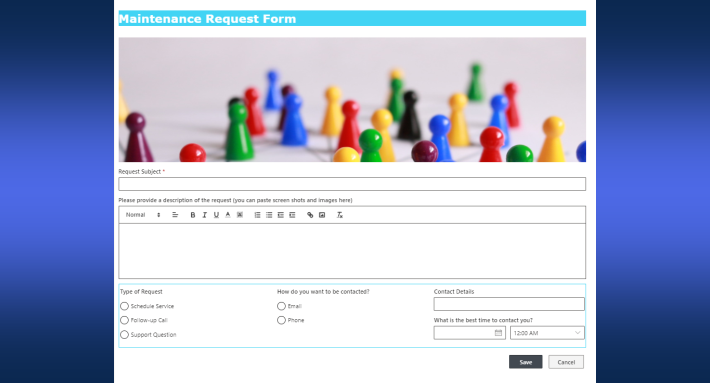
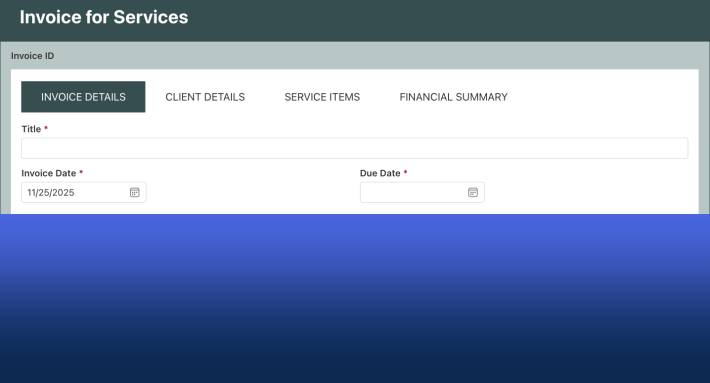
Add custom forms to your SharePoint list and establish a centralized shared workspace where your team will be able to collaborate and communicate effectively.
2. The Sin of Approval Bottlenecks
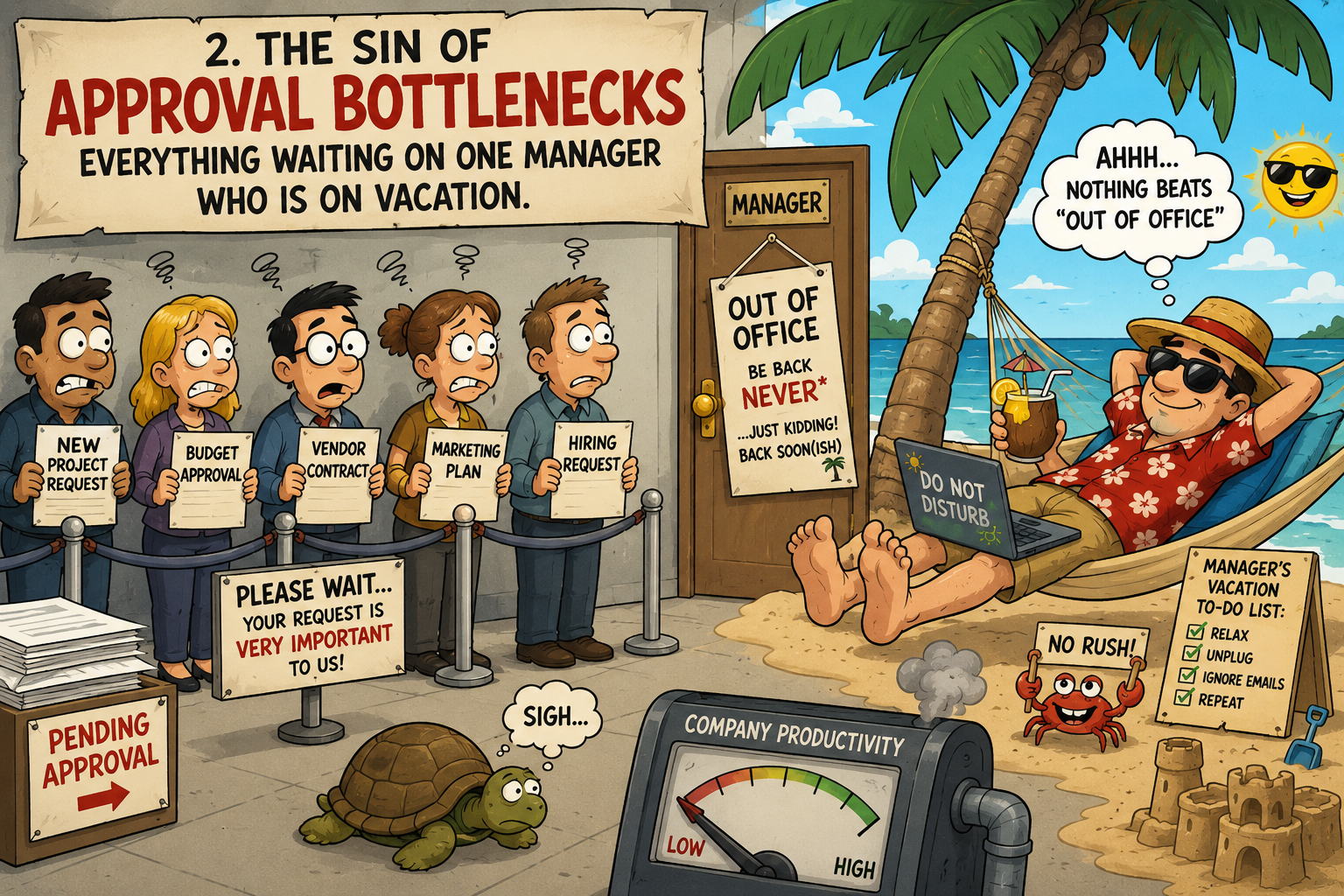
Approval bottlenecks occur when an entire business process depends on a single person taking action. A purchase request, contract review, onboarding task, or policy approval may sit untouched for days simply because the designated approver is out of the office, overwhelmed with other responsibilities, or unaware that their input is needed. The result is frustrated employees, delayed projects, and endless follow-up emails asking for status updates. Modern approval systems should be designed to prevent these bottlenecks. Using the Ultimate Forms Approval System allows approvals to be assigned to multiple approvers, SharePoint groups, or dynamic users while also providing automated notifications, reminders, and backup approver strategies. By reducing dependence on a single individual and keeping approvers informed, organizations can keep work moving even when key personnel are unavailable.
3. The Sin of Duplicate Data Entry
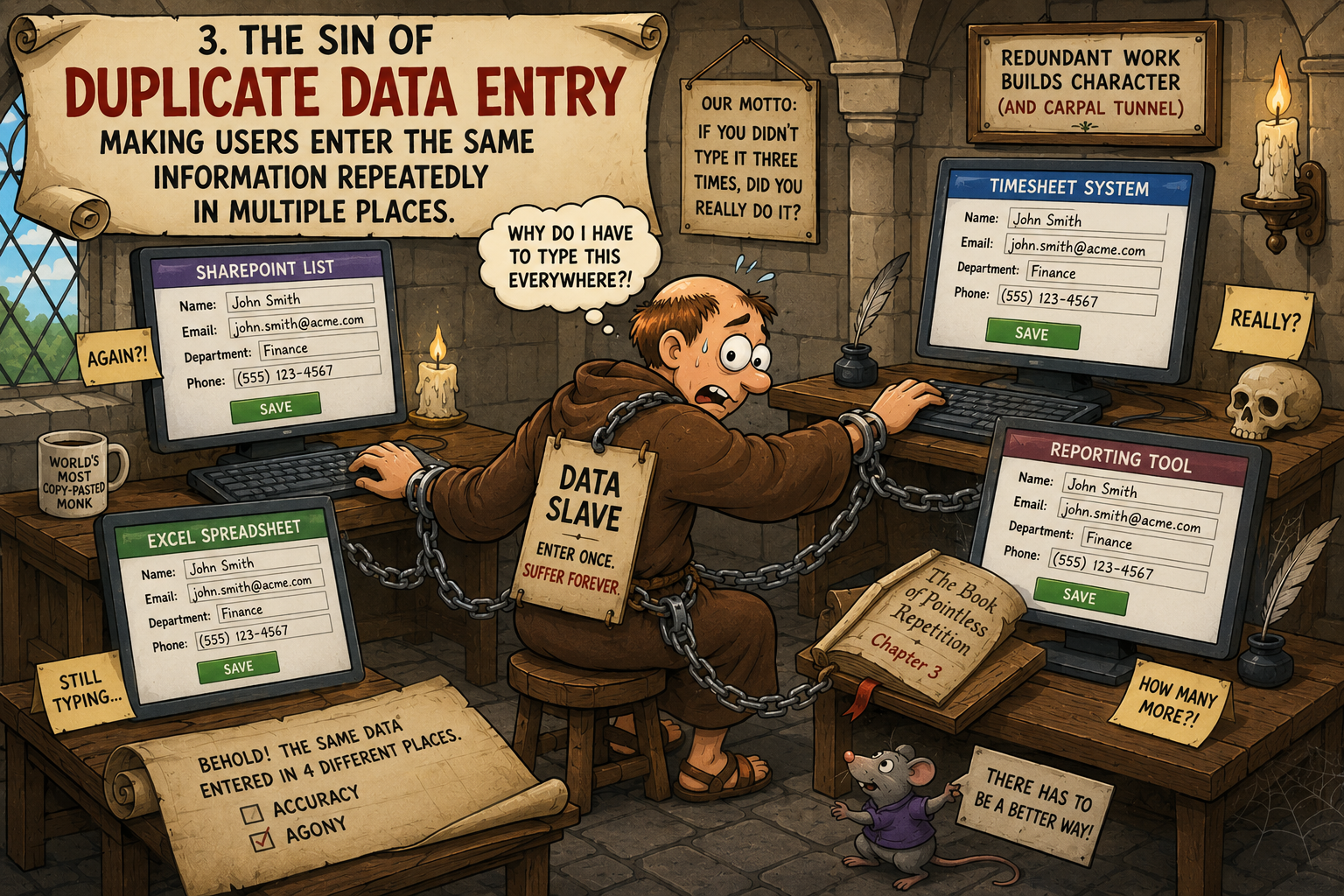
Duplicate data entry is one of the most common sources of user frustration and bad data. Employees are often forced to enter the same customer, employee, project, or department information into multiple forms and lists, creating unnecessary work and increasing the risk of errors. Ultimate Forms solves this problem with its Cross-Site Lookup feature, allowing forms to retrieve information directly from centralized SharePoint lists anywhere in your environment. Instead of maintaining multiple copies of the same data, users simply select existing records and automatically populate related information, improving accuracy, consistency, and efficiency across your entire SharePoint solution.
4. The Sin of Onboarding Amnesia
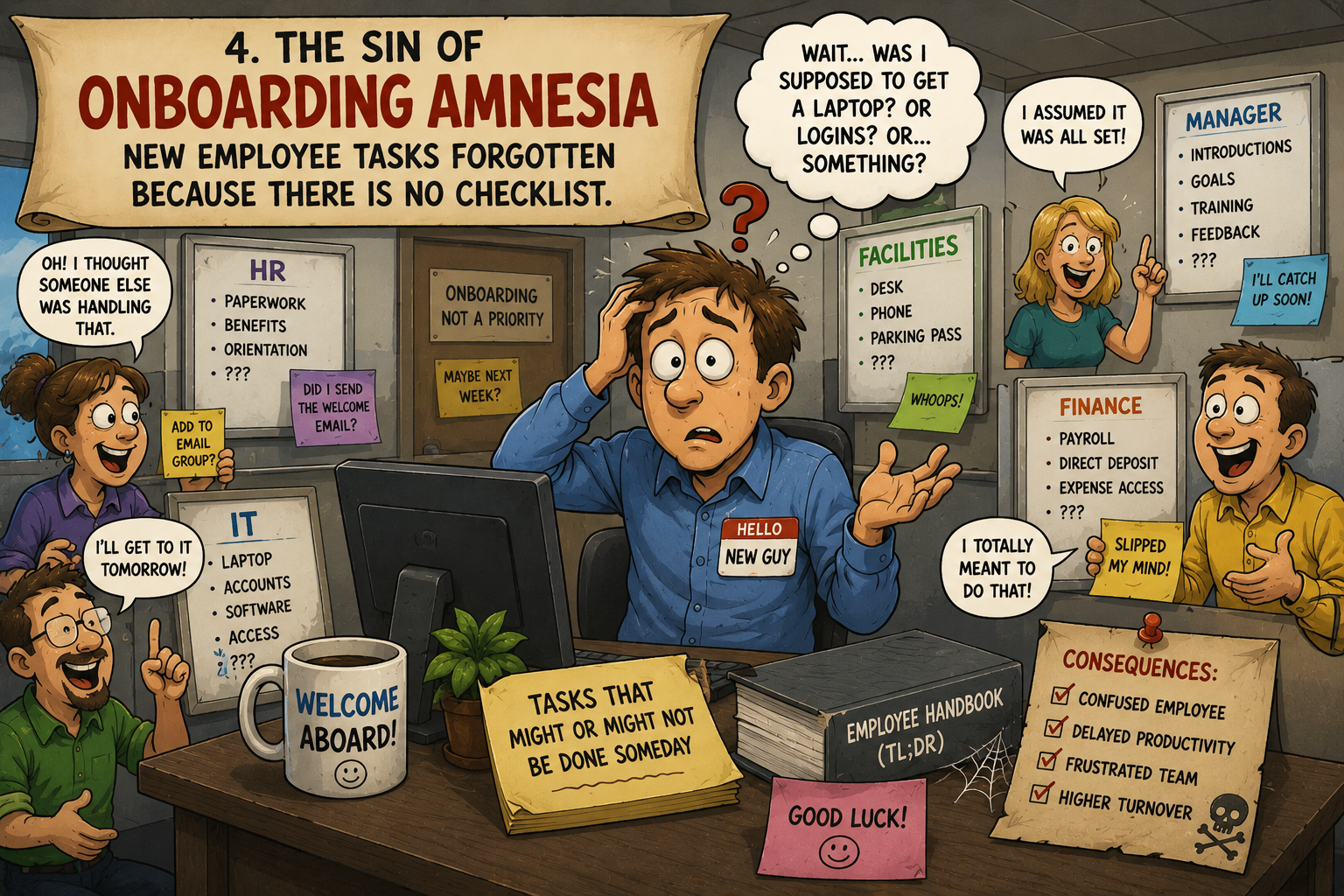
Employee onboarding often relies on emails, spreadsheets, and good intentions, which is why critical tasks are so frequently forgotten. A laptop is never ordered, payroll paperwork is delayed, training assignments are missed, or a manager assumes someone else handled a required step. The Ultimate Forms New Employee Onboarding solution template eliminates this problem by automatically creating onboarding tasks, assigning responsibilities across departments, distributing required documents, sending reminders, and tracking progress from a centralized dashboard. Instead of relying on memory, every onboarding activity is tracked and visible, ensuring that new employees receive a consistent and organized onboarding experience.
5. The Sin of Missing Deadlines
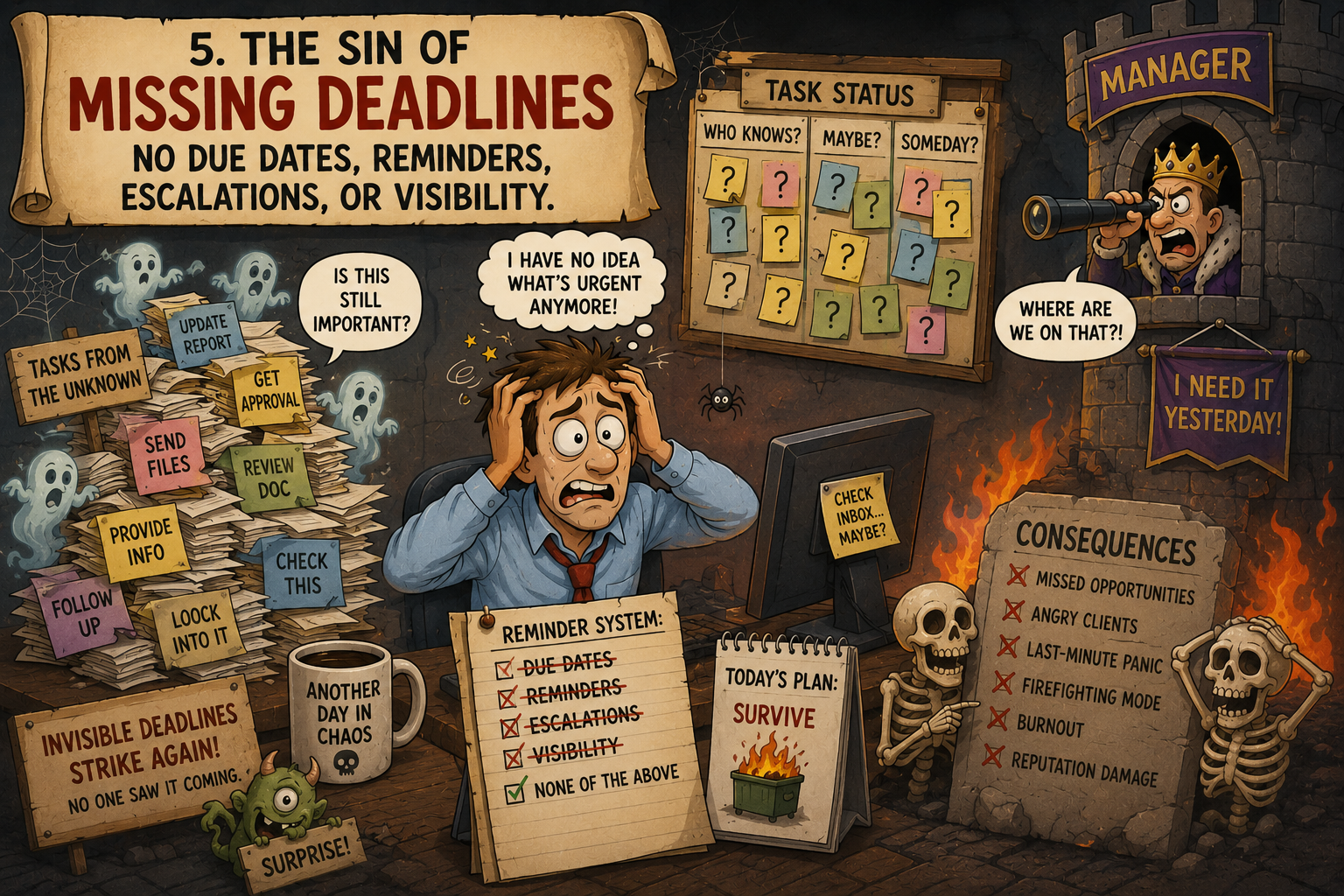
Missing deadlines are rarely caused by employees intentionally ignoring their responsibilities. More often, tasks simply become buried in busy inboxes, forgotten after meetings, or overlooked because nobody is actively tracking them. Ultimate Forms helps eliminate missed deadlines through automated email alerts, reminders, and notifications that keep users informed about upcoming and overdue tasks. Combined with KPI indicators, color-coded status displays, and visual dashboards, managers can quickly identify work that is falling behind before it becomes a larger problem. Instead of discovering missed deadlines after the fact, organizations gain the visibility and accountability needed to keep processes moving forward.
6. The Sin of Tribal Knowledge
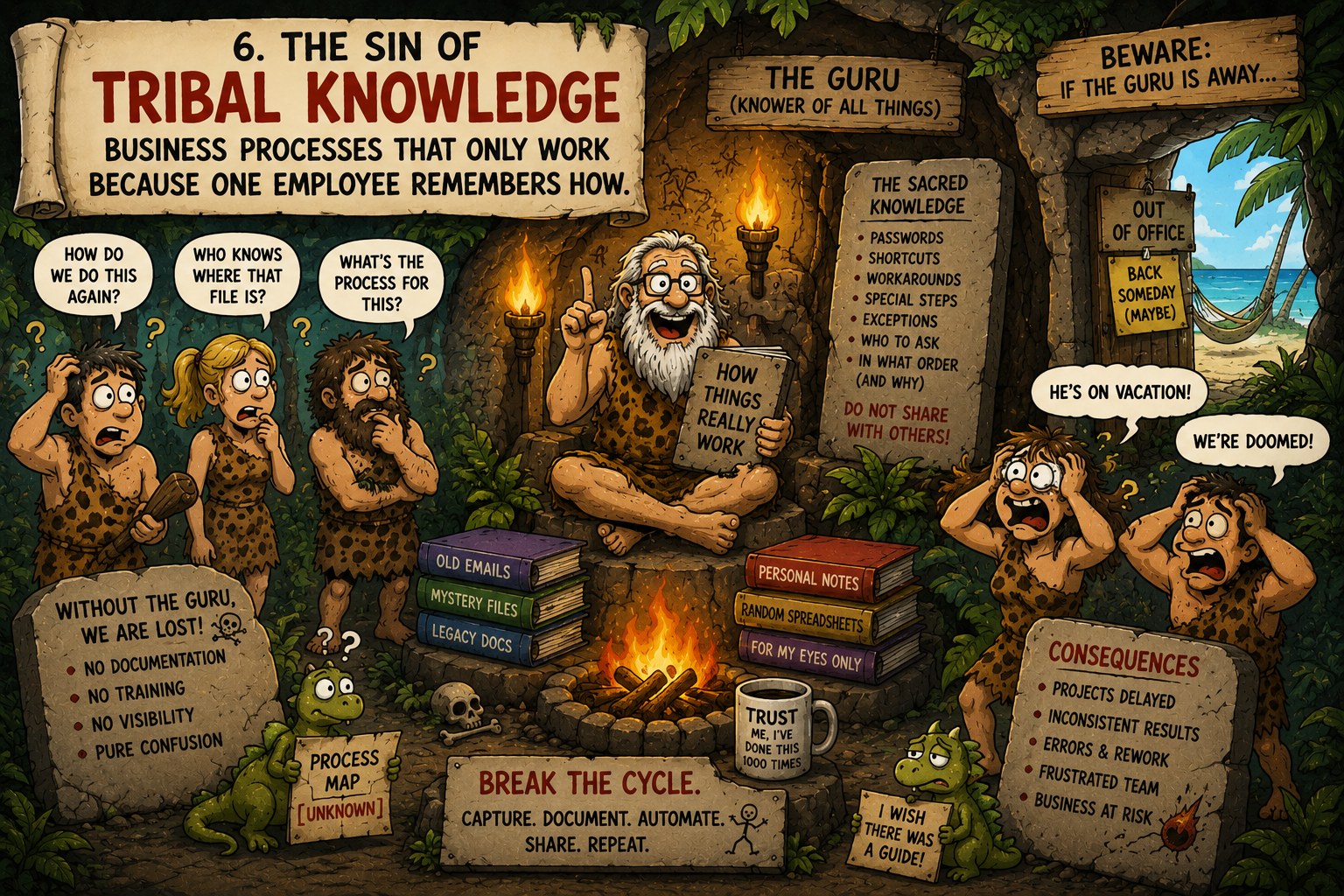
Tribal knowledge occurs when a business process only works because one experienced employee knows the unwritten rules, remembers special exceptions, and understands which information needs to be collected. When that person is unavailable, retires, or changes roles, the process often breaks down. Ultimate Forms helps eliminate tribal knowledge by replacing informal procedures with structured custom forms that guide users through the process. Required fields, conditional logic, validation rules, instructions, and automated workflows ensure that important information is captured consistently every time. Instead of relying on a single person's memory, organizations can embed their business knowledge directly into the form itself, making processes easier to follow, train, and maintain.
7. The Sin of Dashboard Blindness
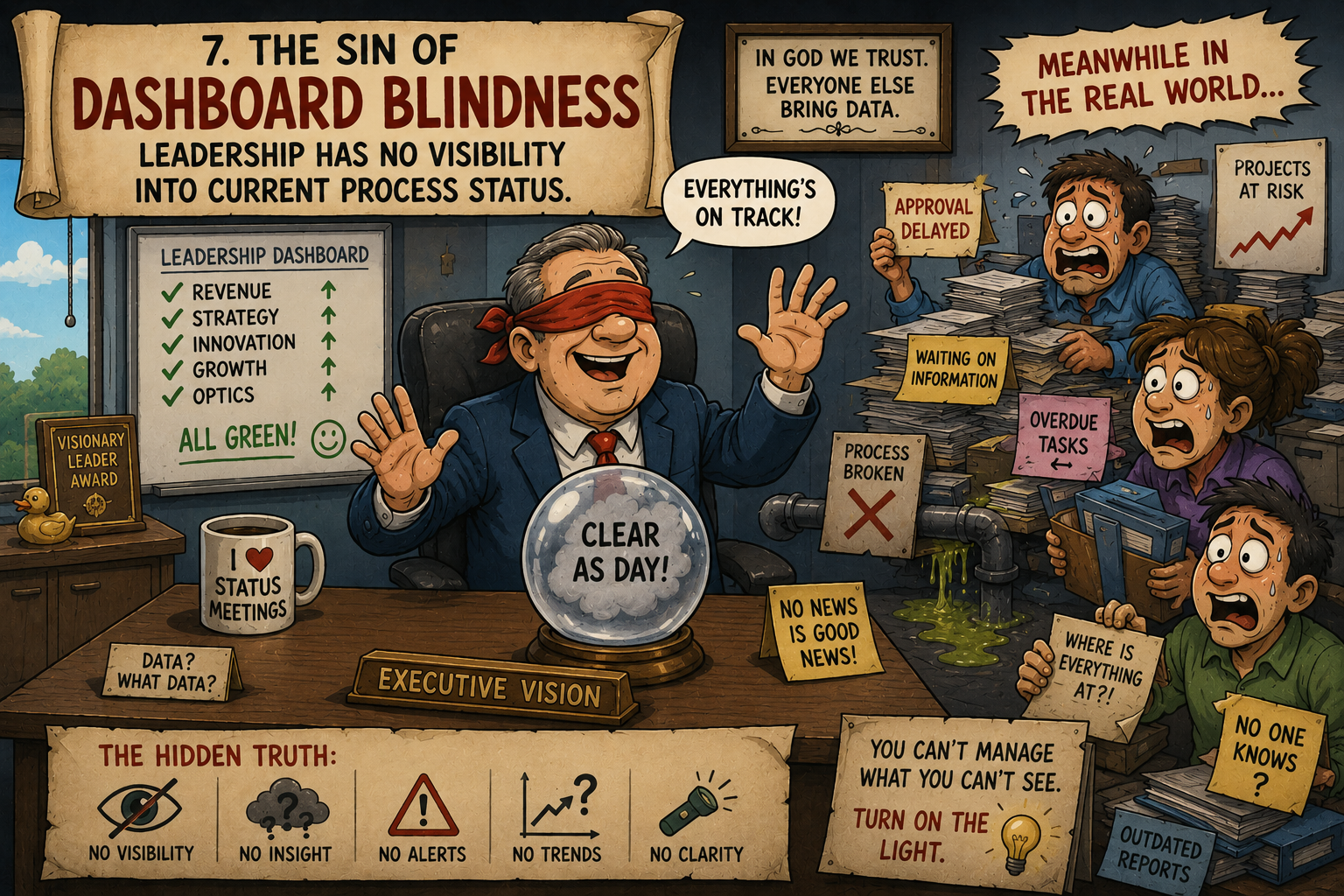
Dashboard blindness occurs when managers and executives have no clear way to see the status of ongoing work. Employees may be completing tasks, approvals may be pending, and deadlines may be approaching, but leadership is forced to rely on meetings, emails, and manual status reports to understand what is happening. Ultimate Forms solves this problem through KPI Indicators and Rollups, which transform raw SharePoint data into meaningful visual metrics. Color-coded indicators, progress bars, counts, percentages, and aggregated rollup data make it easy to identify bottlenecks, overdue items, and process performance at a glance. Instead of asking for updates, leaders can access real-time visibility into their business processes whenever they need it.
Redemption Is Possible
The good news is that none of these sins are permanent. Most organizations don't intentionally create inefficient processes, they evolve over time through quick fixes, spreadsheets, email chains, and workarounds that seem harmless at first. By replacing manual processes with structured forms, automated workflows, centralized data, proactive notifications, and meaningful dashboards, organizations can improve accuracy, increase accountability, and gain visibility into their operations. Ultimate Forms provides the tools needed to eliminate these common process challenges without custom development, helping teams spend less time fighting administrative chaos and more time focusing on the work that matters.
Add your comment