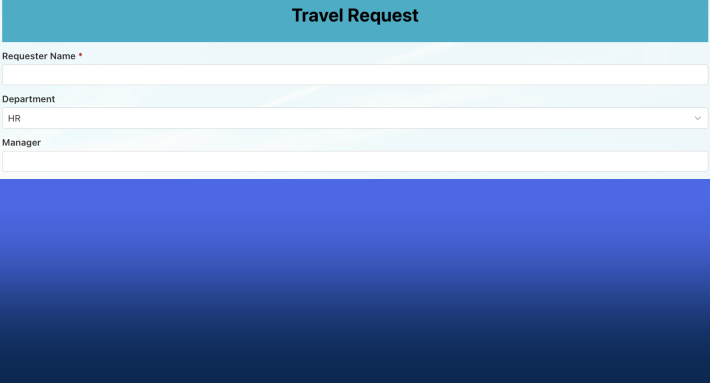
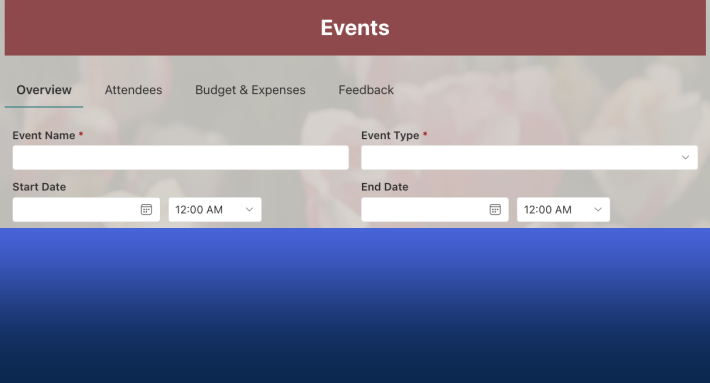
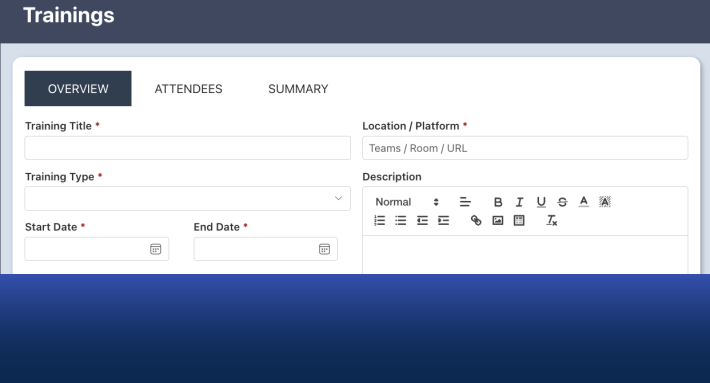
Power Apps advocates often respond to comparisons by pointing out that Power Apps can build tabs, dynamic forms, role-based interfaces, automation, and custom business logic without traditional programming languages. They argue that these capabilities are built in, configurable, and accessible through “low-code” tools.
Technically, they are correct.
But this defense avoids the real issue organizations face every day: capability is not the same as usability, maintainability, or accessibility.
The problem with Power Apps is not whether it can build business solutions. It can.
The problem is how much technical expertise, development time, and ongoing maintenance those solutions require.
Ultimate Forms was designed specifically to eliminate these barriers.
Claim: "Power Apps can build tabs, dynamic interfaces, and repeating sections without complex code."
This is true. Power Apps provides the controls needed to build these features.
But controls alone do not create solutions.
In Power Apps, developers must still define how those controls behave. Tabs must be wired to navigation logic. Visibility must be controlled using expressions. Galleries must be connected to data and configured properly.
Each of these behaviors requires formulas and logic.
These formulas are code. They define application behavior. They must be written, tested, and maintained.
Ultimate Forms takes a fundamentally different approach. Tabs, dynamic visibility, and repeating sections are implemented using visual configuration. Users enable features rather than building them.
There is nothing to write, debug, or maintain.
This dramatically reduces development time and eliminates technical risk.
Here is an example of the simple to use "Tabs Control" in Ultimate Forms:
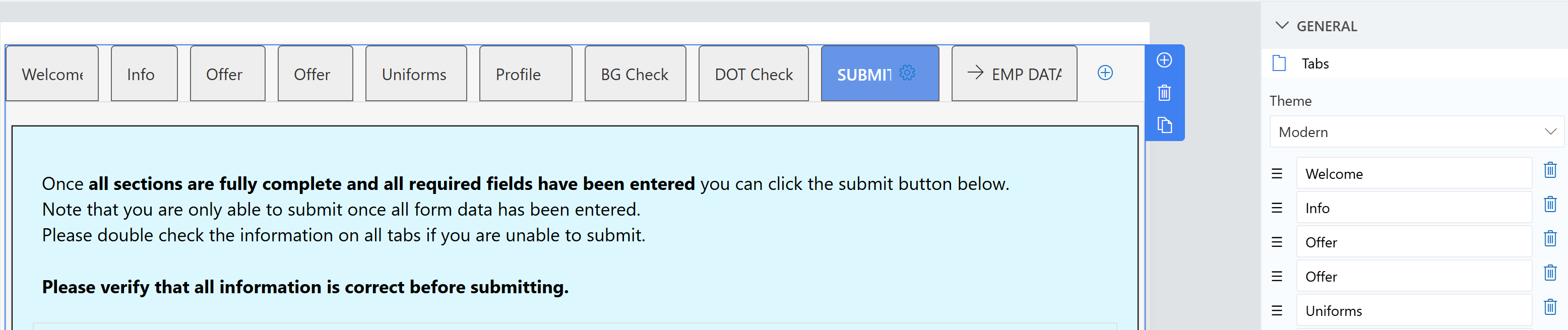
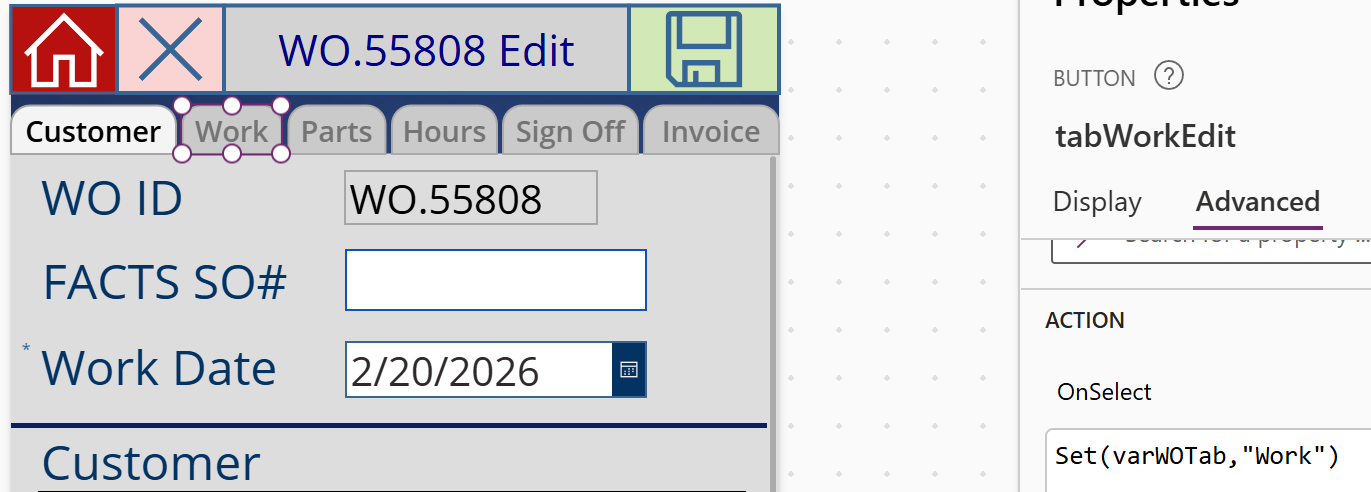
Here is an example of contstructing a tab interface out of buttons using code expressions in Power Apps:
Claim: "Power Apps uses simple Excel-style formulas."
This comparison is misleading.
Excel formulas operate within a spreadsheet. Power Apps formulas control an entire application. They govern navigation, data access, permissions, visibility, validation, and automation.
As solutions grow, the number of formulas grows as well.
A production Power Apps solution may contain dozens or hundreds of expressions.
Each one represents logic that must be maintained.
When business requirements change, those formulas must be modified carefully. Mistakes can break functionality.
This is programming, regardless of the terminology used.
Ultimate Forms eliminates this layer entirely. Users configure business logic through visual settings, not expressions.
This makes solutions easier to build and far easier to maintain.
Claim: "Model-driven apps provide tabs, business rules, security, and reporting out of the box."
Model-driven apps provide structure, but they introduce a different kind of complexity.
They rely on Dataverse, which requires schema design, relationship management, security configuration, and data modeling.
These are technical tasks.
Most business users cannot safely modify data models, relationships, or security roles without training.
As a result, model-driven apps still create dependency on technical specialists.
Ultimate Forms operates directly within SharePoint, using tools business users already understand.
Solutions can be built and modified without managing external data platforms or technical architecture.
This makes Ultimate Forms accessible to the organization as a whole.
Claim: "Most Power Apps features are configurable out of the box."
This is true in a limited sense.
Power Apps provides building blocks.
But building blocks are not complete solutions.
To create real business solutions, those building blocks must be assembled, configured, and connected using logic.
This requires time, expertise, and ongoing maintenance.
Ultimate Forms provides complete business solution capabilities, not just building blocks.
Forms, automation, document generation, and business logic are configured directly using visual tools.
This allows organizations to build solutions faster and maintain them more easily.
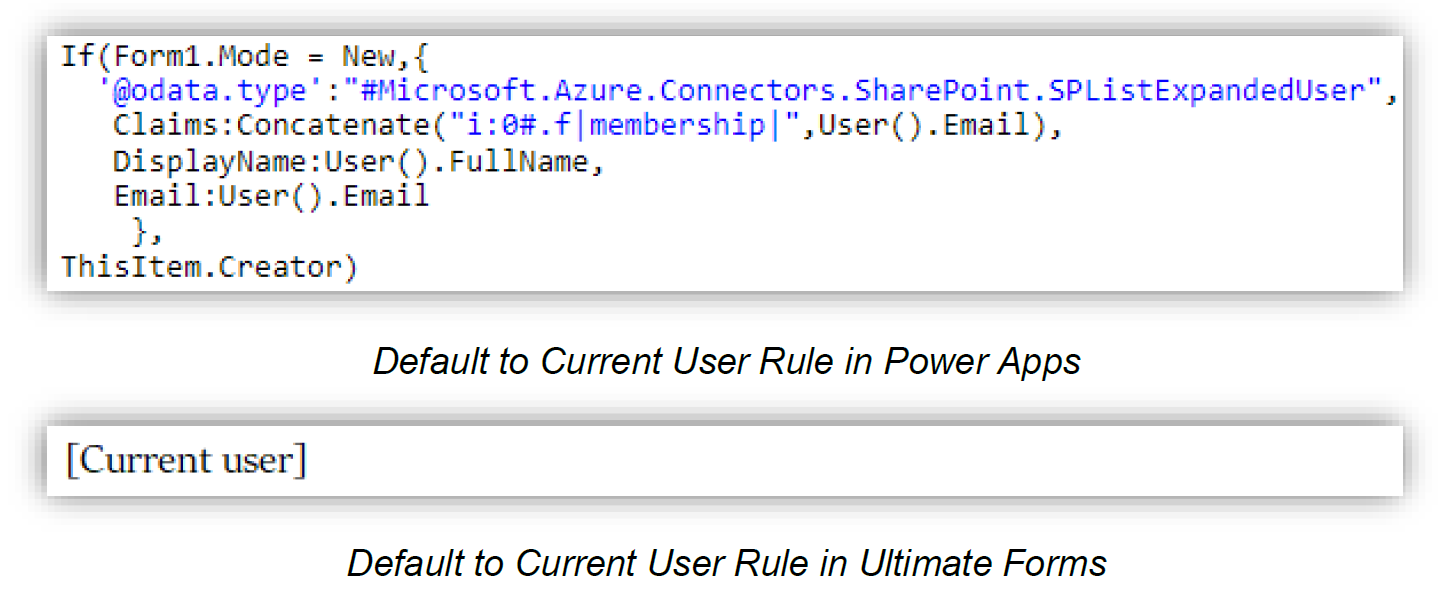
Example of configuration comparing Power Apps to Ultimate Forms:
The Real Problem: Power Apps Creates Organizational Bottlenecks
The most serious limitation of Power Apps is not technical, it is organizational.
In most companies, only one or two people become proficient in Power Apps.
These individuals become responsible for building and maintaining solutions.
This creates a bottleneck.
Business users cannot safely modify solutions themselves. They must submit requests and wait for the Power Apps specialist.
If that person leaves the organization, solutions become difficult to maintain.
This slows development and creates long-term risk.
Ultimate Forms eliminates this bottleneck completely.
Because Ultimate Forms requires no programming, solutions can be built and maintained by business users, administrators, and managers.
This distributes ownership and ensures solutions remain sustainable.
Capability Alone Does Not Empower Organizations
Power Apps is a capable platform. It provides flexibility and customization.
But flexibility without accessibility creates dependency.
Ultimate Forms delivers both capability and accessibility.
It allows organizations to build powerful SharePoint solutions quickly, without programming and without bottlenecks.
Instead of requiring technical specialists, Ultimate Forms empowers the entire organization.
Instead of slowing development, it accelerates it.
Instead of creating dependency, it creates independence.
Power Apps provides the tools developers need.
Ultimate Forms provides the tools organizations need.
Power Apps is for programmers.
Ultimate Forms is for you.
Learn more about how Ultimate Forms compares to the Power Platform and what makes it such a compelling Power Platform alternative.
Frequently asked questions
Add your comment