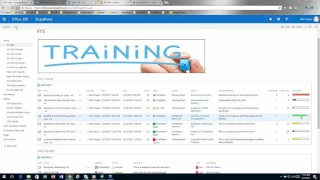
Employee training is an important part of any business, unfortunately tracking available trainings, employee training history and managing the training calendar can become a huge headache! Instead of struggling with excel workbooks or spending a lot of money and time for a dedicated package, why not utilize SharePoint to create a training tracking system which can be used by your entire organization?<br><br>In this webinar, we will show you how to create a training tracking system, complete with automatic email remainders, effective reporting and dynamic training calendars. For this task, we will use our product, Ultimate Forms, to extend regular SharePoint lists to provide the customizations that will make the training tracker work exactly the way you want it to without any coding necessary!
At Infowise, we serve as your strategic partner, assisting in your digital transformation. Ultimate Forms contains a wide array of SharePoint components, developed to give you the power to innovate, automate, and scale up your processes. Ultimate Forms helps you create amazing, advanced business solutions based on your SharePoint lists and document libraries, using nothing but your browser! Anything from simple Leave Request or Expense Report and all the way to complex Help Desk or Project Management solutions can be built in minutes, without writing a single line of code.



