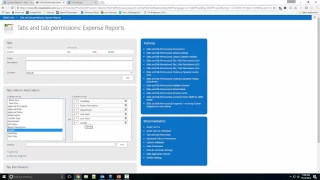
Expense Report is one of the most common forms that almost any organization needs. You want to be able to quickly and easily report your business expenses and then route the form for approval. You would not believe how many places, even today, still use pen and paper, Excel or Word documents! Not everyone has the skills and the knowledge to build a robust modern solution for this common need.
In this webinar we will show you how to build a real life expense report, complete with an approval stage. We will be using our product, Ultimate Forms, to add the necessary extra on top of regular SharePoint lists to make sure the process works exactly how you need it to work.
At Infowise, we serve as your strategic partner, assisting in your digital transformation. Ultimate Forms contains a wide array of SharePoint components, developed to give you the power to innovate, automate, and scale up your processes. Ultimate Forms helps you create amazing, advanced business solutions based on your SharePoint lists and document libraries, using nothing but your browser! Anything from simple Leave Request or Expense Report and all the way to complex Help Desk or Project Management solutions can be built in minutes, without writing a single line of code.



