Forms
Actions
Alerts
Associated Items
Connected Lookup
Print
Import
Signature
External Data Lookup
Calendar
Rollups
Charts
Counters
List Search
Filters
Item IDs
Color Choice
User Property
Document Link
Voting
Stay in the know
Get helpful videos
Automatically import emails, databases, Excel, and web services into SharePoint: create, update, or sync items on a schedule. No code, no middleware.

Ultimate Forms: Import automatically brings outside data into SharePoint: emails with their attachments, database records from MS SQL, Oracle, MySQL, and ODBC, SOAP and REST web services, Excel and delimited files, even text messages. Incoming data creates new items or documents, updates existing ones, or keeps a list in continuous sync, on the schedule you define, configured entirely in the browser. Your intake process runs unattended.
If information arrives by email and someone retypes it into SharePoint, Import is the component that takes over their least favorite job.
Every process starts with intake
Business processes rarely begin inside SharePoint. They begin as an email with an invoice attached, a row in a line-of-business database, a submission from an external system. Getting that information into SharePoint is the unglamorous first step that determines everything after it, and the built-in options are either missing or demand custom development. So the intake becomes a person: forwarding, downloading, retyping, and occasionally mistyping.Import replaces the person-as-integration with a profile: point it at the source, map the fields, set the schedule, done.
What Import can do
Ingest from practically anywhere
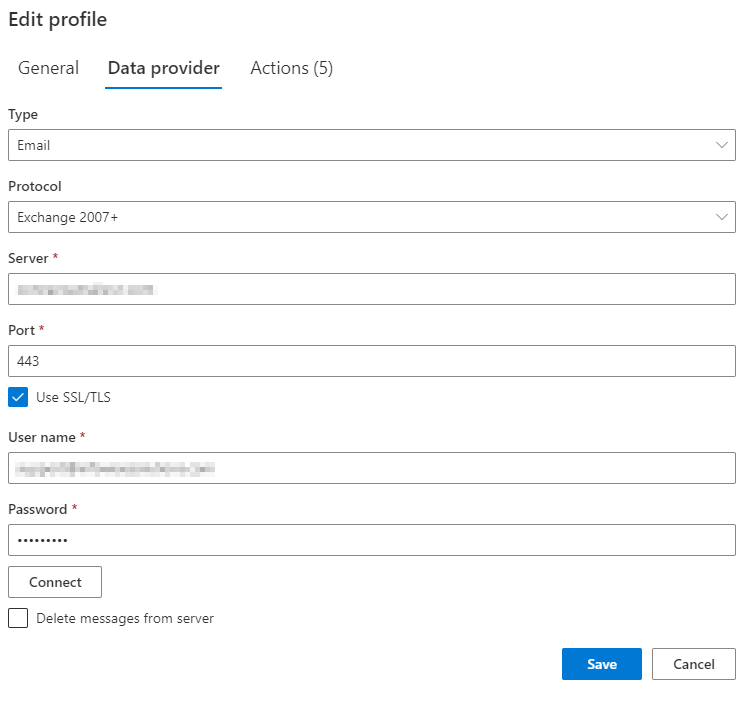
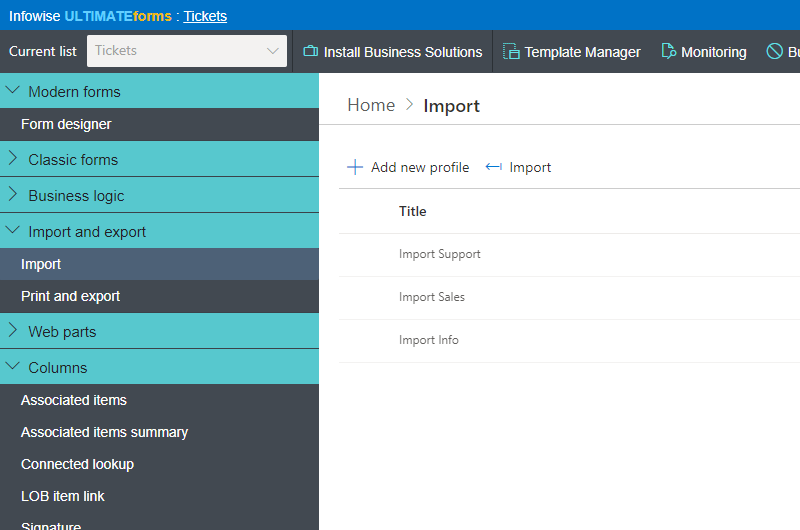
Monitor any POP or Exchange mail account and import messages complete with attachments. Pull records from any database (MS SQL, Oracle, ODBC, MySQL), including binary files. Call SOAP and REST web services. Read Excel and comma or tab delimited files. Accept text messages. One list can run unlimited import profiles across multiple sources and multiple email accounts simultaneously.Create, update, or sync, your choice
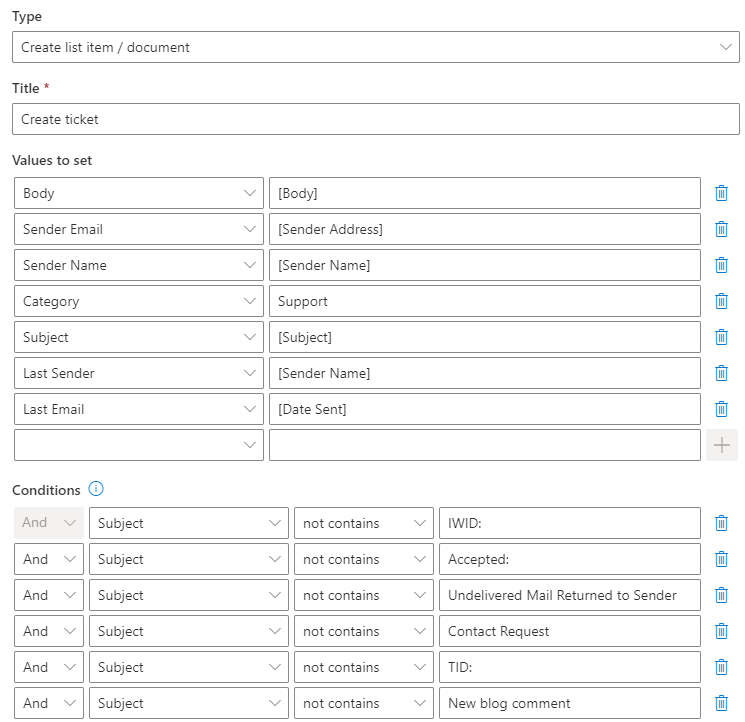
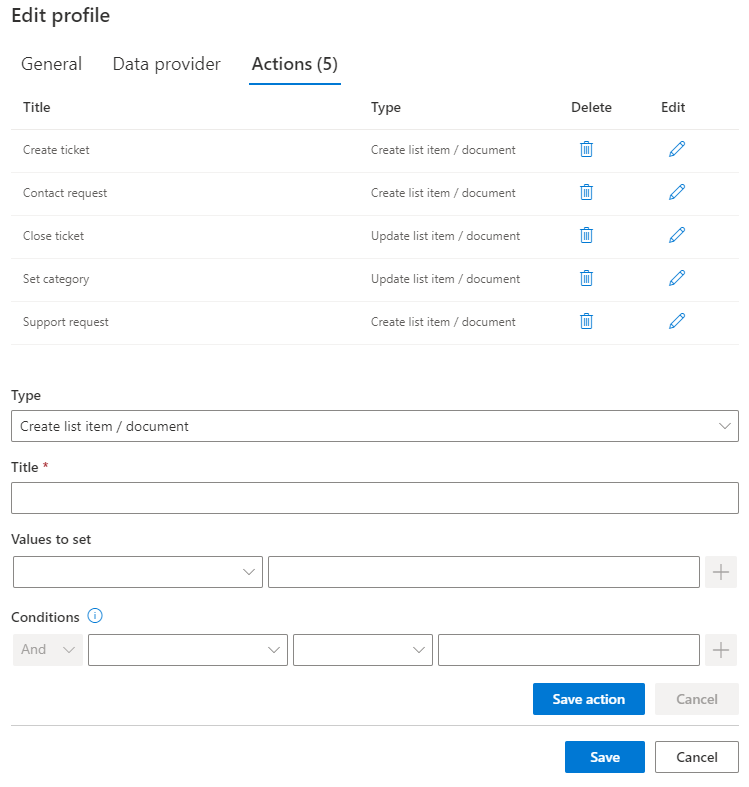
Imported data can generate new items or documents, update existing ones, or automatically sync a list so it always mirrors the source, creating and updating as needed. Each profile carries its own Create and Update actions, and conditions filter what gets imported, so the spam folder stays out of your ticket queue.Extract meaning, not just data
Import parses incoming content intelligently. Extract identifiers from any text, so an email with the subject "Approve item #12" updates item 12, which turns plain email replies into process steps. Pull data out of PDF documents. Map every extracted value to exactly the columns you want. This is how an inbox becomes a structured front door for email-driven business processes.Run on schedule, stay accountable
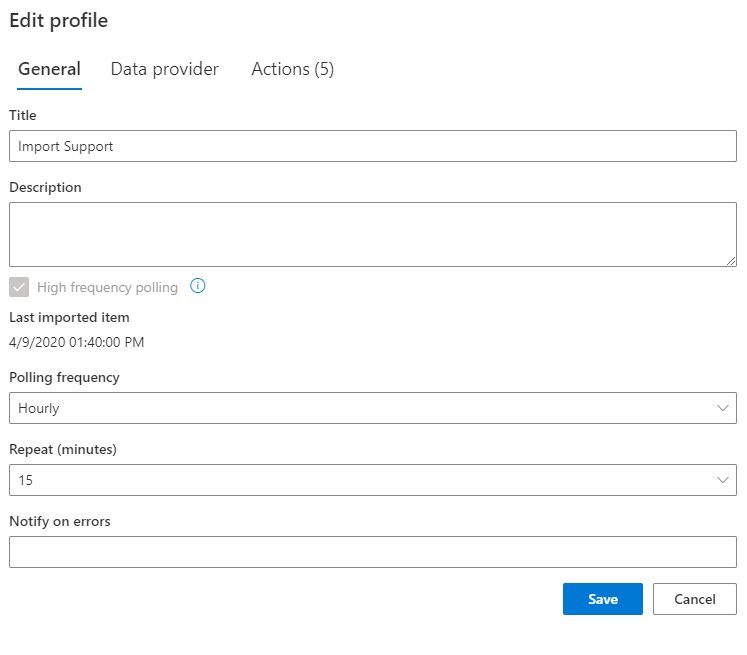
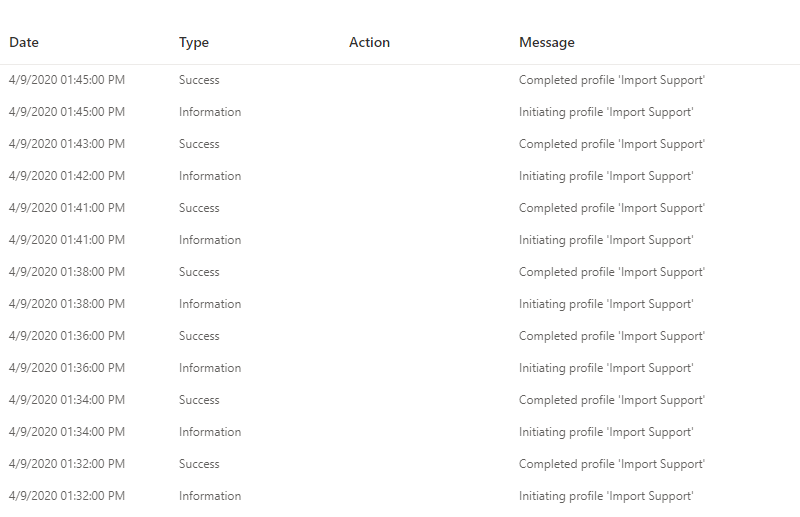
Imports run on the schedule you specify, and complete import history is one click away, so you always know what arrived, when, and what it produced. Destinations go beyond SharePoint: Import writes into Salesforce and other data sources through the same profile mechanism.Compared with Native SharePoint
| Ultimate Forms | Native SharePoint | |
|---|---|---|
| Import emails into SharePoint, Salesforce and many other data sources | ✓ |
✓
|
| Import emails or database items into any list type | ✓ |
|
| Update existing item with the imported data | ✓ |
|
| Automatically sync list, creating or updating items as necessary | ✓ |
|
| Set up multiple profiles and multiple email accounts for a single list | ✓ |
|
| Set up multiple Create and Update actions for each profile | ✓ |
|
| Works with any POP/Exchange account | ✓ |
|
| Works with any database (MS SQL, Oracle, ODBC, MySql) | ✓ |
|
| Works with SOAP and REST web services | ✓ |
|
| Set up condition to filter the items to import | ✓ |
|
| Imports attachments from emails and binary files from DB | ✓ |
|
| 100% web-based, no client installation | ✓ |
✓
|
| Localized into English, French, Spanish and German | ✓ |
✓
|
Where teams use it
Invoices and order confirmations arriving by email become tracked records with the PDF attached, ready for conversion and filing. Job applications sent to a careers inbox become candidate records automatically. A nightly profile syncs the product list from the ERP database, so quotes always price from current data. Support requests emailed by customers open help desk tickets, and replies with the ticket number update them. Once the data lands, Actions and Alerts take the process from there.Frequently asked questions
Q: Can I automatically import emails into a SharePoint list?
A: Yes. Import monitors any POP or Exchange account and turns incoming emails into list items or documents, attachments included, mapped to the columns you choose.
Q: Can imported data update existing items instead of creating new ones?
A: Yes. Profiles can create, update, or fully sync. Identifiers extracted from the incoming content, such as an ID in the subject line, determine which item to update.
Q: Which databases can Import read from?
A: MS SQL, Oracle, MySQL, and any ODBC source, including binary file content, plus SOAP and REST web services, Excel files, and delimited text files.
Q: Can users act on a process just by replying to an email?
A: Yes. Import extracts data from any text, so a reply like "Approve item #12" can update the matching item and drive the process forward.
Q: How often do imports run?
A: On the schedule you define per profile, and a single list can run unlimited profiles against multiple sources at once.
Q: Does this require code or external integration tools?
A: No. Import profiles are configured entirely in the browser: source, mapping, conditions, schedule. No code, no middleware, no client installation.
Screenshots